Website Booking

YOUR WEBSITEBOOKS FOR YOU.

Drop your schedule, events, instructors, and member login straight onto your own website in your brand colours – no clunky iframes. Or build completely custom on top of @ferb/headless.

  • One script – as many widgets as you like

    Paste a single line into Webflow, Squarespace, Shopify, Framer, or WordPress.

  • Inherits colours & corners from Brand Studio

    Update your visual identity in Brand Studio and your website booking updates automatically.

  • Same account as your mobile app

    Guests without the app book with the exact same account, class packs, memberships, and pricing.

  • Build completely custom with @ferb/headless

    Have your own agency or developers? Own 100% of the UI while Ferb powers checkout and login underneath.

Four widgets · one script

One script.As many widgets as you want.

Drop the loader onto your site once. Then place your schedule, events, instructors, and member profile exactly where they belong.

Schedule widget

Classes, events, and courses day by day – with booking, login, and the member’s account.

  • Week view on desktop, date strip on mobile – zero iframes
  • Filter by class, location, and instructor with live availability
  • Only published classes appear – never drafts or internal blocks
Copy in one click inside FerbThe snippet lives under Settings → Website. Or click “Send to your web developer”.
Works anywhere you can paste a code snippet:
  • Webflow
  • WordPress
  • Squarespace
  • Framer
  • Shopify
  • Wix
For larger studios & agencies · Headless

Full design freedom.Ferb runs the backend.

For ambitious studios with their own agency or engineering team. You own the entire digital experience – from first impression to micro-interaction – while Ferb powers schedules, login, and payments underneath.

$npm install @ferb/headless

Complete creative freedom

No templates or iframes. Your design team or agency controls every layout, transition, and SEO detail.

Complete backend from day one

Live timetables, member login, class packs, Apple Pay, Klarna, and card payments – without your frontend ever touching card data.

Built for multi-studio brands

One shared engine across locations, languages, and campaigns so you can redesign anytime without rebuilding operations.

One engine underneath

EDIT ONCE.UPDATE EVERYWHERE.

No CSS hacks or duplicate styling – your widgets stay aligned with your studio’s design system automatically.

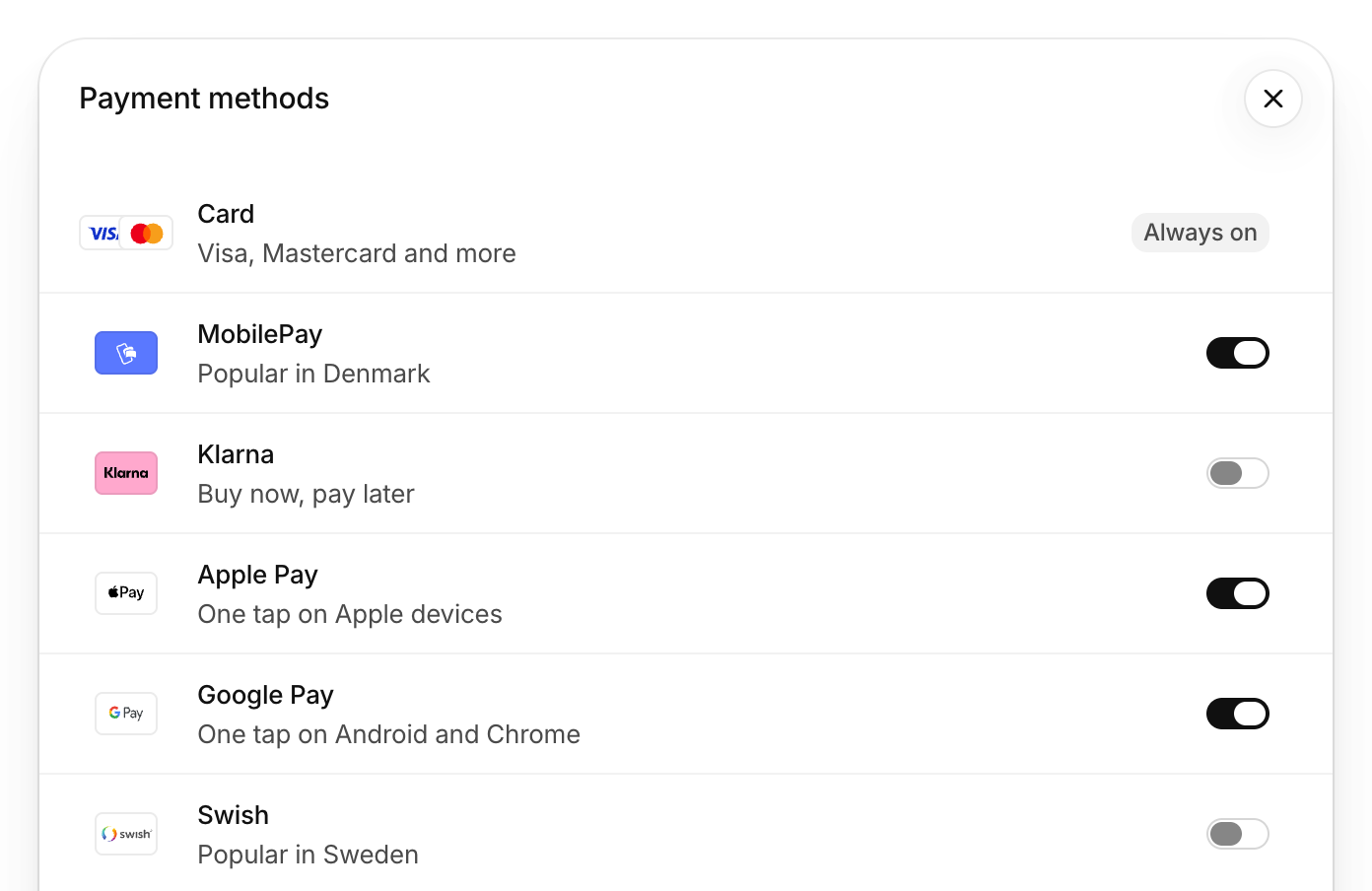
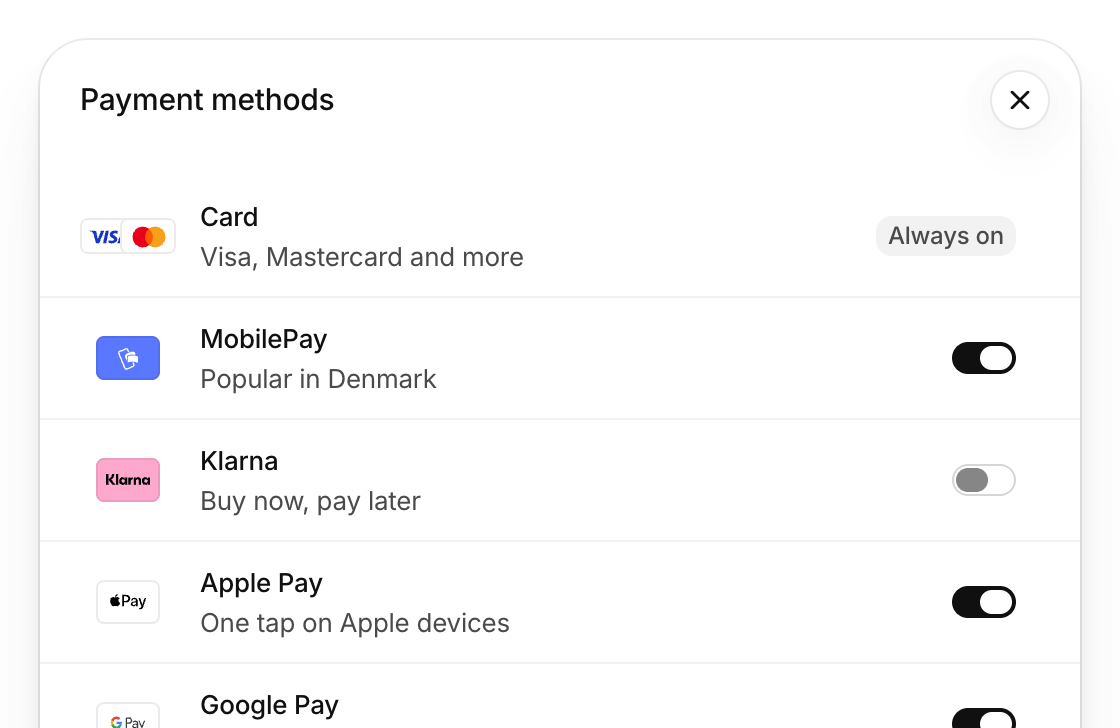
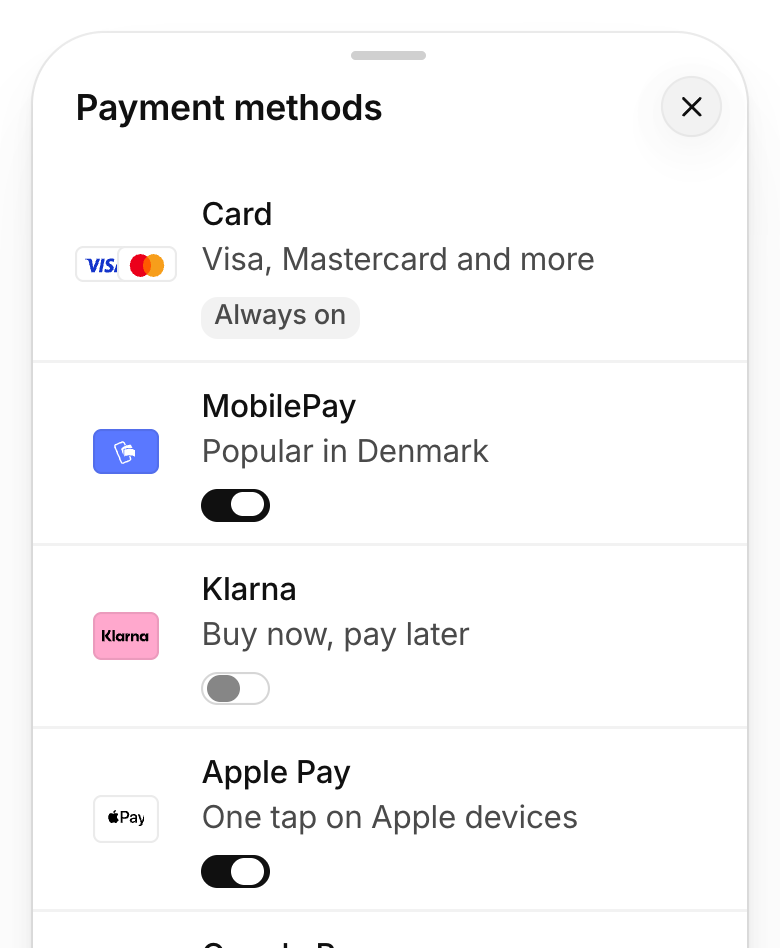
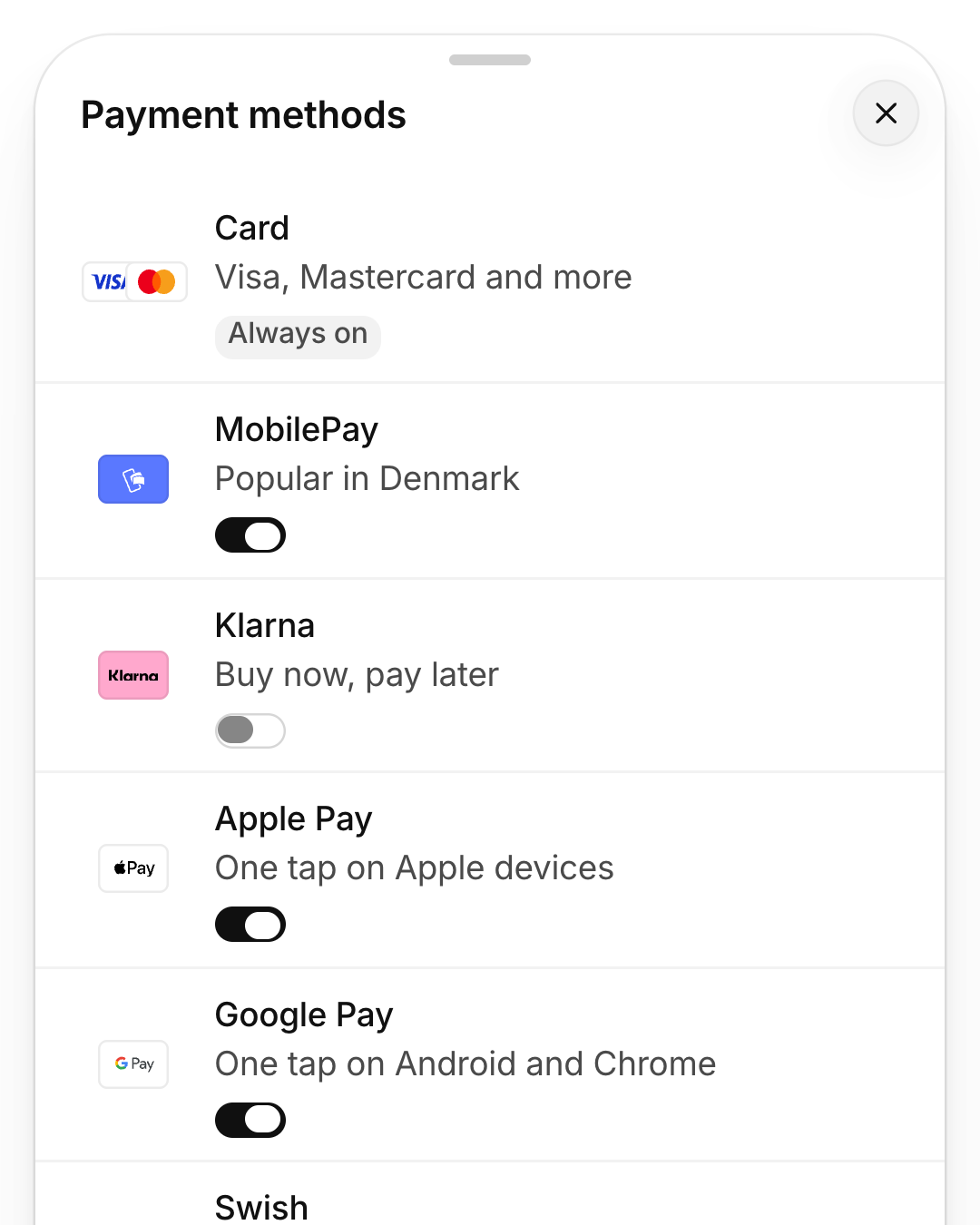
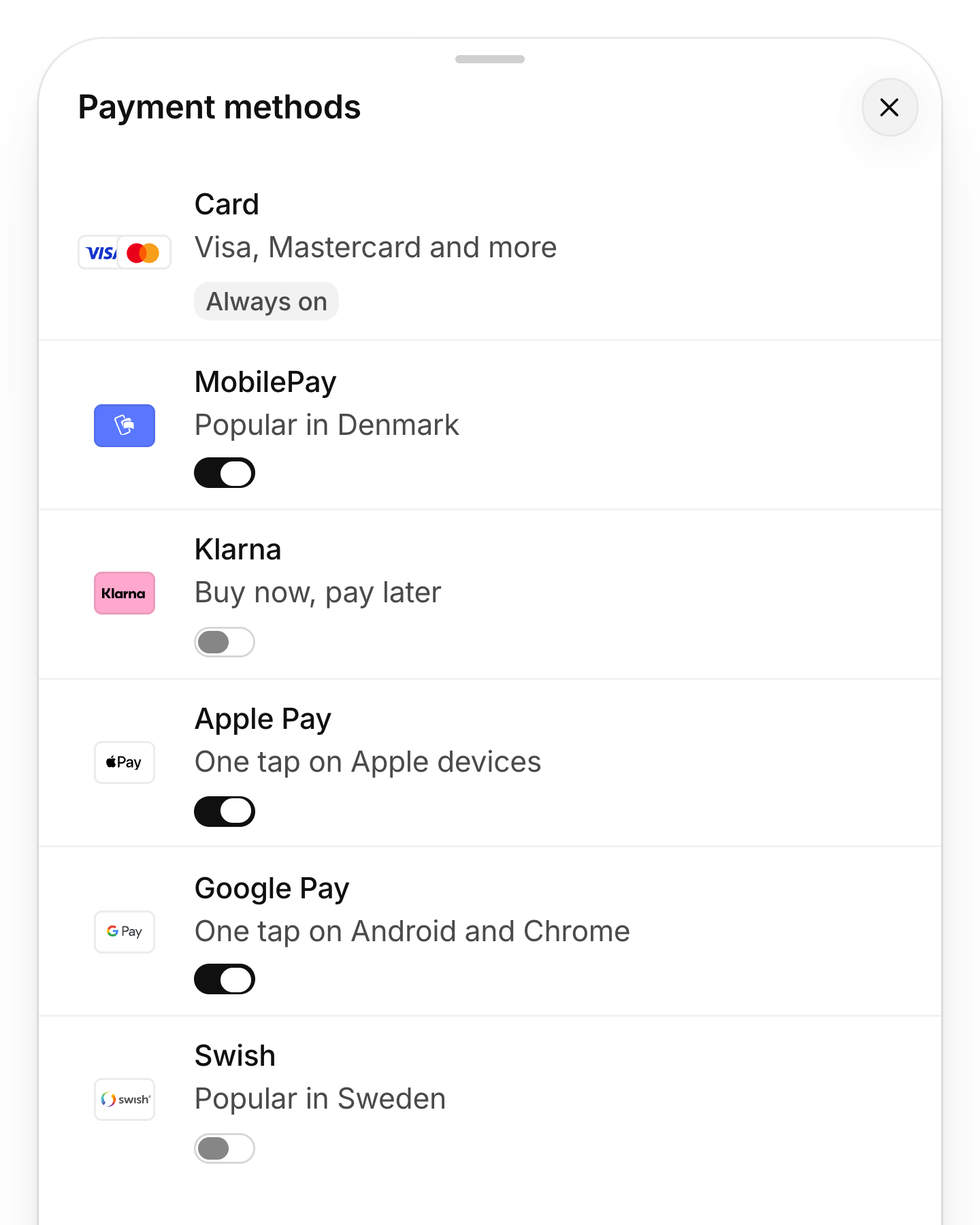
Apple Pay, Google Pay, Klarna, cards, Swish, and MobilePay work just as smoothly on the web as in your native app.

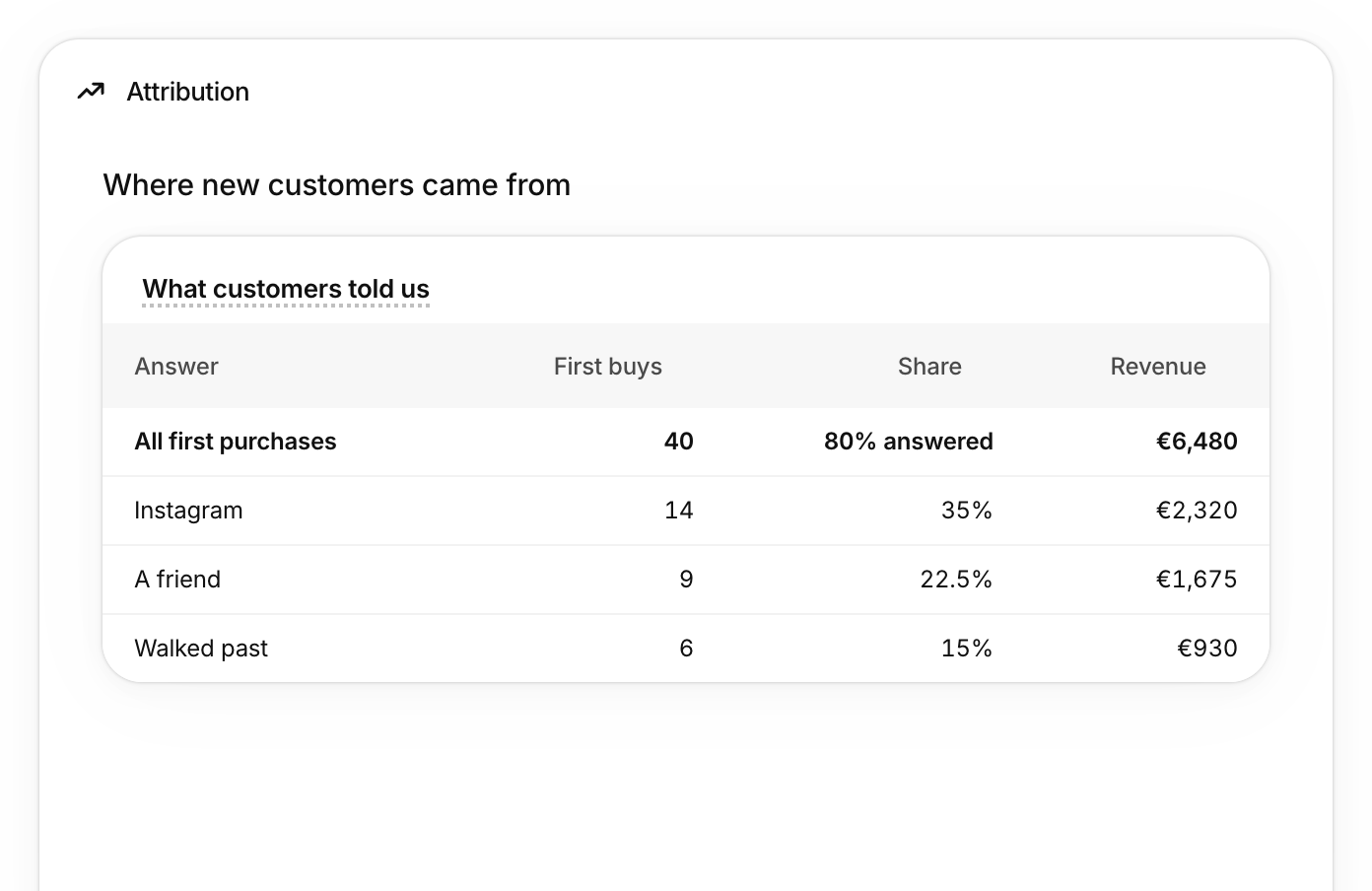
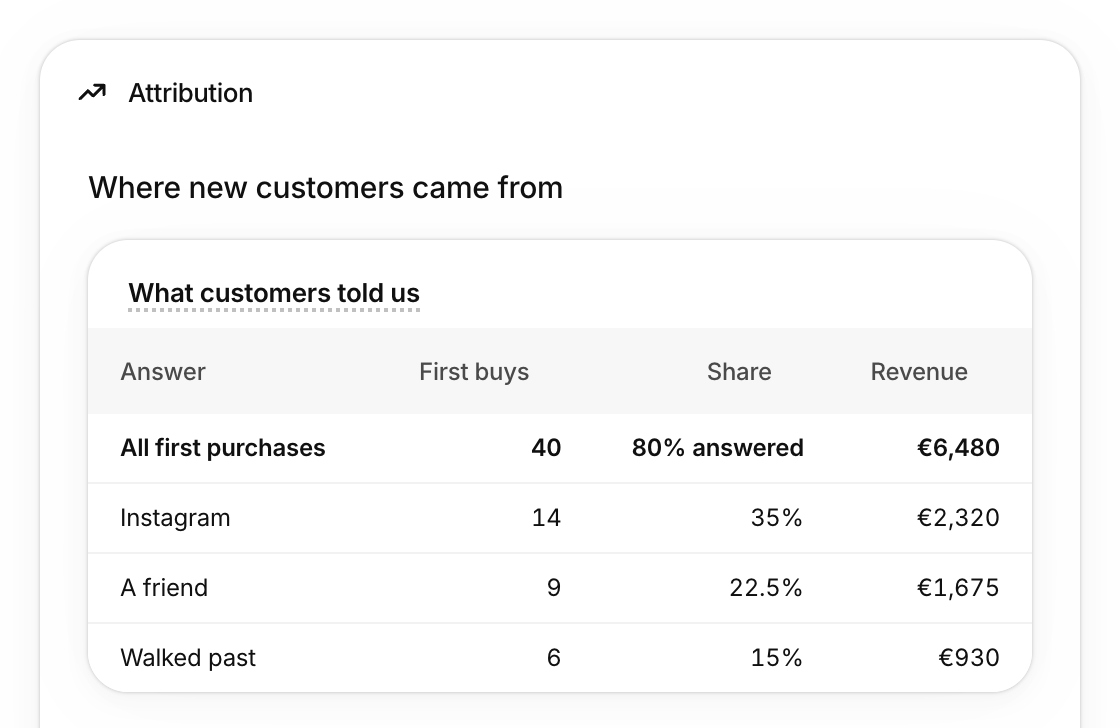
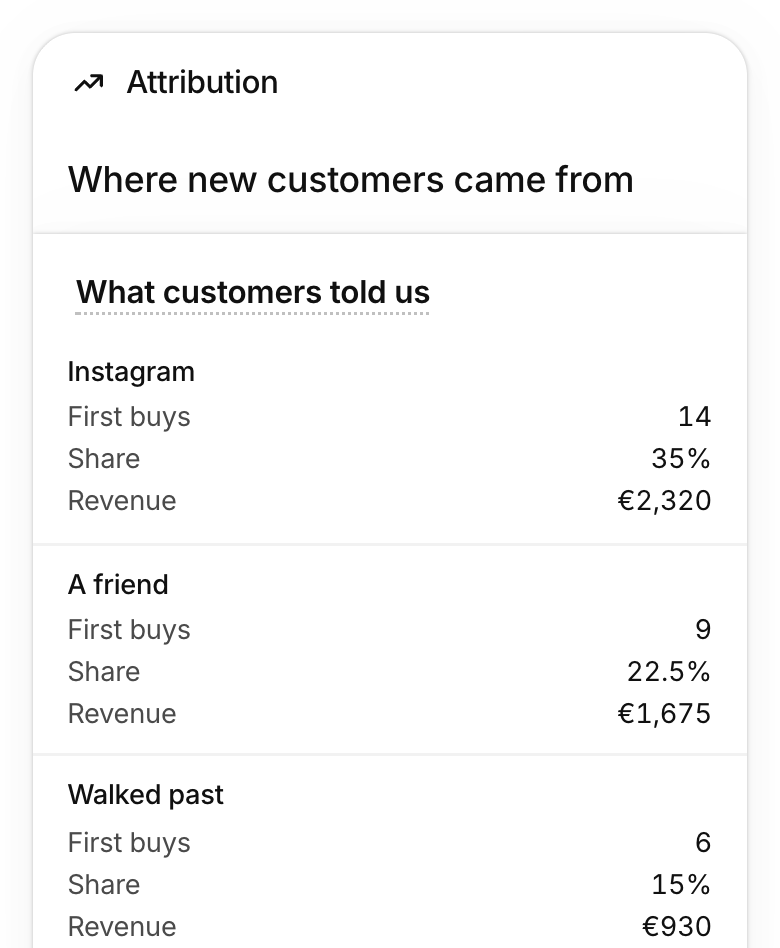
No broken tracking between your website and checkout – Meta CAPI, Google Ads, and GA4 see the complete journey.

Two paths – same checkout

LIVE IN 5 MINUTES –OR 100% BESPOKE.

Drop-in widgets for Webflow, Squarespace & Shopify

Add one script to your site and choose where your schedule, events, instructors, and member login appear.

  • No developer needed – embed in minutes
  • Matches your studio automatically from Brand Studio
  • Updates live whenever you change classes or prices in Ferb
Schedule
Events
Instructors
Log in
Webflow · Squarespace · ShopifyLive

@ferb/headless for agencies and dev teams

Fetch live timetables, locations, and products in a few lines of code while Ferb handles login, payments, and security.

  • TypeScript package built for Next.js, Astro, Remix, and React
  • Login, wallet, and PCI-compliant checkout handled by Ferb
  • Shared links open straight in the mobile app for guests who have it
$npm install @ferb/headless
Comparison
  • How it goes live
    Widgets:Copy a tag from Settings → Website
    Headless:npm install @ferb/headless
  • Look & feel
    Widgets:Your colours and corners from Brand Studio
    Headless:100% your own custom design
  • Website builders
    Widgets:Webflow, WordPress, Squarespace, Wix, Framer, and Shopify
    Headless:Next.js and React, Framer – or a single script tag
  • Login & account
    Widgets:Built right into the widget
    Headless:Ferb’s login dialog on your site
  • Payments
    Widgets:In your checkout at haven-studio.ferb.co
    Headless:Same checkout, same URL
  • Who sets it up
    Widgets:You – or your web developer, in one click
    Headless:A developer – or you with Claude Code, Cursor, or v0
Website Booking FAQ

WHAT STUDIOS ANDAGENCIES ASK.

The most common questions about Webflow, Squarespace, direct buy links, styling, and @ferb/headless.

Want to see the schedule widget previewed on your own site? Book a demo

Yes. The widgets work in Webflow, WordPress, Squarespace, Wix, Framer, and Shopify – and anywhere else you can paste a code snippet. Step-by-step instructions for each builder sit under Settings → Website.

Guests browse and pick their session on your site, then complete payment in your branded checkout at your studio’s Ferb URL (e.g. haven-studio.ferb.co) – styled with your accent and corners, while staying logged in. Your own site never touches card details.

Yes, using a direct booking link. Copy it from the membership under Products and attach it to any button on your site. The same works for class packs, gift cards, appointments, and events.

No. Copy a tag from Settings → Website and paste it where you want the schedule to appear. Or click “Send to your web developer” to email the exact setup steps to someone else.

Yes. The widgets support English, Swedish, and Danish. If your website has a language switcher, the schedule, login, and member account switch seamlessly without reloading the page.