
Staff App

YOUR TEAM HAS THEDAY IN THEIR POCKET.

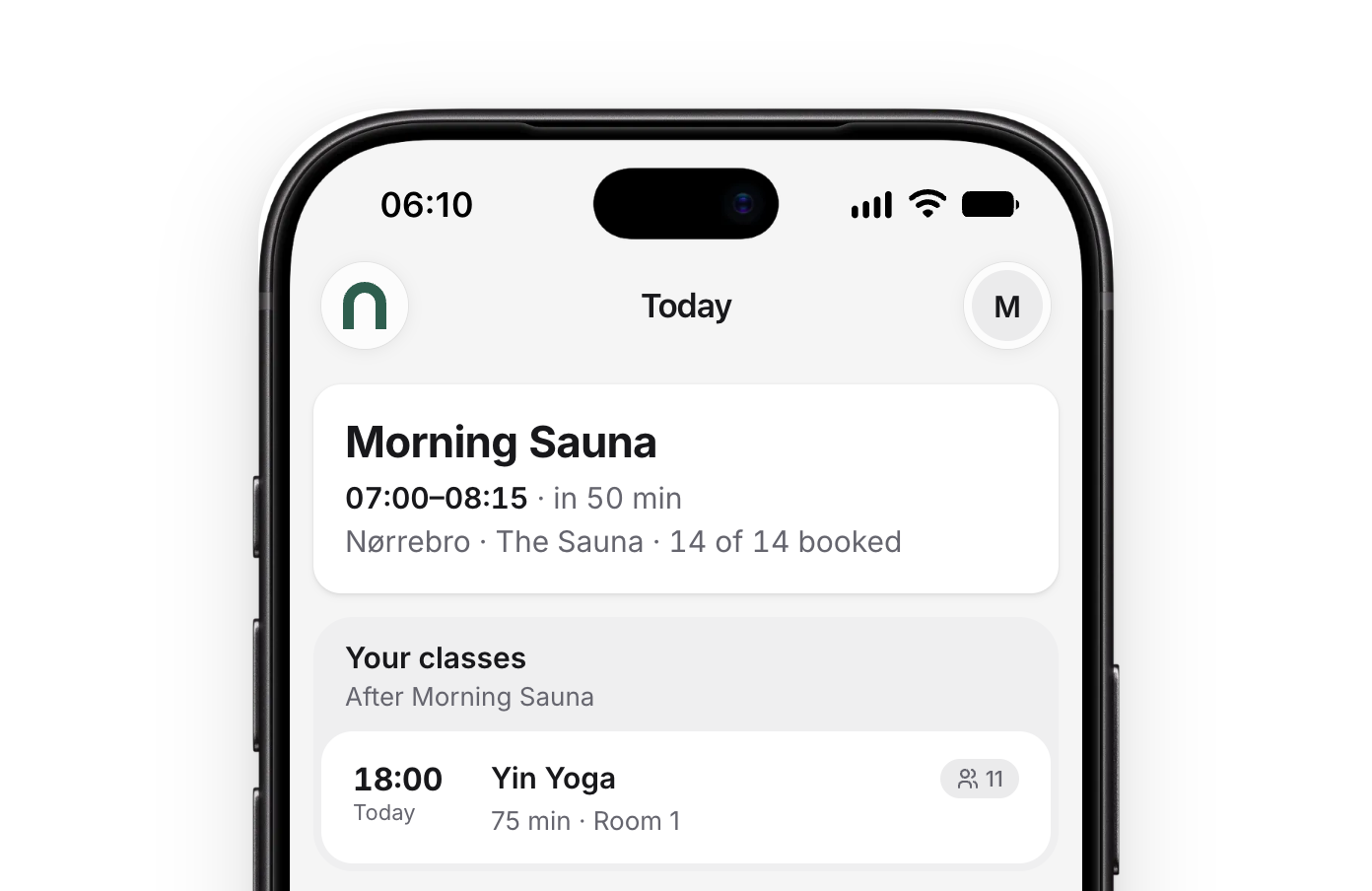
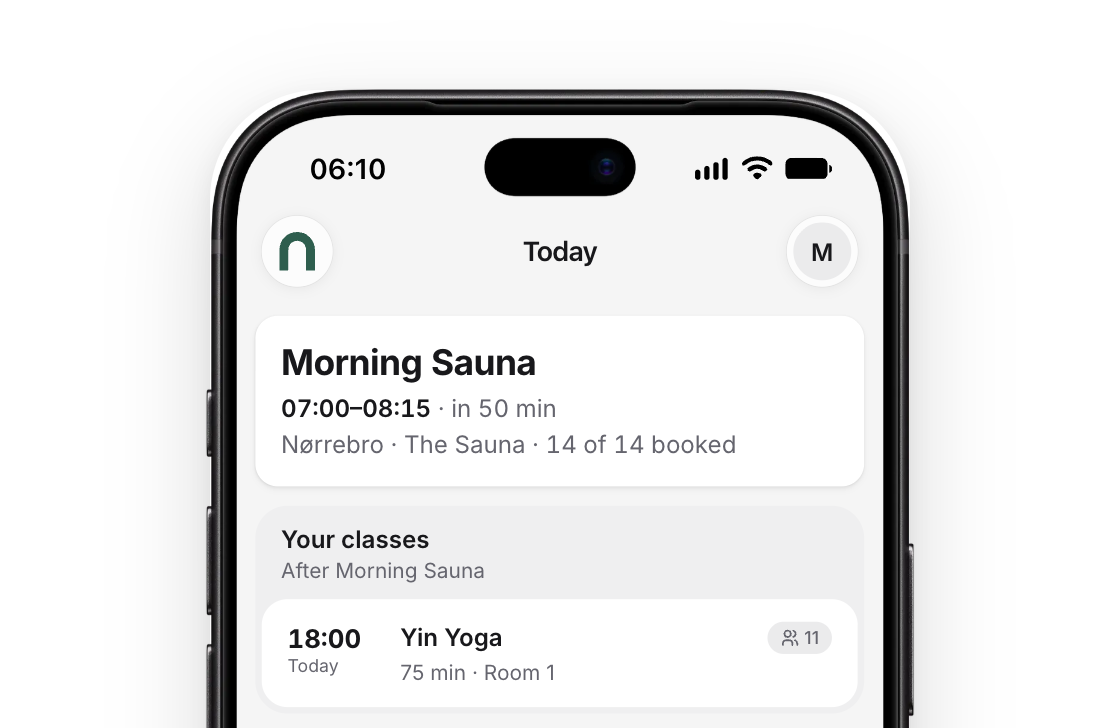
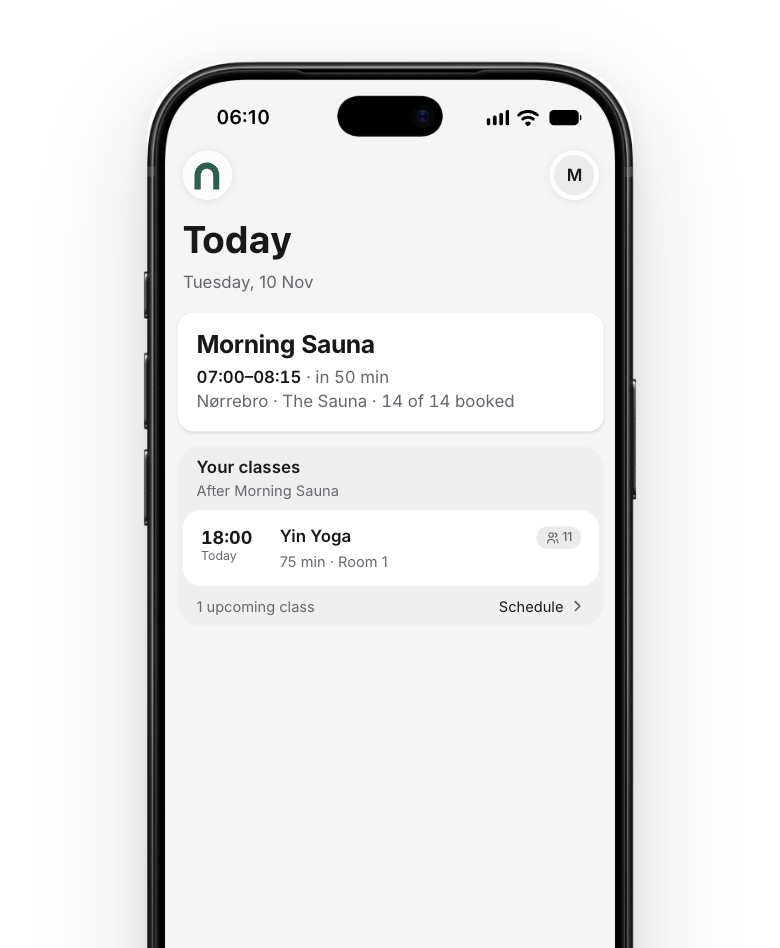
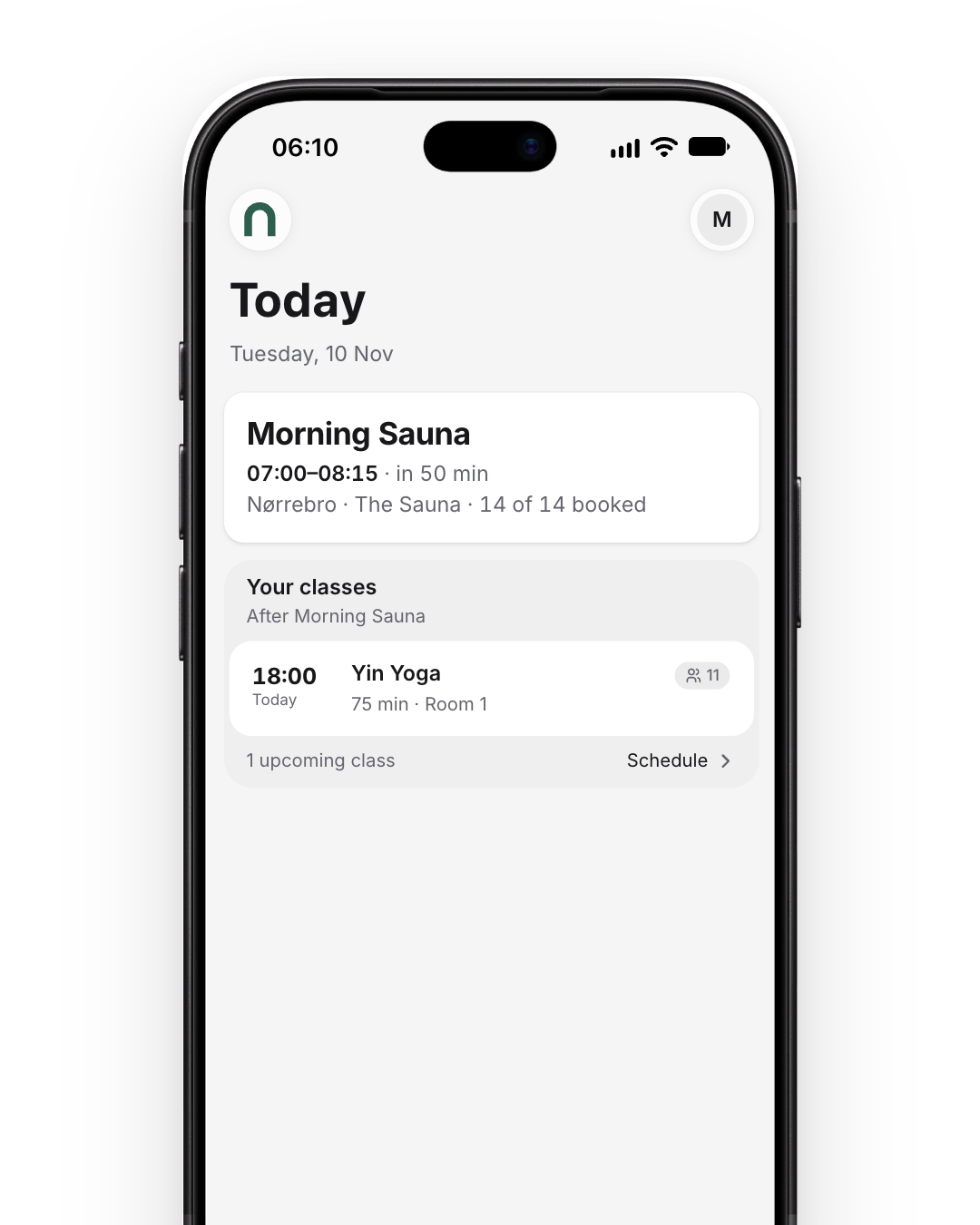
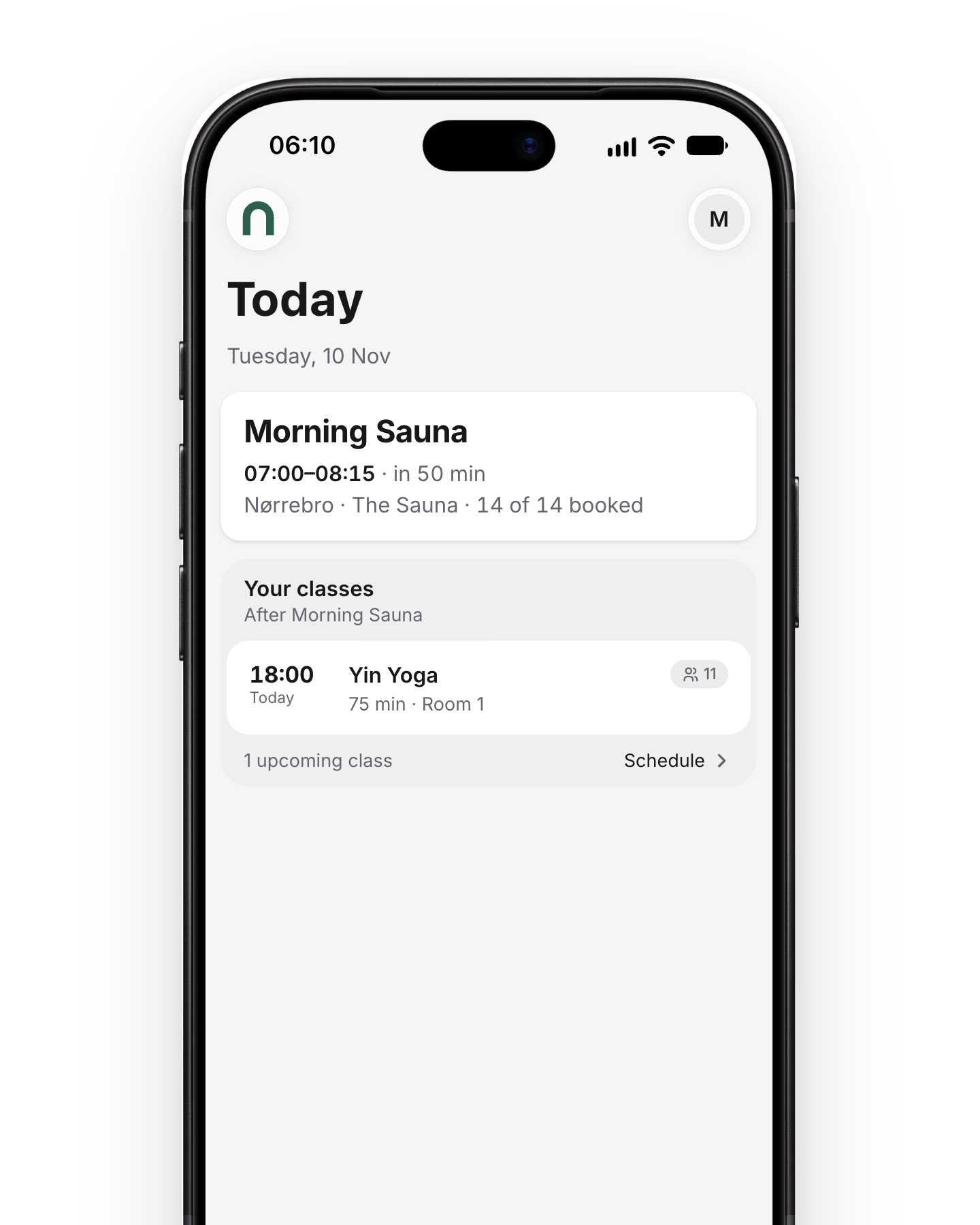
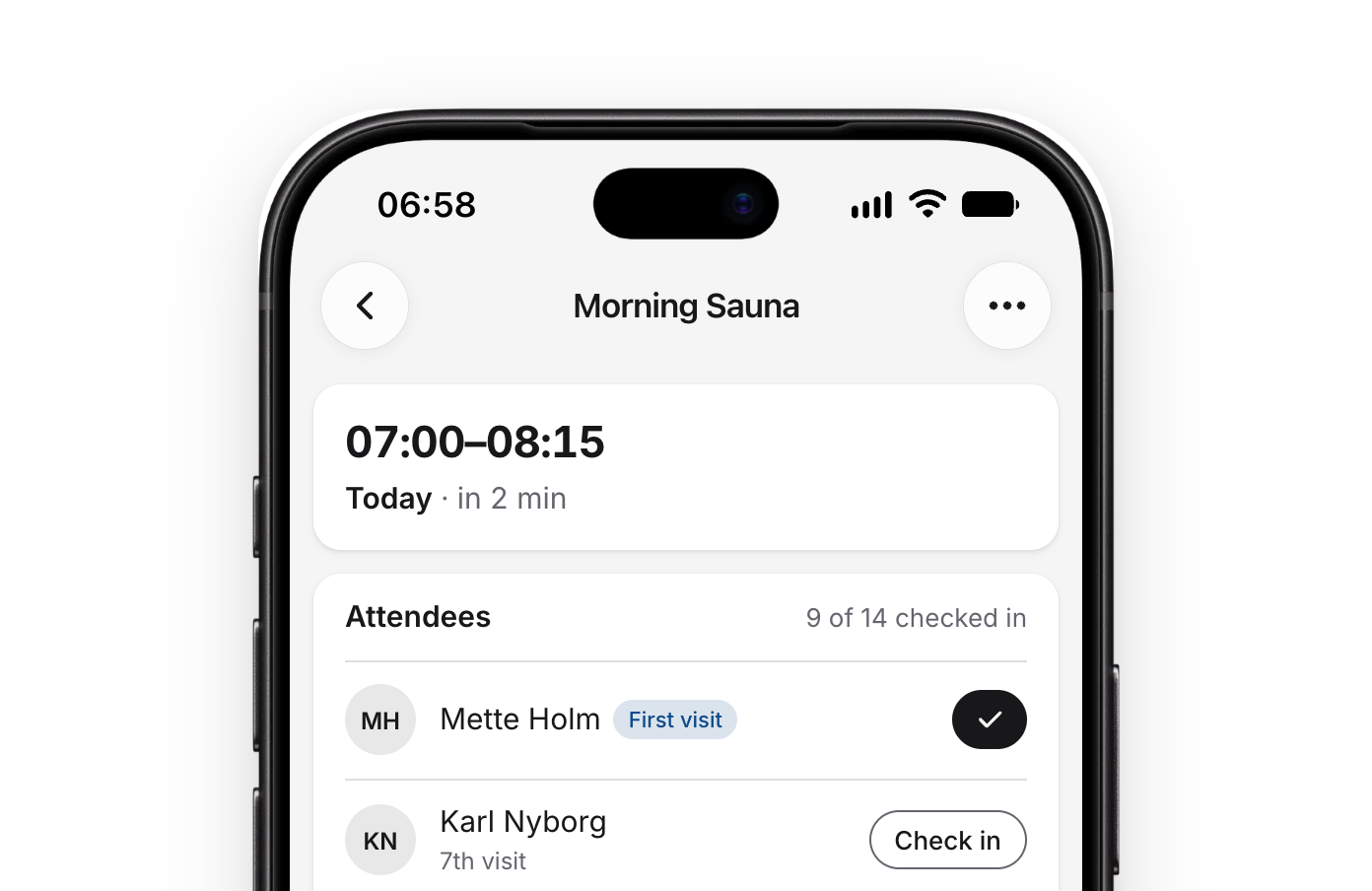
Ferb Staff is the app your team works from. Instructors see today’s sessions, check guests in with one tap, and find a sub themselves – without a single message in the group chat.

  • Today’s classes in one view

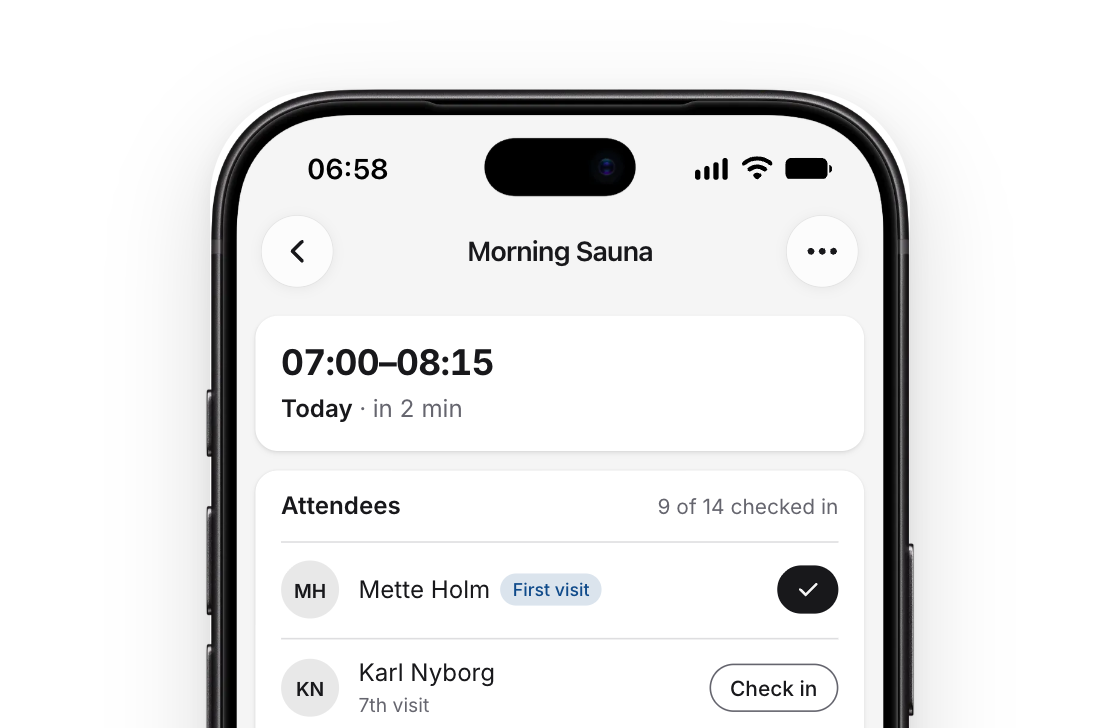
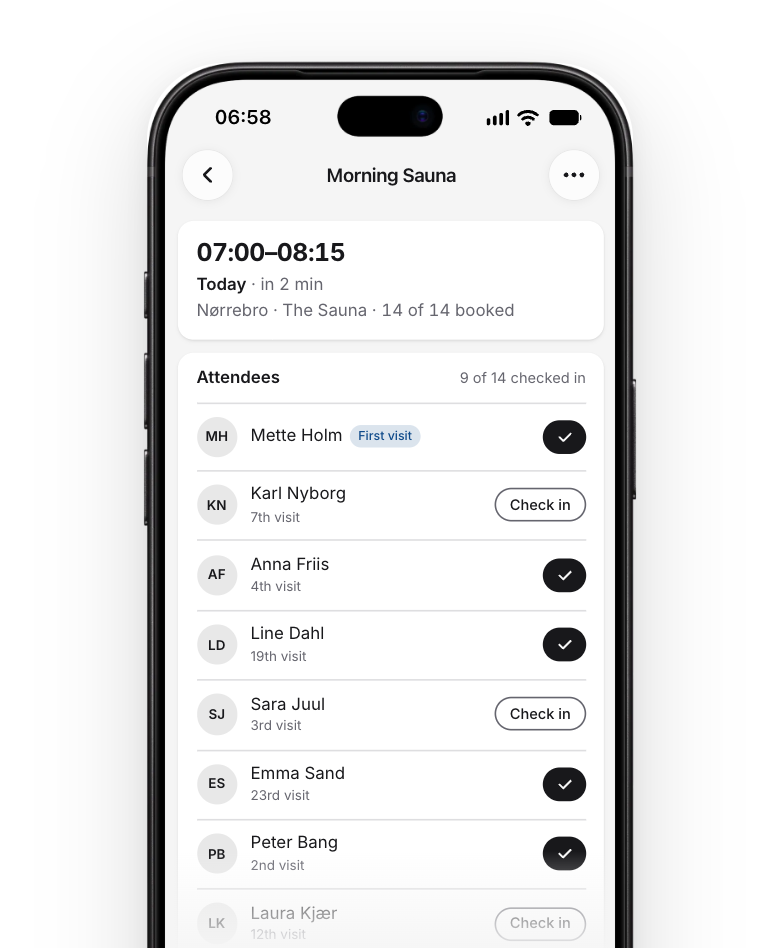
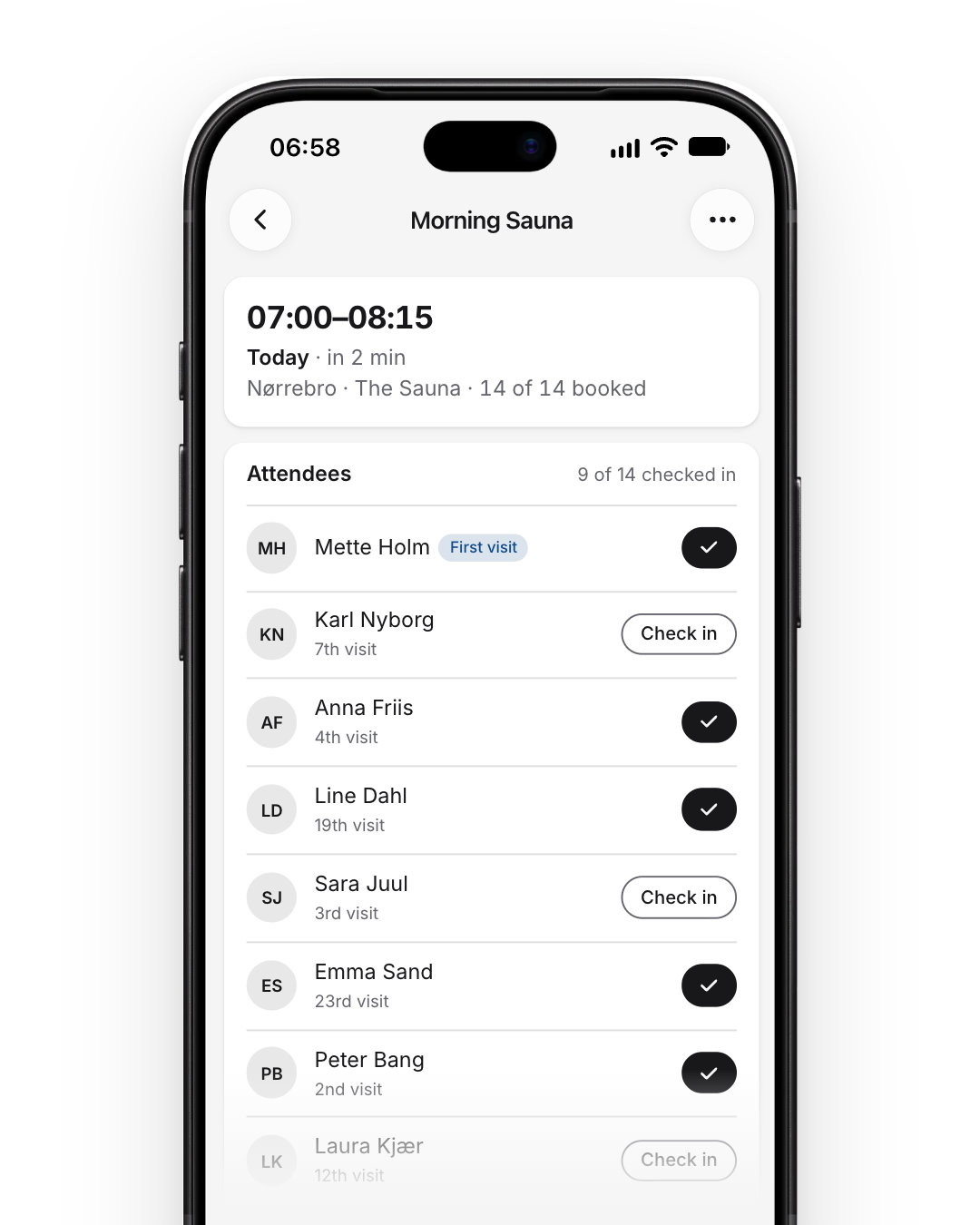
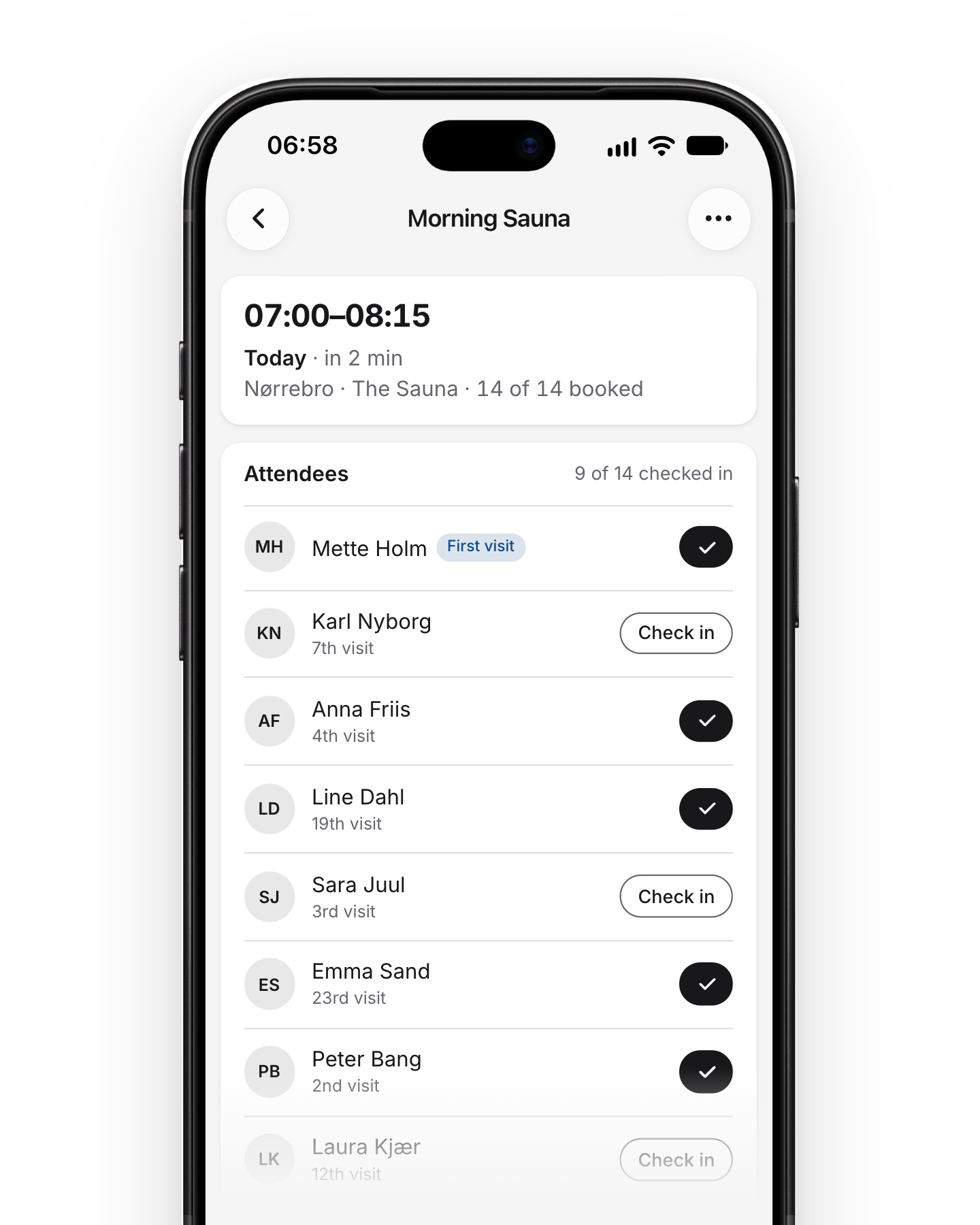
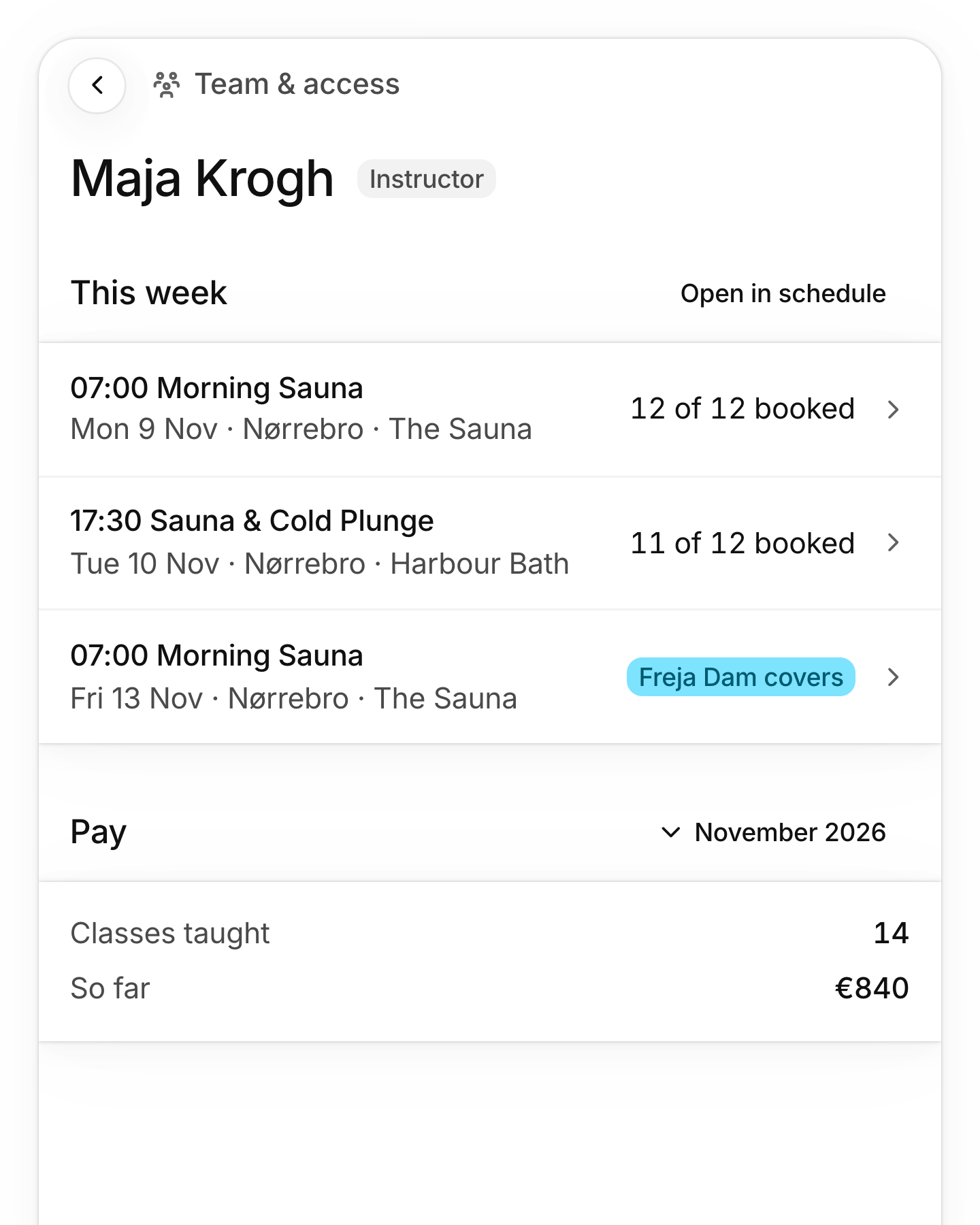
    Every instructor sees their own sessions, rooms, internal notes, and live headcount.

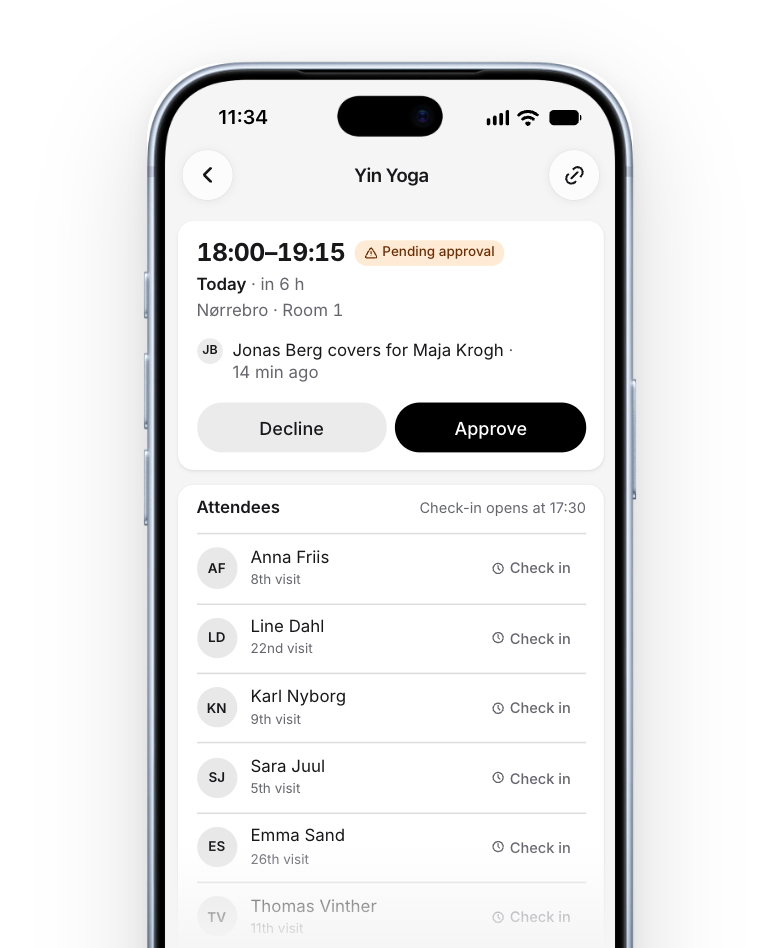
  • One-tap door check-in

    Mark attendance at the door and spot first-time guests immediately.

  • Subs without phone tag

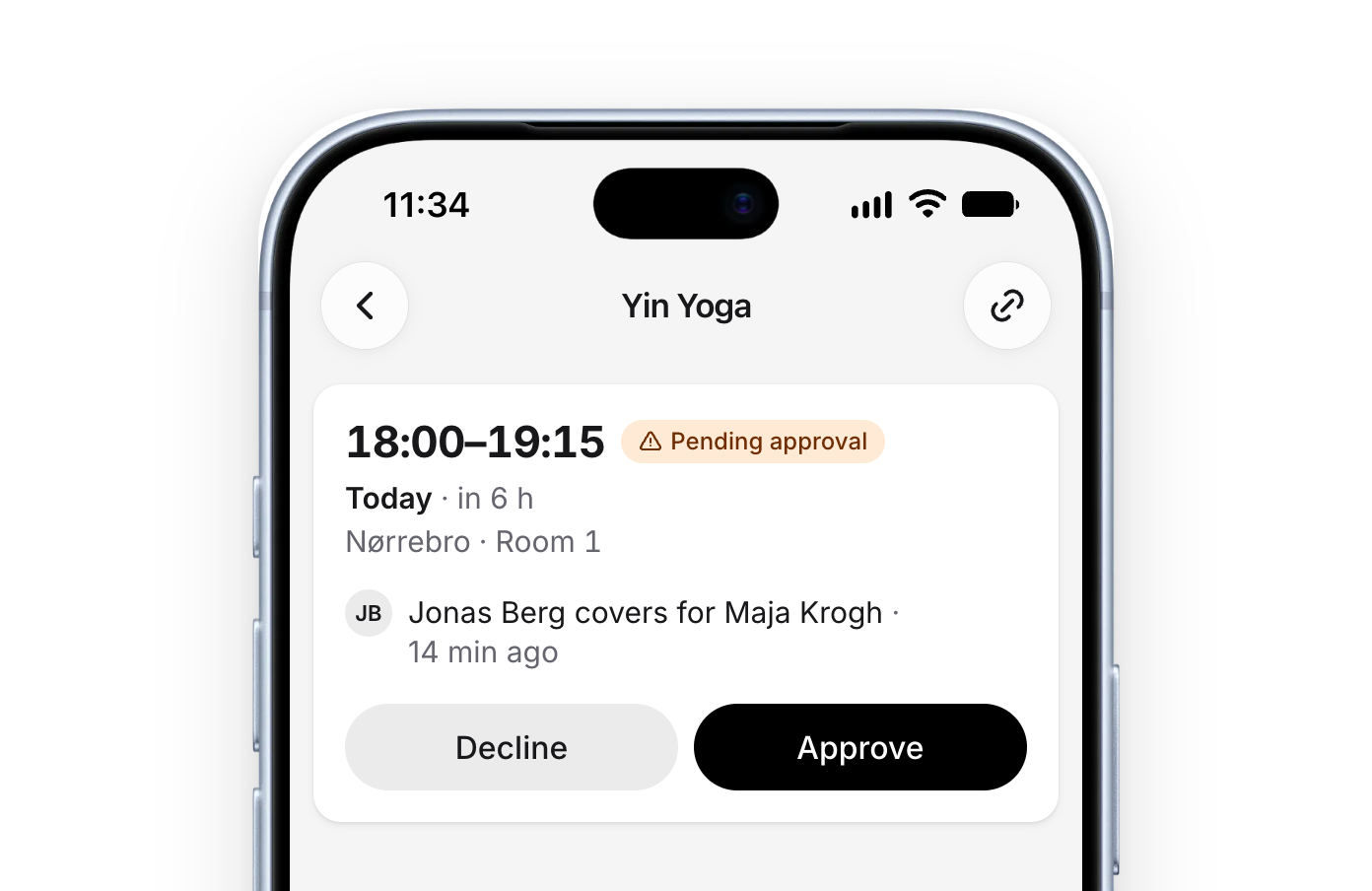
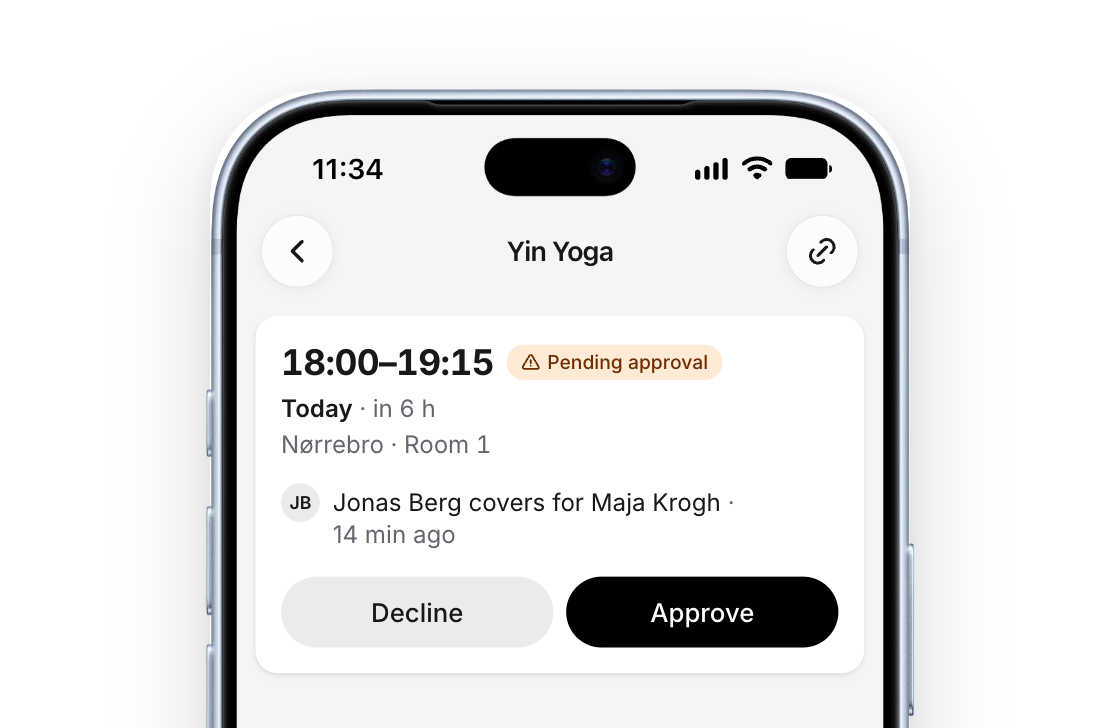
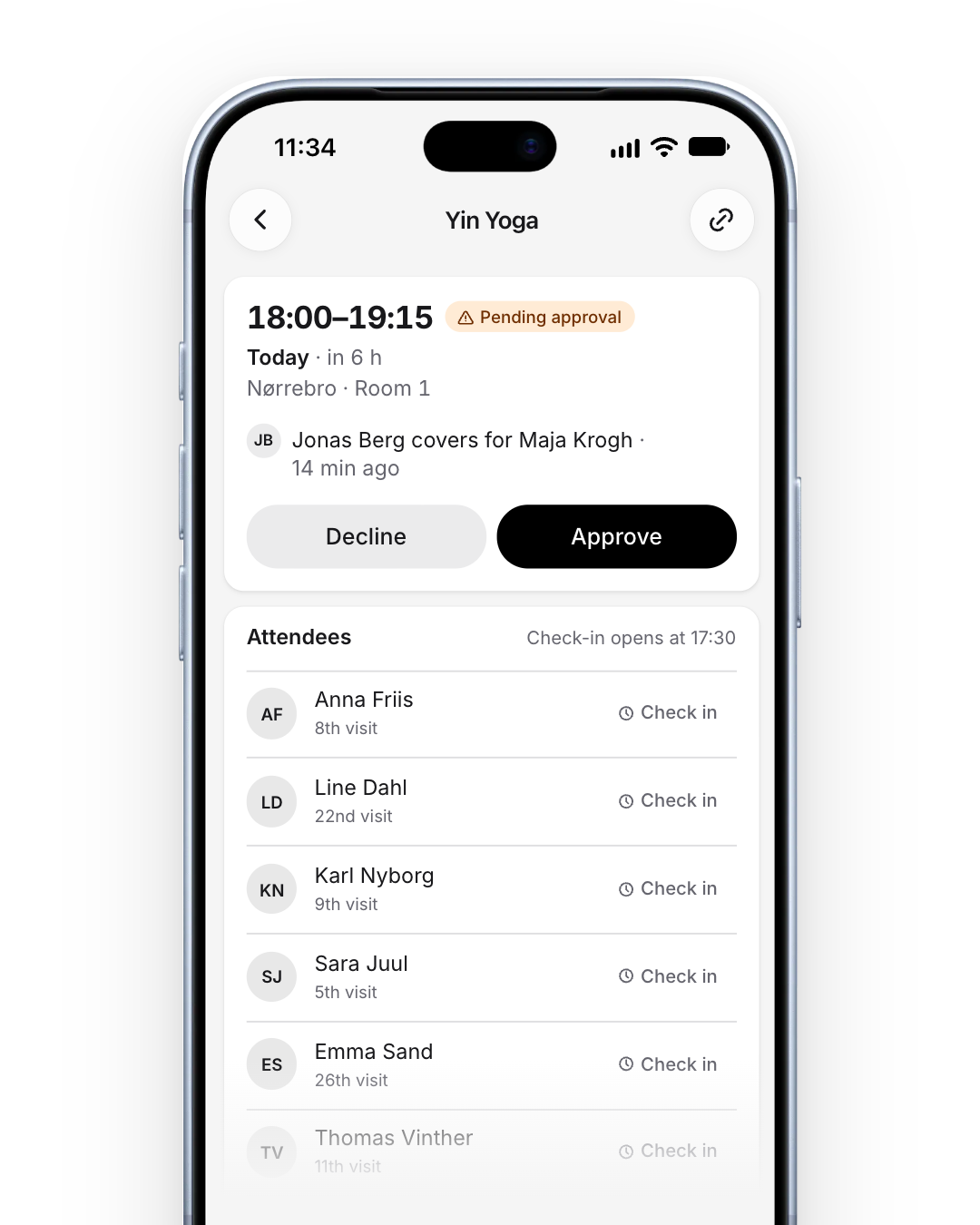
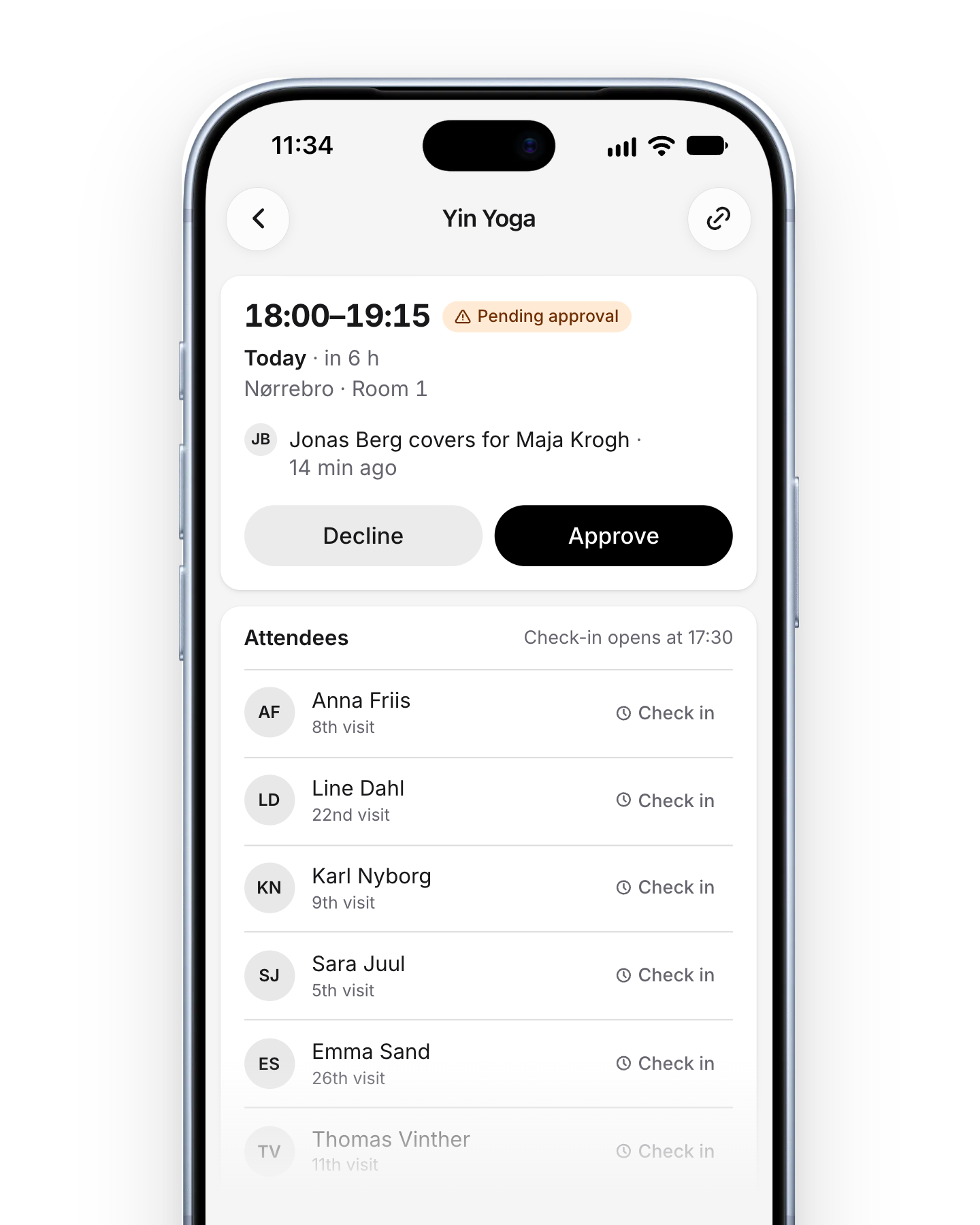
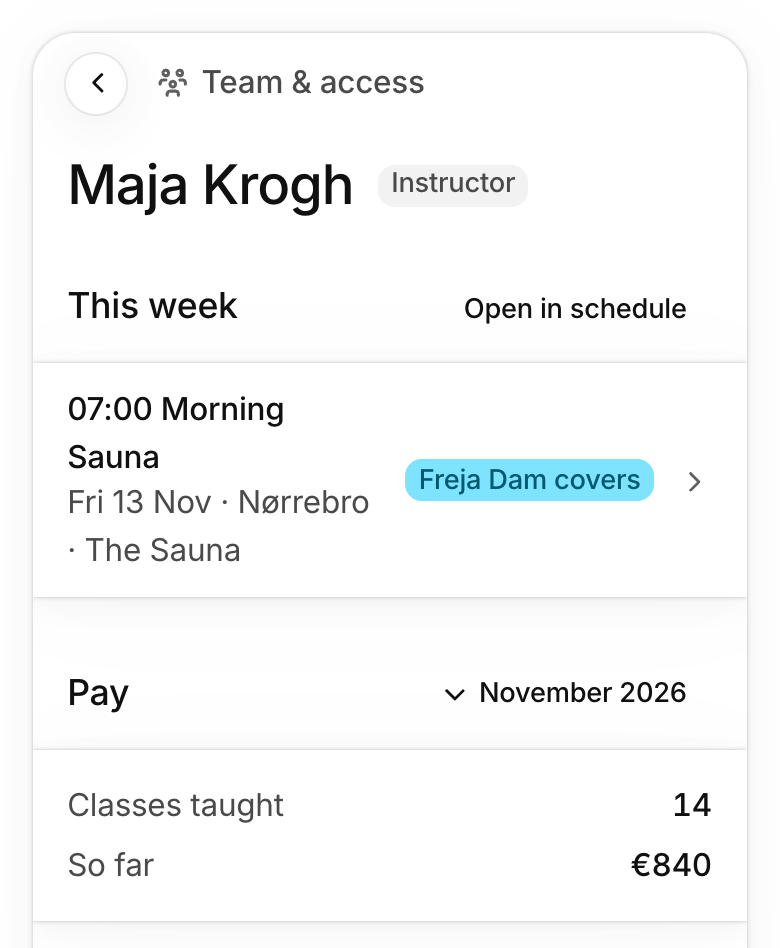
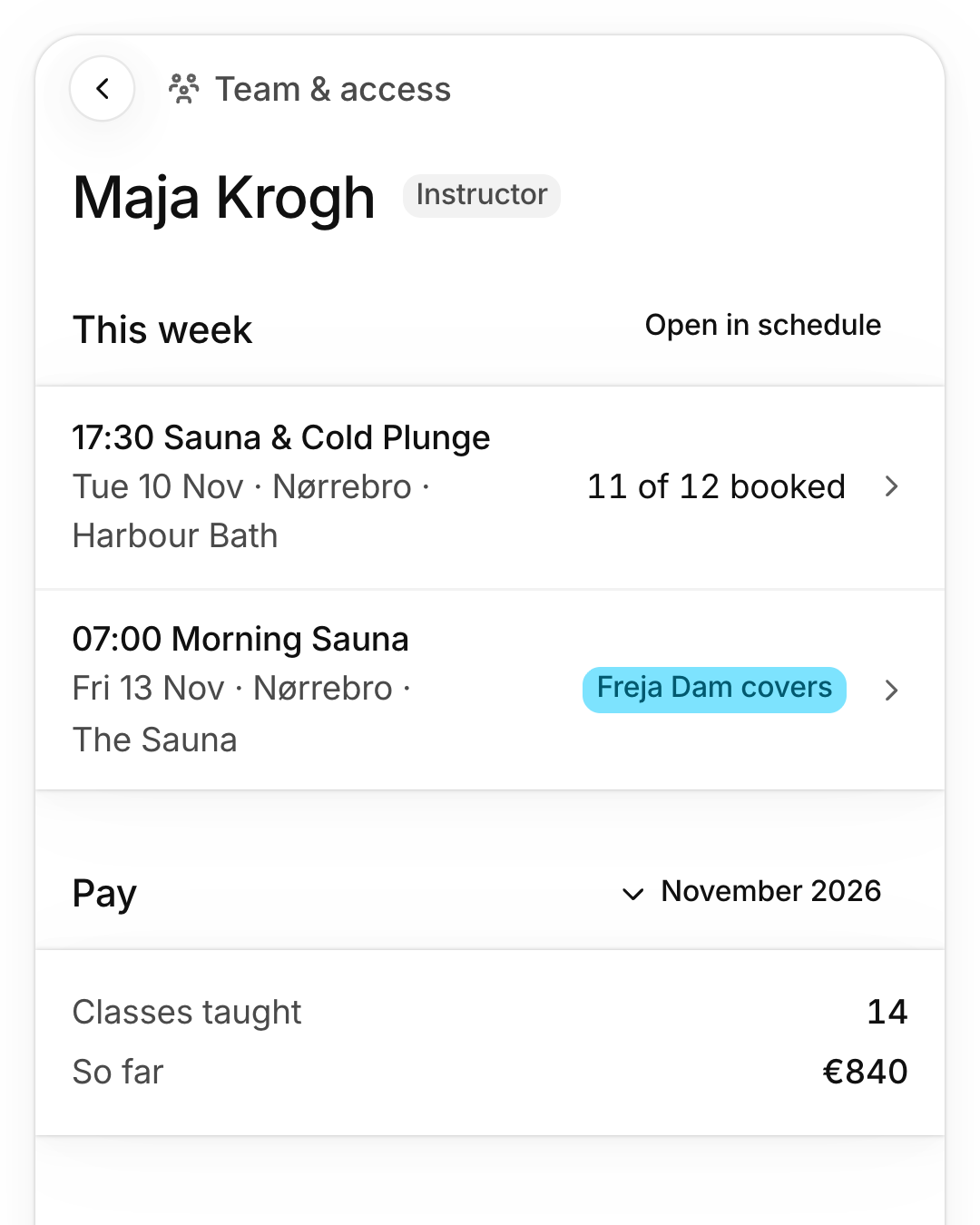
    An instructor posts the class to open shifts, a colleague claims it, and you approve from your phone.

  • Clear roles and permissions

    Instructors see their own classes – never studio revenue, payouts, or full customer data.

At the door & in the room

ONE TAP PER GUEST.GREET BY FIRST NAME.

Instructors open Ferb Staff to see today’s classes, shifts, and internal notes – synced directly with Google or Apple Calendar.

The roster automatically highlights first-time guests so instructors can give a warm personal welcome before class starts.

If a guest moves up from the waitlist ten minutes before start time, she is already on the roster in the app.

Shift swaps & control

END GROUP-CHAT CHAOSON SICK DAYS.

When an instructor calls in sick, she posts the session to open shifts. Qualified colleagues get notified, someone claims it – and you choose whether to approve first or auto-approve.

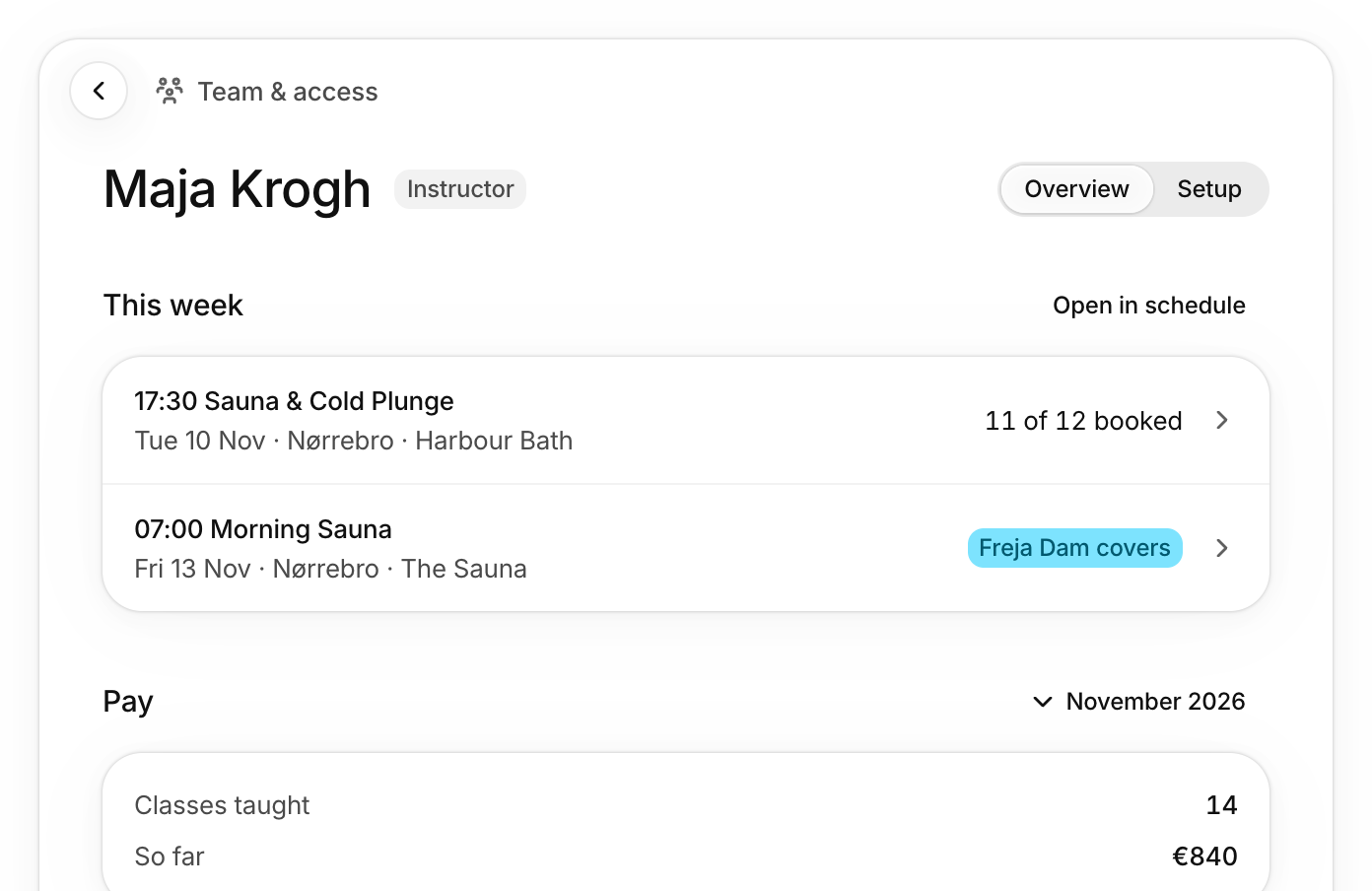
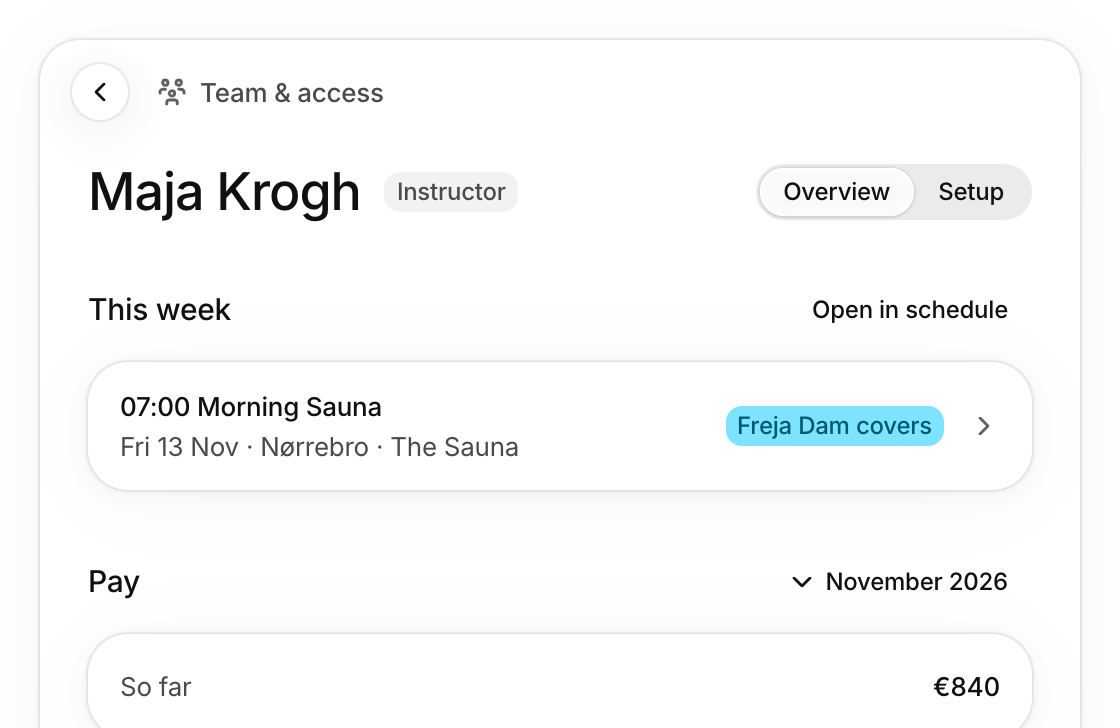
The moment cover is approved, the timetable, member app, and monthly payroll all update on their own.

Using Kisi door locks, instructors automatically get studio access before and after their own classes – no extra keycards needed.

Roles & daily flow

EVERYONE SEES WHATTHEY NEED.

One app – tailored to each role

Owners and managers approve swaps and oversee daily operations, while instructors only see their own sessions, rosters, and hours.

  • Sales, metrics, and member billing stay private to leadership
  • Front desk and hosts can check guests in across the whole day
  • Teaching at multiple Ferb studios? Switch studios in one tap
Personal calendar sync on mobile

Each instructor connects their classes straight to Google Calendar or Apple Calendar so their schedule always lives beside their personal plans.

  • Assigned sessions and approved cover update automatically
  • Handed-off shifts disappear from the calendar on their own
  • Fewer missed classes and fewer messages asking about the rota
Staff App FAQ

WHAT TEAMSASK MOST.

The most frequent questions about roles, shift swaps, calendar sync, and multi-studio instructors in Ferb Staff.

Want to see Ferb Staff and shift swaps live on a phone? Book a demo

Invite them from the Ferb dashboard. They download Ferb Staff, activate their account, and their upcoming classes are waiting the first time they open the app.

No. Ferb Staff shows classes, rosters, and shifts – never sales or payment data. Those stay visible only to you and your managers.

Yes. When a colleague takes over a session, guests keep their booking and receive an email letting them know who is teaching.

Only if you want to. Turn on “Auto-approve subs” and the class transfers immediately once claimed. Otherwise it waits for one-tap approval from you or a manager in the app.

They use the exact same app and login. Tapping the studio logo switches accounts, and today’s schedule follows right along.