Payroll

CLASSES COUNTED.PAYROLL READY.

Ferb calculates gross pay from classes, appointments, shifts, and supplements – flags issues in a checklist before approval, and outputs clean payroll exports, accountant Excel files, and freelancer statements per entity.

  • Classes, appointments, shifts & clock-in

    Pay groups for flat rates, hourly pay, per-head tiers, or revenue share – plus clock-in/out in Ferb Staff and supplements.

  • Checklist & month-over-month diff

    Catches missing attendance, forgotten clock-outs, and pending subs – and compares every team member against last month.

  • Start from a file – verify against last month

    Import existing rates locally in your browser and verify Ferb cent-for-cent against a month you have already paid out.

  • Payroll exports, freelancers & one zip

    Approve once and download per-entity payroll files, freelancer PDF statements, or everything in one zip – with live staff visibility.

Pay groups & time tracking

BUILD PAY RULES THATMATCH REALITY.

Configure flat class rates, hourly pay (with paid prep/cleanup time), per-attendee bonuses above N guests, or revenue share excl. VAT – with personal overrides, early/late add-ons, and dated rate versions.

Staff clock in and out on shifts in Ferb Staff (with optional rounding and caps to scheduled hours). Every instructor’s month lists date, session, headcount, clocked time, cover bonus, and any cancellation pay.

Upload your existing rate sheet from Mindbody or start straight from your Team in Ferb. Files are parsed locally in your browser (no national ID numbers ever touch our servers) and grouped automatically.

Checklist, verification & export

CHECK, APPROVE ANDEXPORT IN MINUTES.

Ferb gathers unassigned classes, missing check-ins, forgotten clock-outs, unscheduled punches, pending subs, and missing employee IDs – and highlights anyone noticeably above their usual pay.

Right after setup, compare Ferb’s calculation against last month’s payroll summary line by line. Any variance appears at the top with the exact reason so you trust the numbers 100% before your first run.

Run 1st–last, 16th–15th, or any custom cutoff. Approving locks the lines, publishes statements to staff (with read tracking), and gives you payroll CSV/Excel files, freelancer PDFs, or one complete zip.

Transparency & control

NO SURPRISES ONPAYROLL DAY.

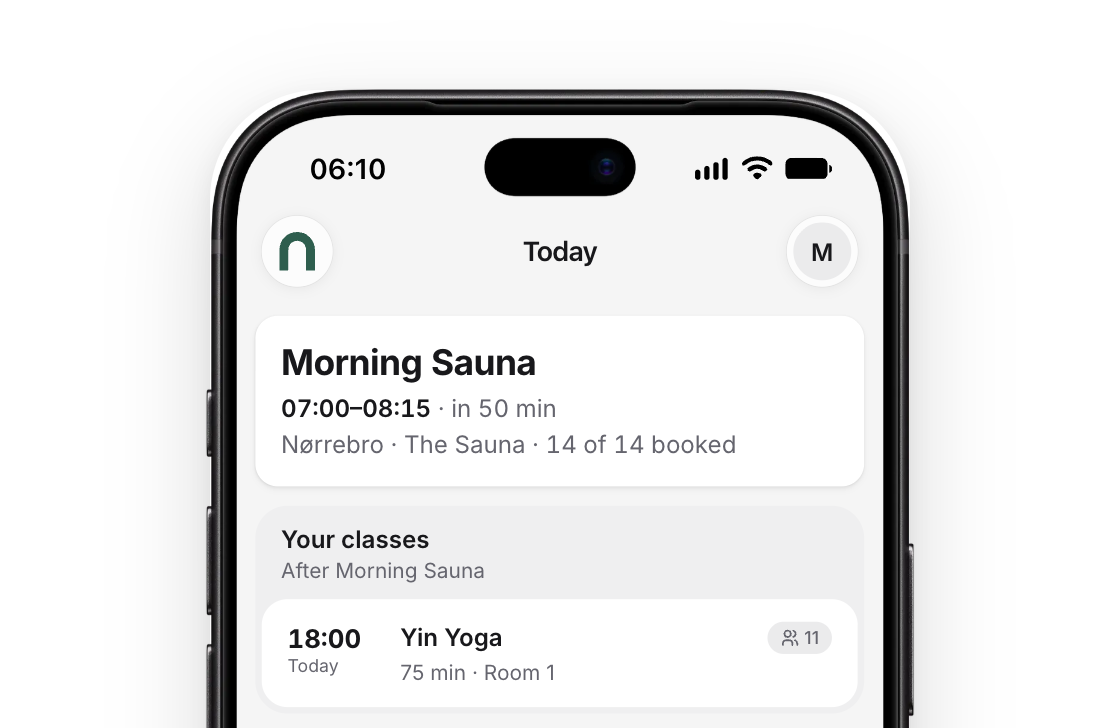
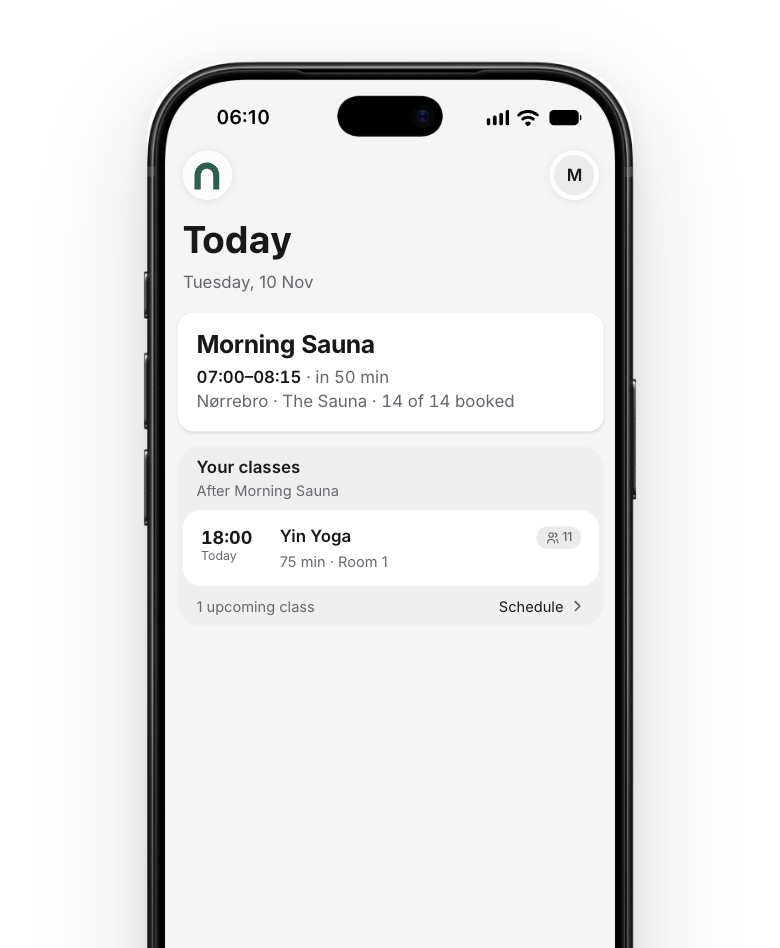
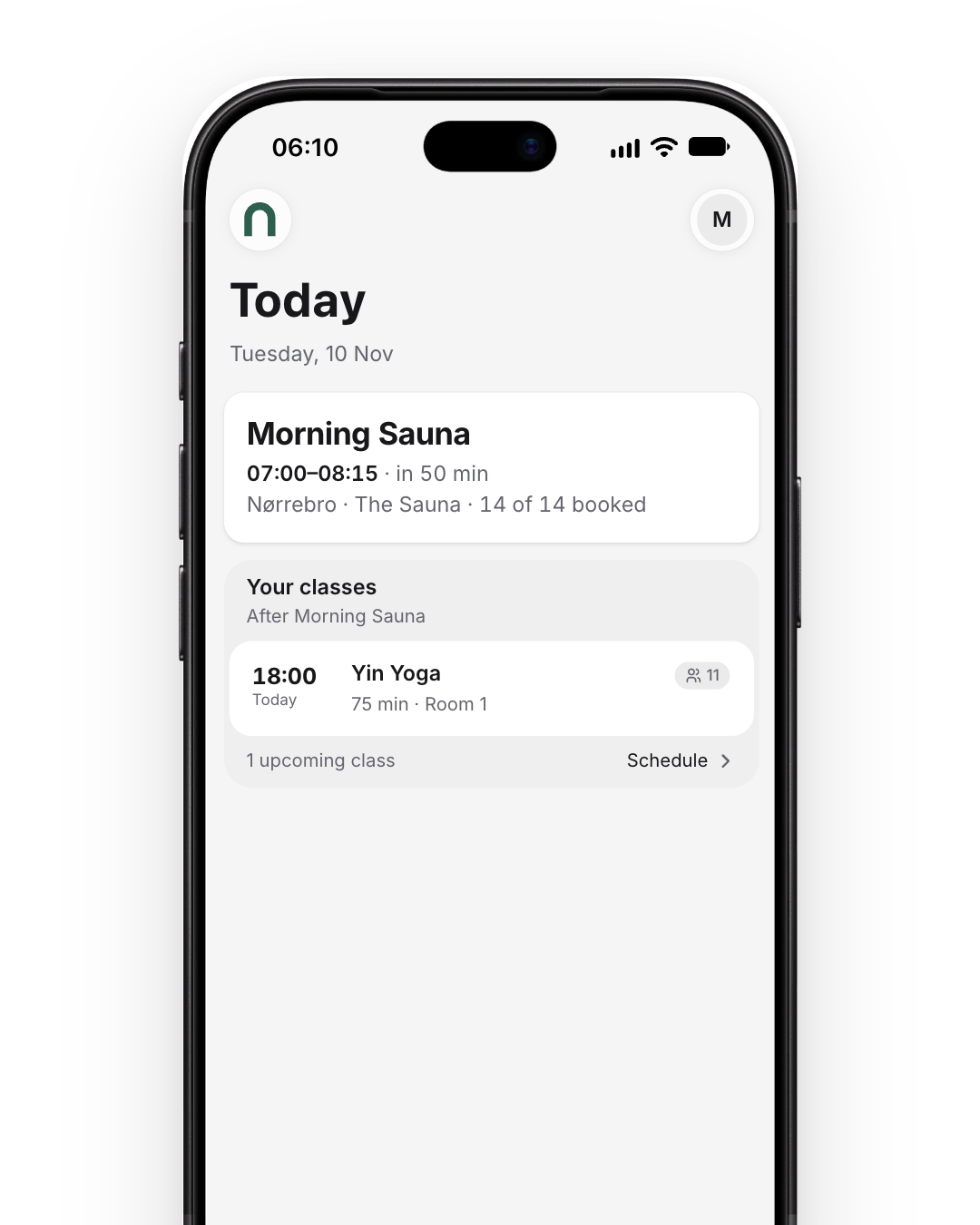
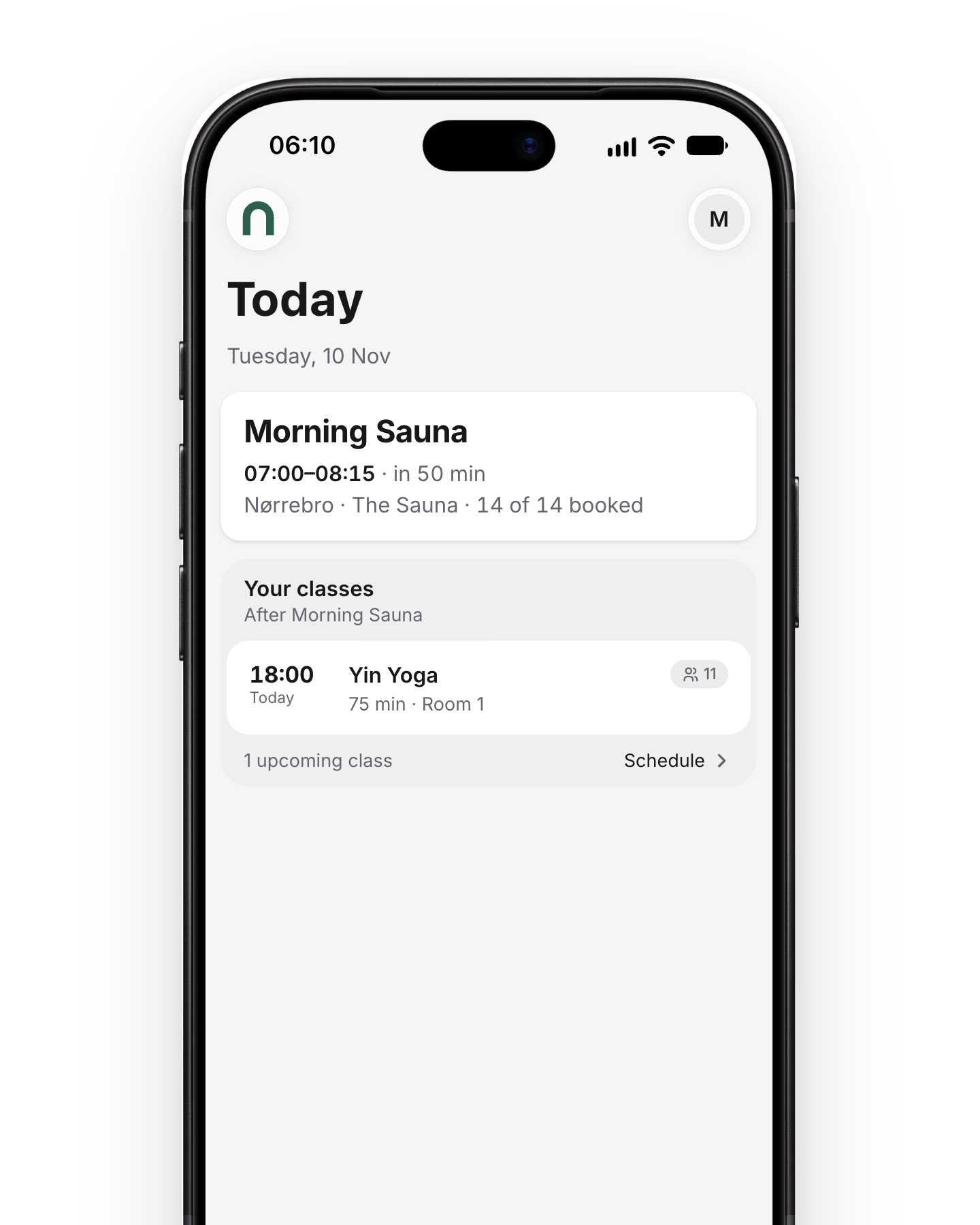
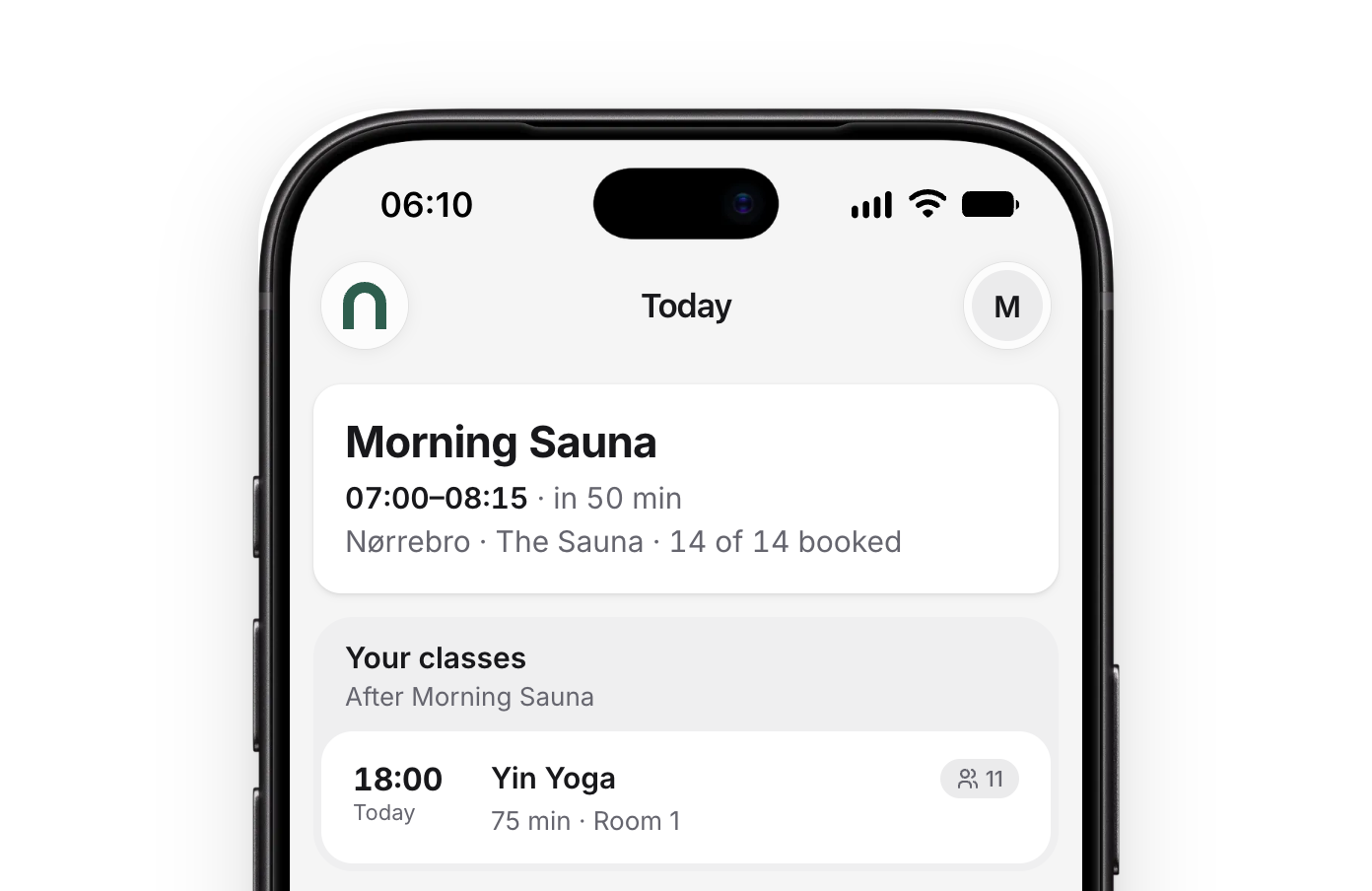
Clock-in/out & personal pay lines in Ferb Staff

Your team clocks in and out on shifts and views approved months (plus an optional live running estimate) in the Staff App – while you track who has opened their statement before running pay.

  • Clock in and out on shifts directly from the Staff App
  • Strict role separation: managers clear operational checks without seeing pay rates
  • Line-level questions and read receipts (“6 of 9 have viewed it”)
Ready for your payroll provider, accountant & Ferbie AI

Ferb computes gross pay and produces ready-to-import files – while taxes, holiday accrual, pensions, payslips, and bank payouts stay safely in your payroll system.

  • Map pay codes to Danløn, Fortnox, Visma, Salary, Zenegy, DataLøn & Excel
  • Import files are parsed locally in your browser – never personal tax IDs on servers
  • Read-only access in Ferbie AI, Studio API & MCP (disabled by default)
Payroll FAQ

WHAT STUDIOSASK MOST.

Everything about pay models, supplements, checklists, freelancers, payroll exports, and permissions.

Want to see your own pay groups and add-ons configured in Ferb? Book a demo

Ferb exports ready-to-import CSV files per legal entity (including Danløn), two-sheet accountant Excel workbooks (.xlsx), and freelancer PDF statements – and lets you map Ferb pay codes to your own codes in Danløn, Fortnox, Visma, Salary, Zenegy, DataLøn, ProLøn, or Intect. Tax withholding, holiday pay, pensions, payslips, and payouts stay in your payroll provider.

Classes support flat rates, hourly pay (including paid prep/cleanup time), per-attendee tiers, or revenue share excl. VAT (with an optional minimum). Appointments support percentage, flat rate, or hourly pay, and shifts pay by shift type with clock-in rounding. Add supplements per guest above N, early/late start, first class of the day, location, approved sub cover, fixed monthly stipends, and individual overrides.

Approved shift swaps automatically transfer both base pay and any cover bonus to the sub. Cancelled classes and no-show appointments default to 0, but stay clearly visible on the instructor’s month with a one-click “Pay anyway” override if you choose to compensate them.

Each freelancer automatically gets a PDF statement per legal entity excl. VAT – clearly marked as a pay statement, not an invoice – detailing every class, supplement, and calculation so the invoice they send matches 1:1.

Only owners and admins can view rates, edit pay groups, approve periods, and download files. Multi-location managers can resolve operational checks (like attendance and pending subs) without seeing pay amounts. Instructors only see their own lines in Ferb Staff, and national IDs or bank details are never stored in Ferb.

Yes. Choose any pay cycle – 1st–last, 16th–15th, or a custom cutoff date (with an automatic transition period if you switch). When running multiple legal entities under one brand, you approve together and download separate payroll files and statements per entity.