Schedule & operations

ALL OPERATIONS.ZERO SPREADSHEETS.

Staff schedule, Staff App, automated bookkeeping, and payroll — built together so you run the entire week from one place.

SOBO Group
“I’ve spent over 15 years in fitness and wellness running operations across countless systems. I’ve never seen anything as complete as Ferb. It brings everything into one place: guest experience, staff, marketing, and backend. Nothing kills operations like messy tools, and Ferb finally cleaned it up.”
SOBO GroupBille BayFounder, SOBO Group
Scheduling

BUILD THE WEEK ONCE.THE REST FOLLOWS.

Save your regular week as a template, copy it forward with ⌘C and ⌘V, and adjust only what changes.

Drag a class into a busy room or onto an instructor who is already booked, and Ferb flags it on the spot.

Collaborate in drafts, preview exactly who is affected by changes, and notify booked guests automatically when you publish.

Staff App

THE WHOLE DAYIN THEIR POCKET.

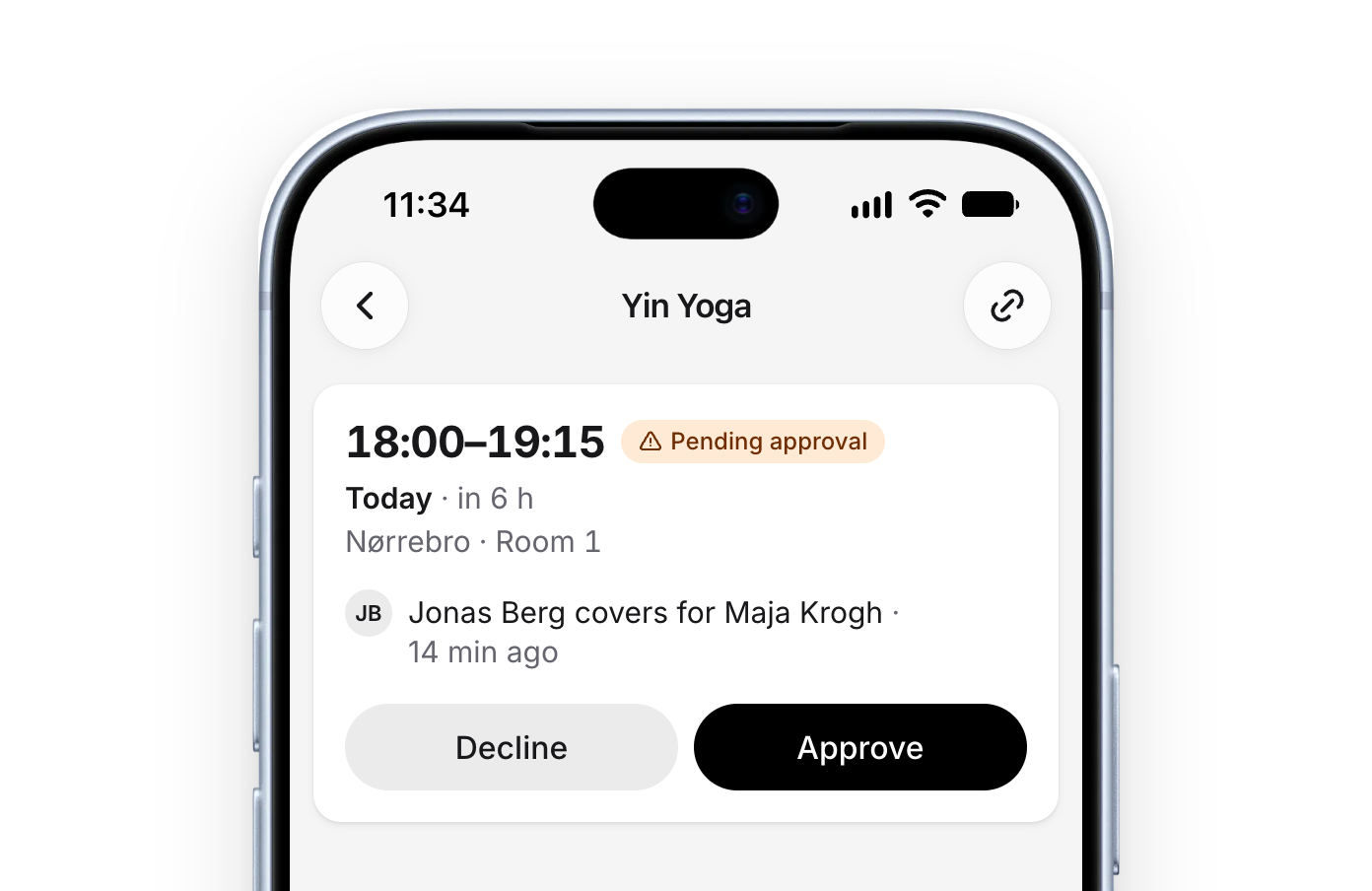
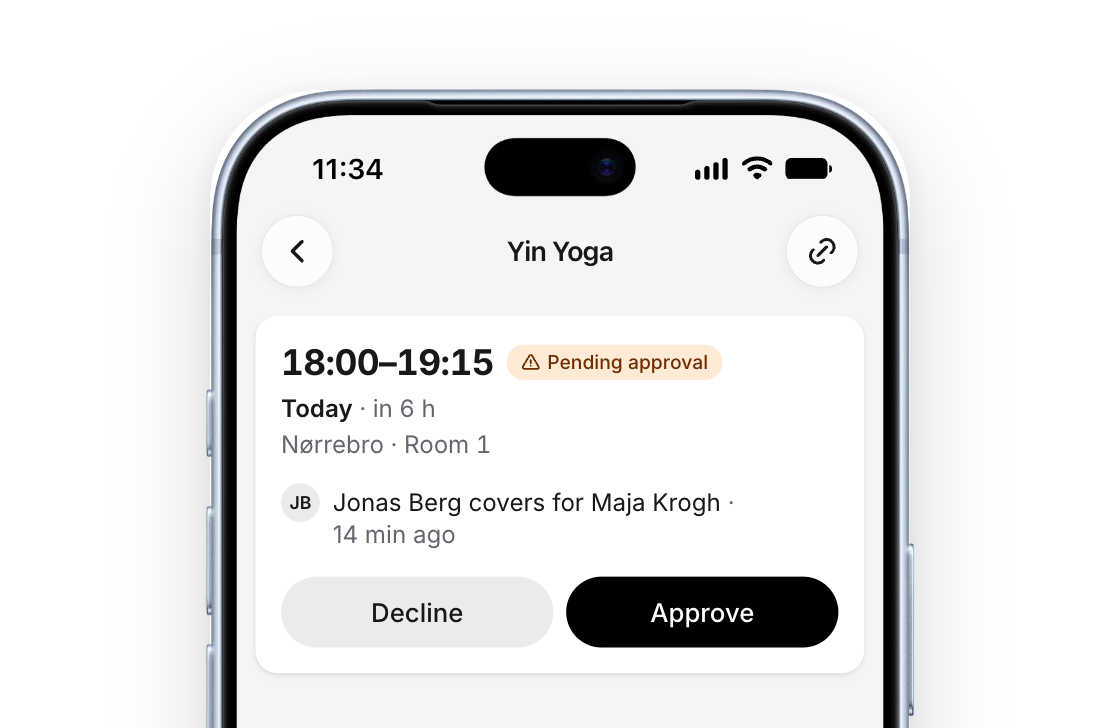
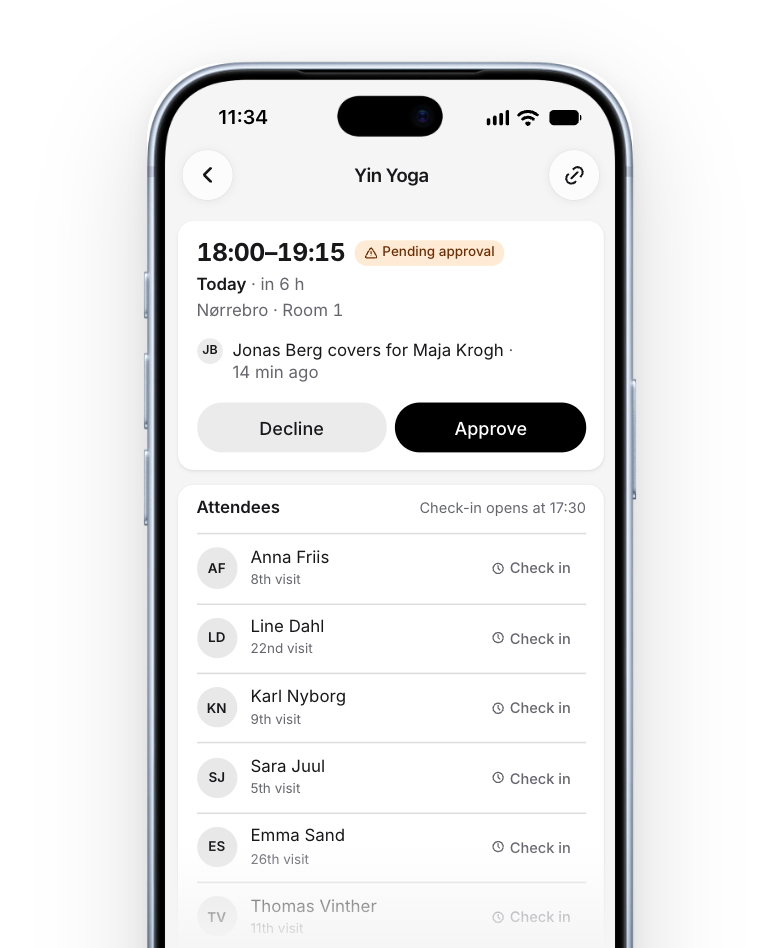
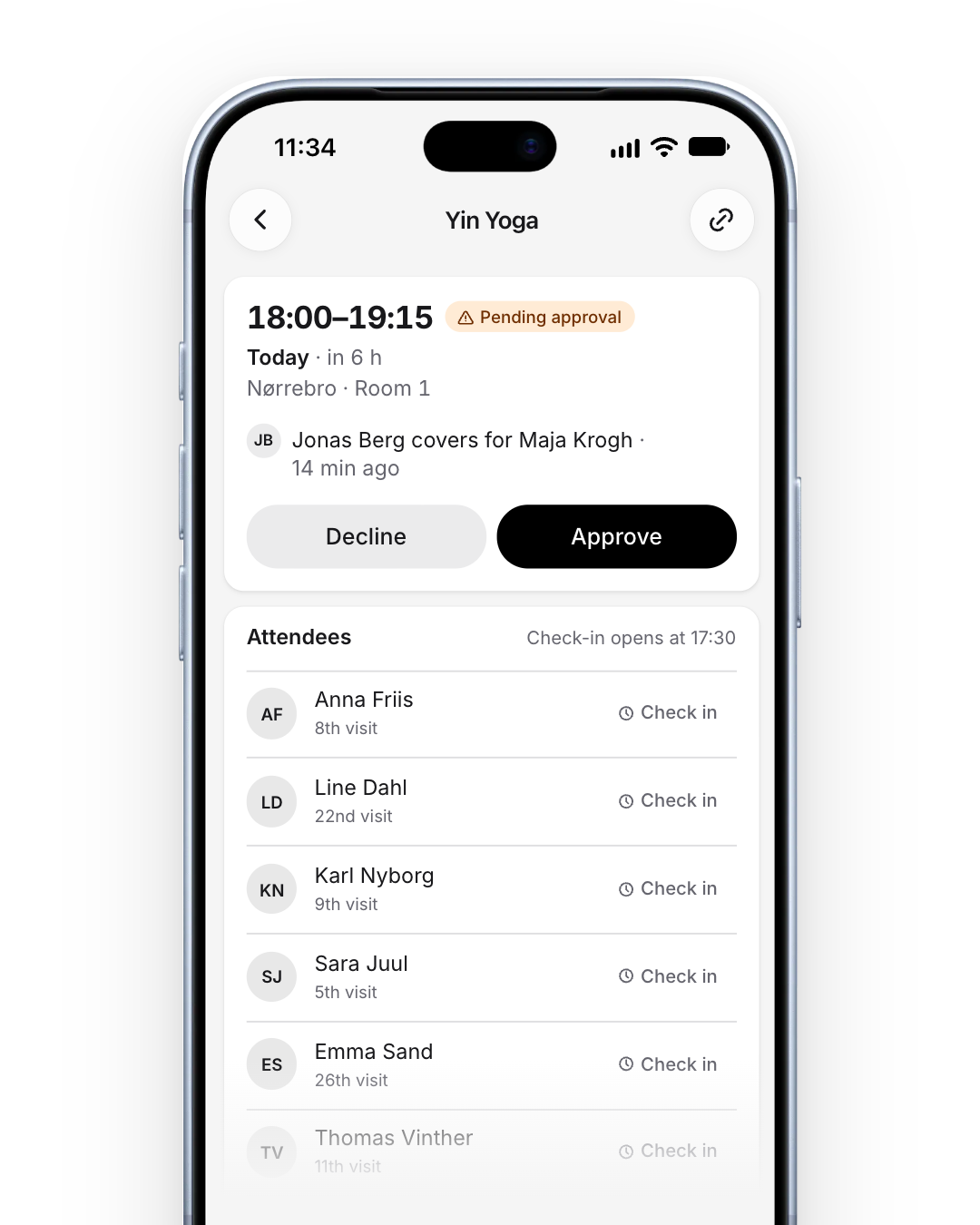
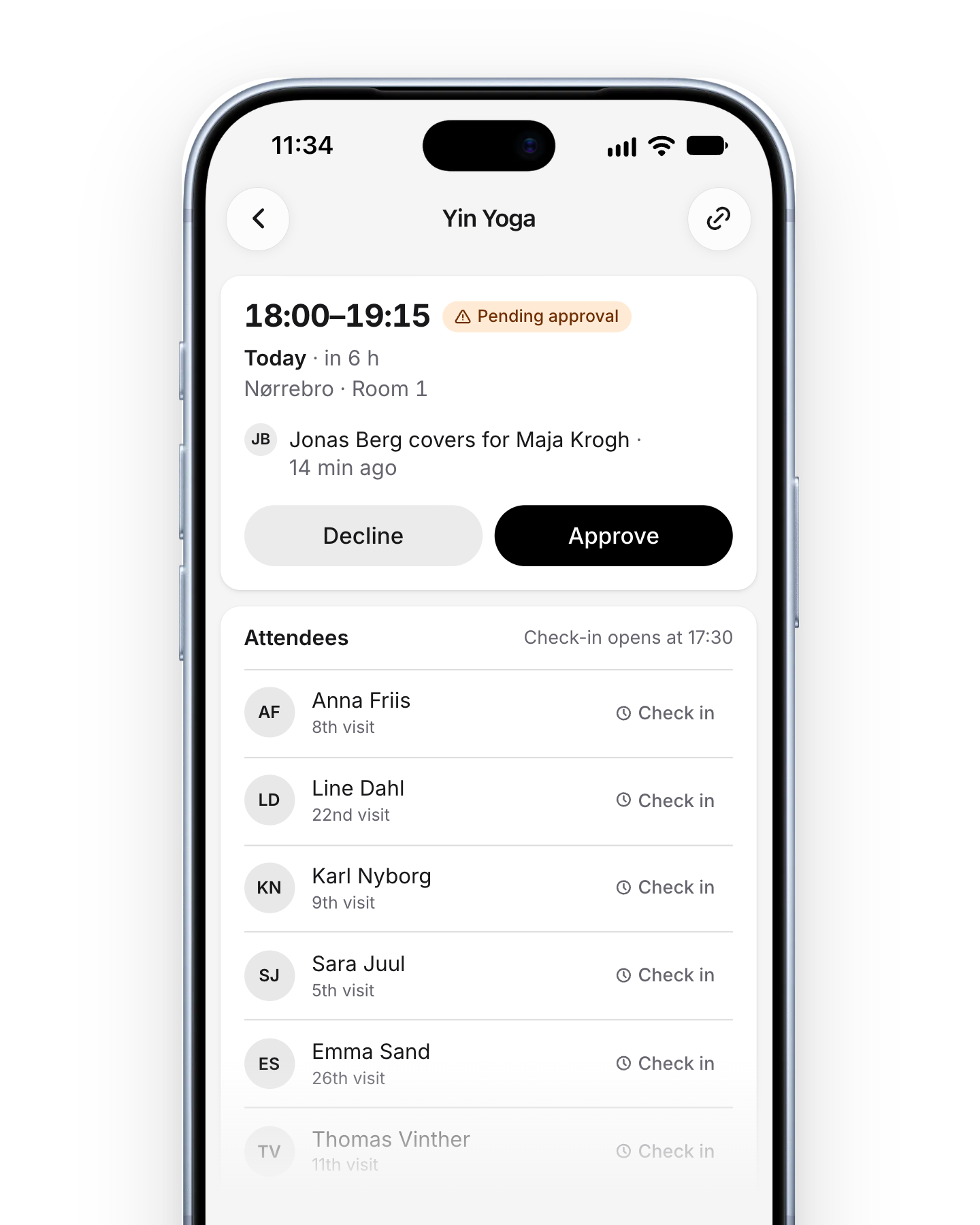
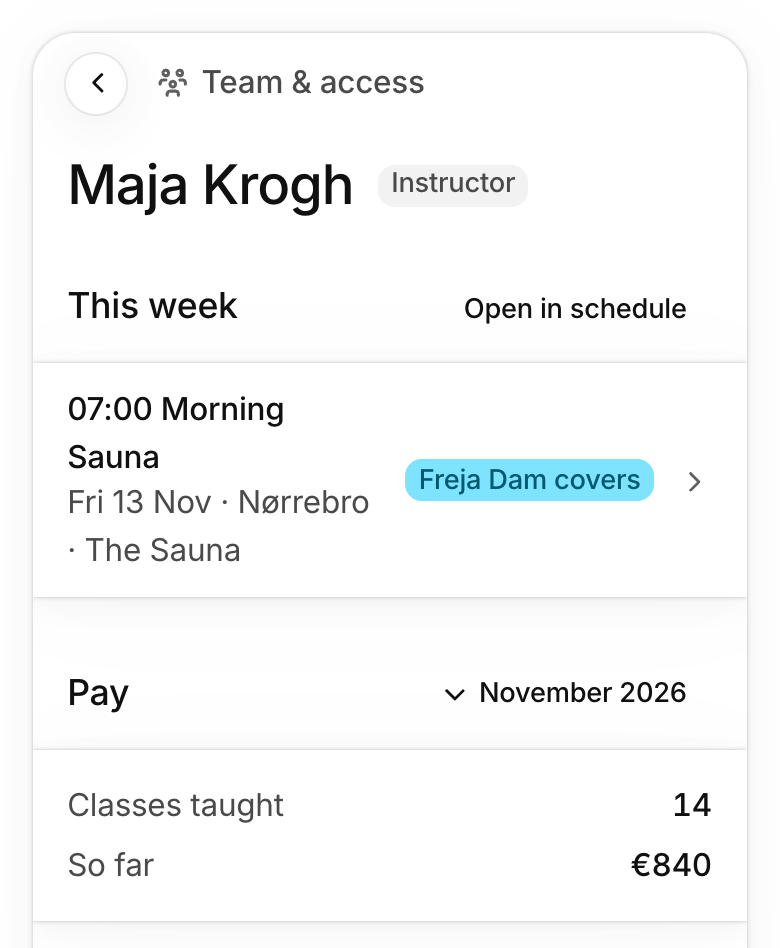
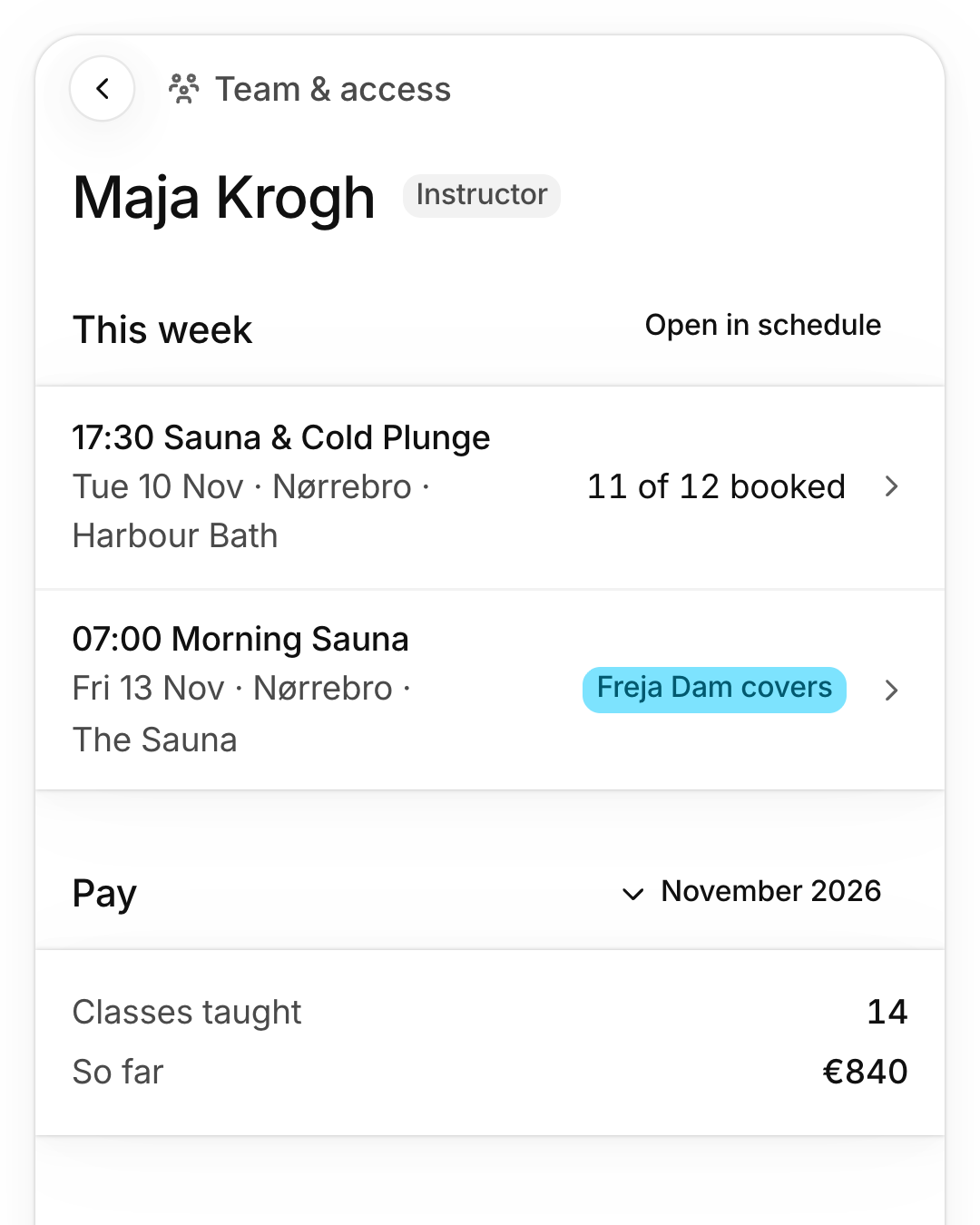
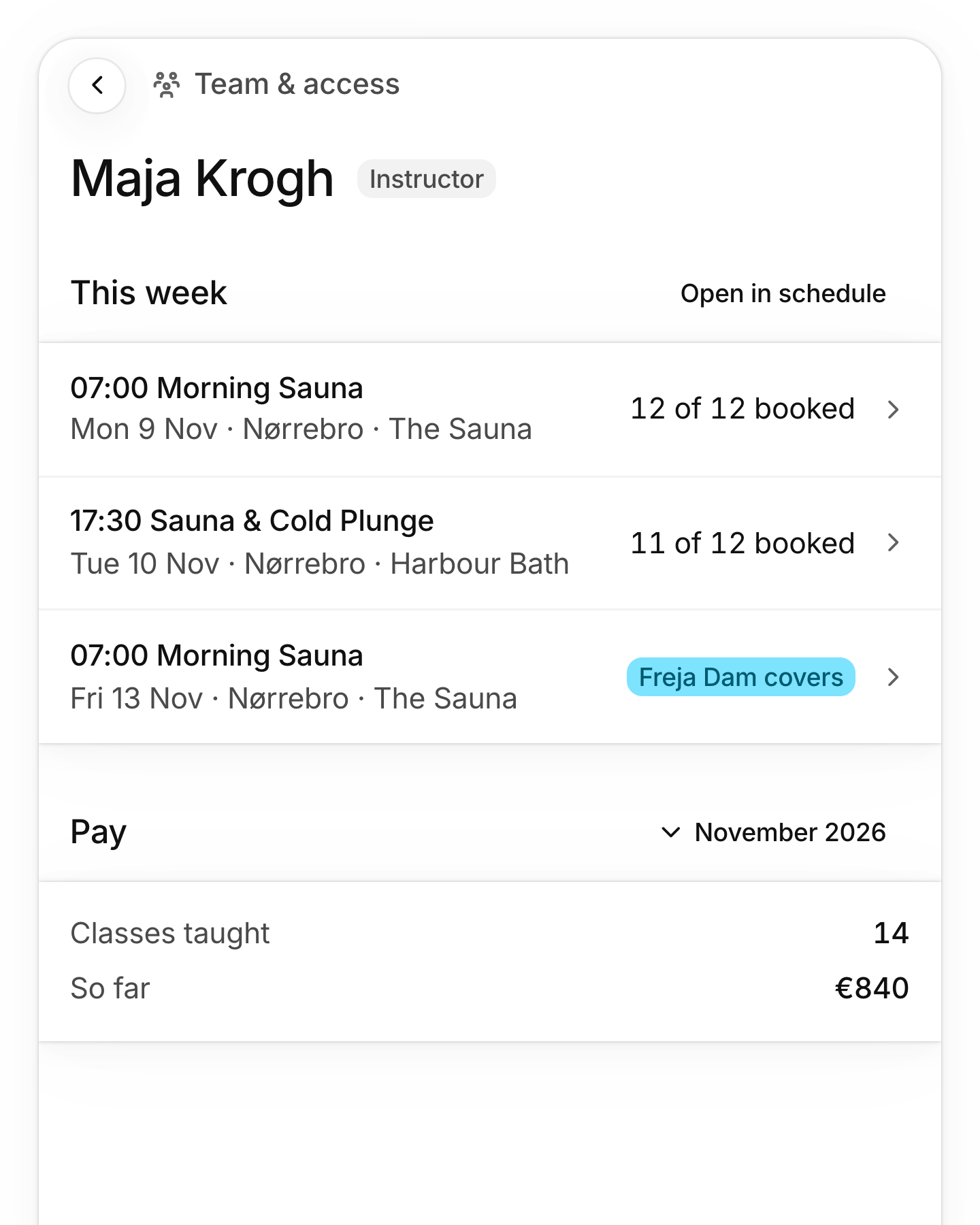
Instructors post a class to open shifts, a colleague picks it up, and you approve the shift swap from your phone.

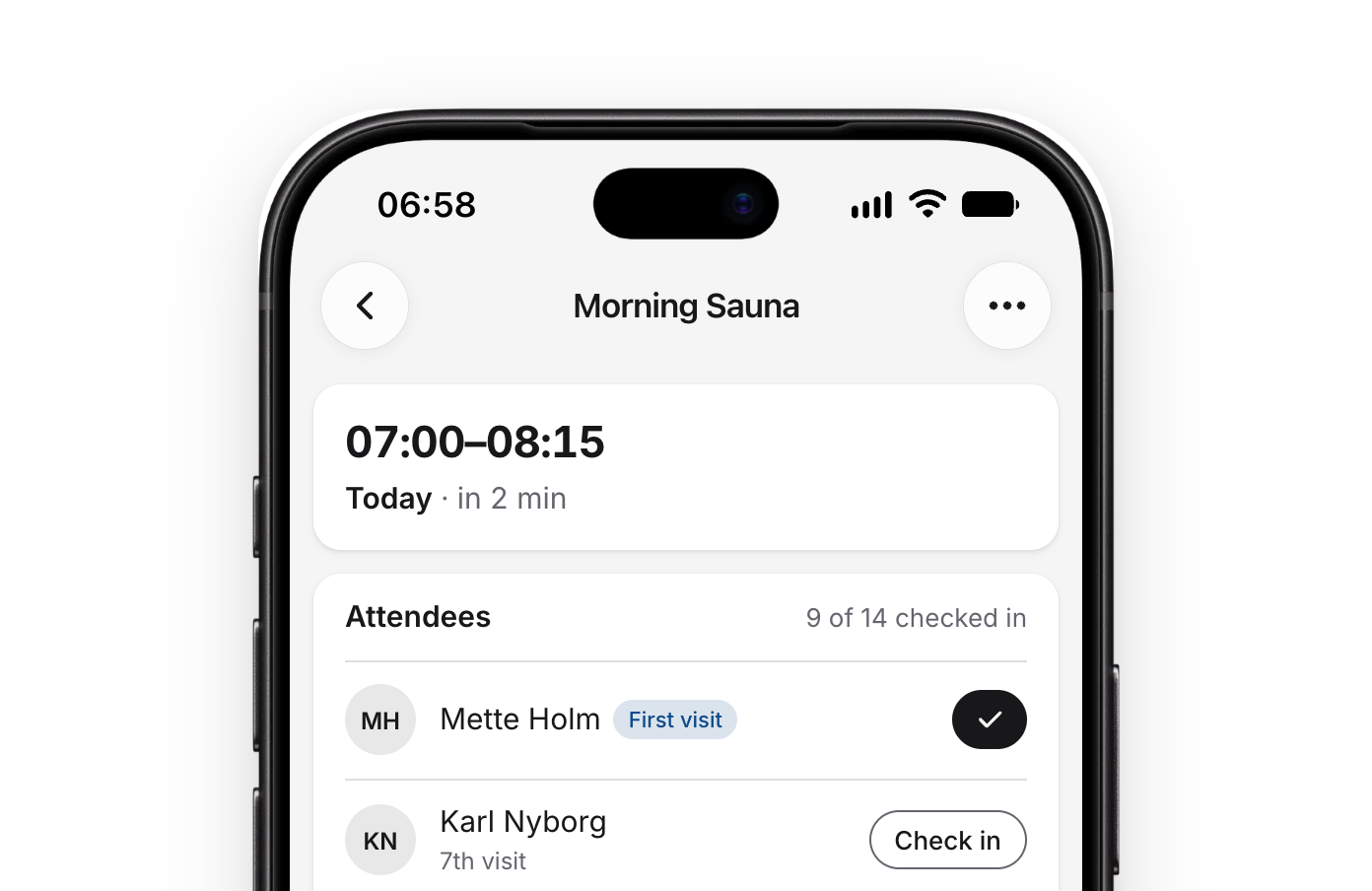
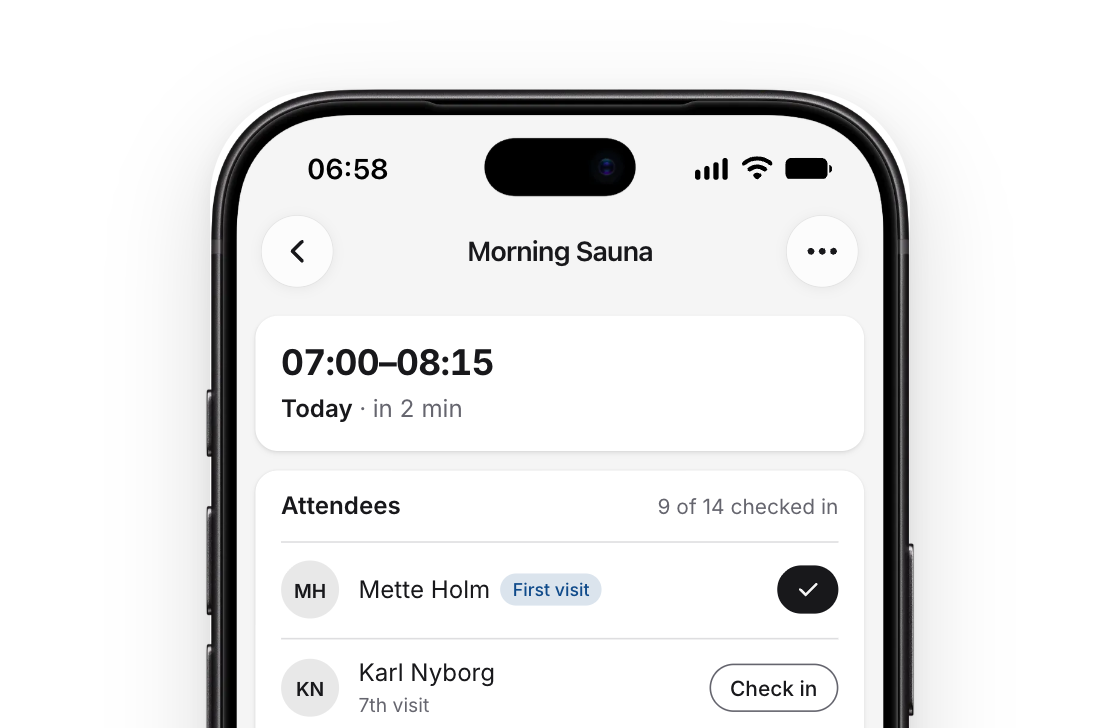
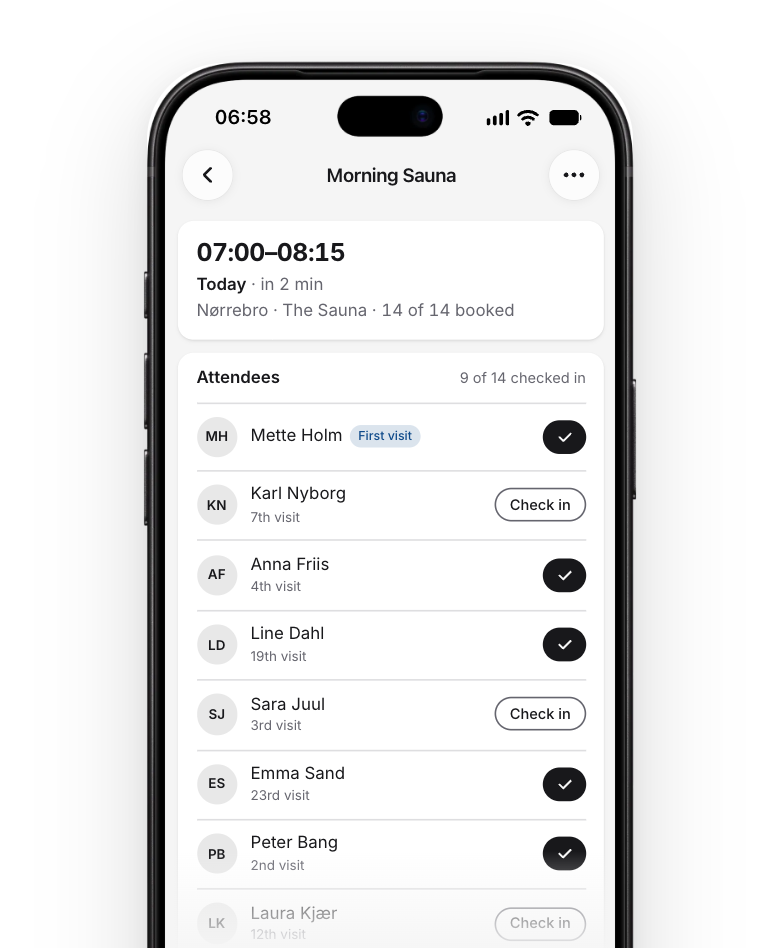
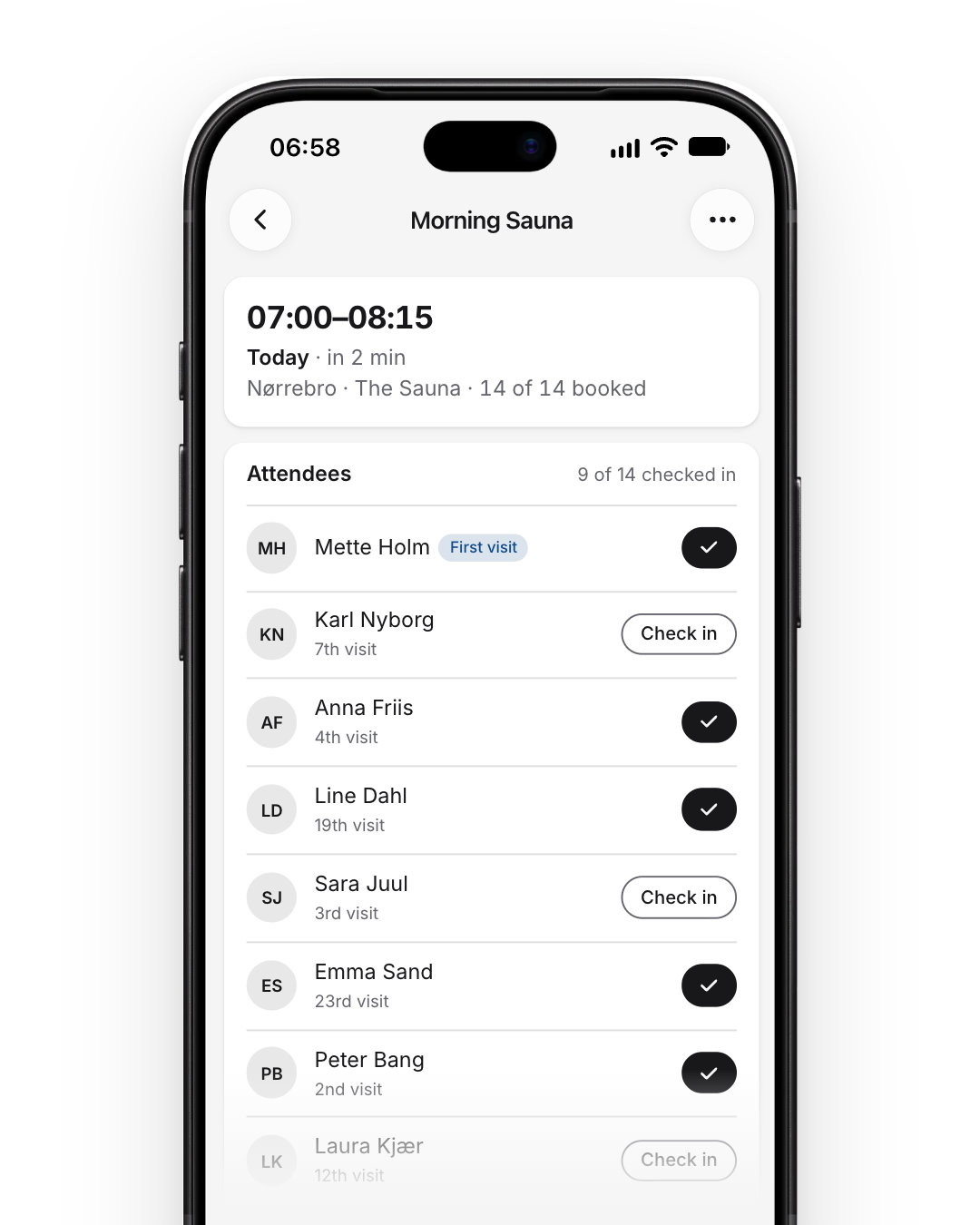
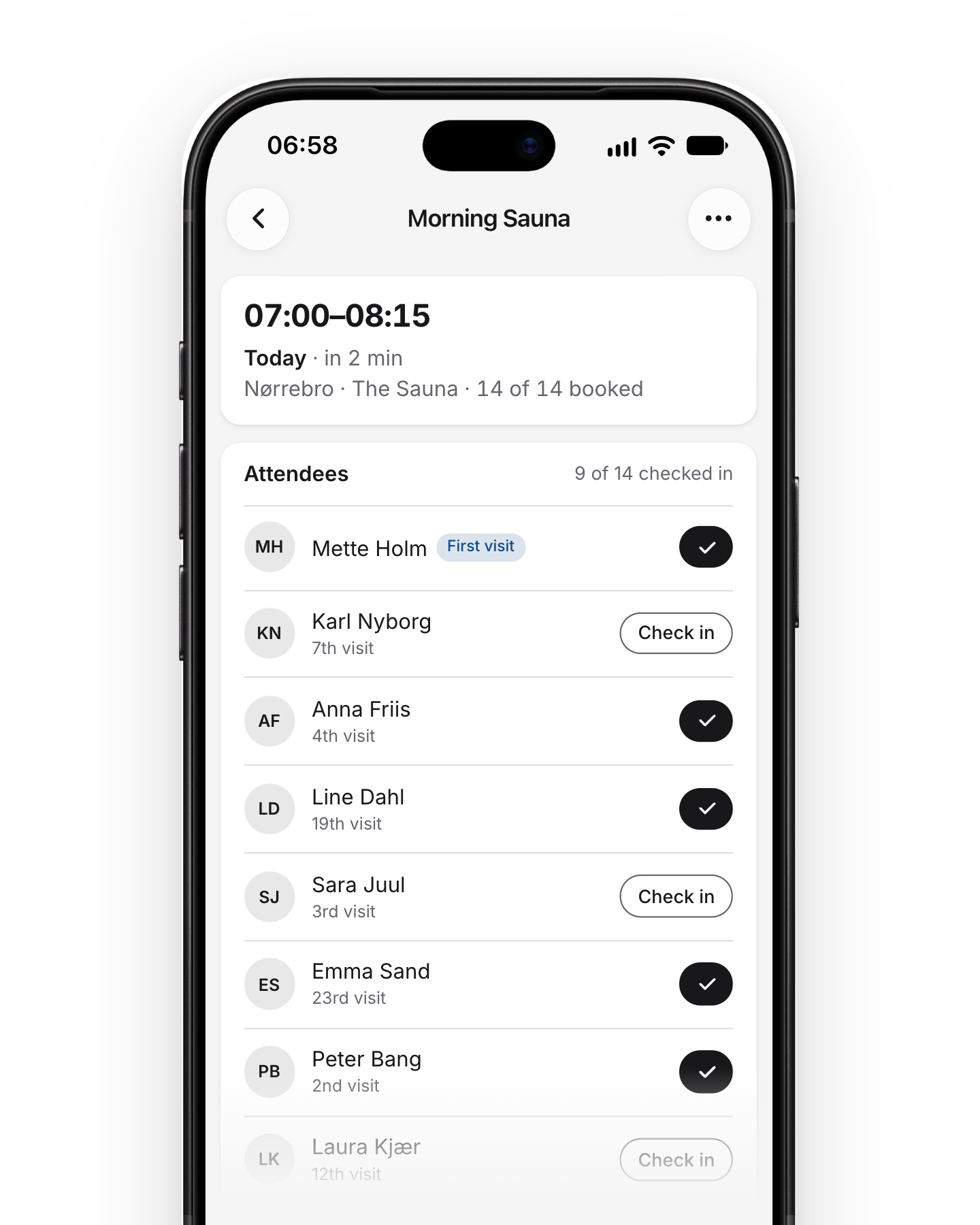
The roster highlights “First visit”, regulars, and internal class notes — right inside Ferb Staff.

Instructors see their classes and shifts — never sales or payments. If they teach across multiple studios, they switch with one tap.

Bookkeeping & payroll

BOOKKEEPING & PAYROLLON AUTOPILOT.

Every sale, refund, Stripe fee, and payout lands as clean daily journals on your own chart of accounts — via SIE4, e‑conomic, or Dinero.

VAT is calculated per product and guest, and class packs and gift cards are only recognized as revenue when redeemed.

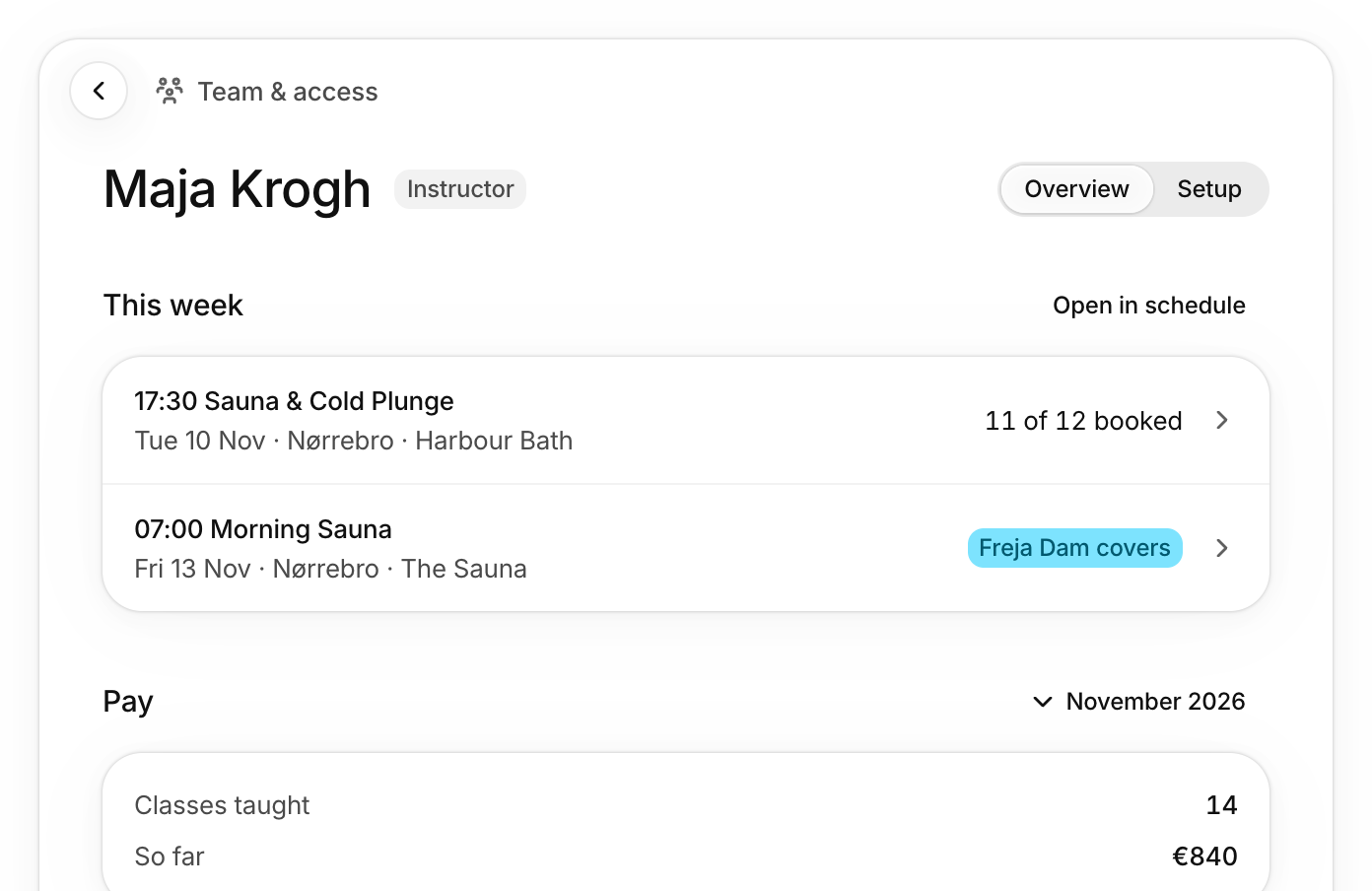
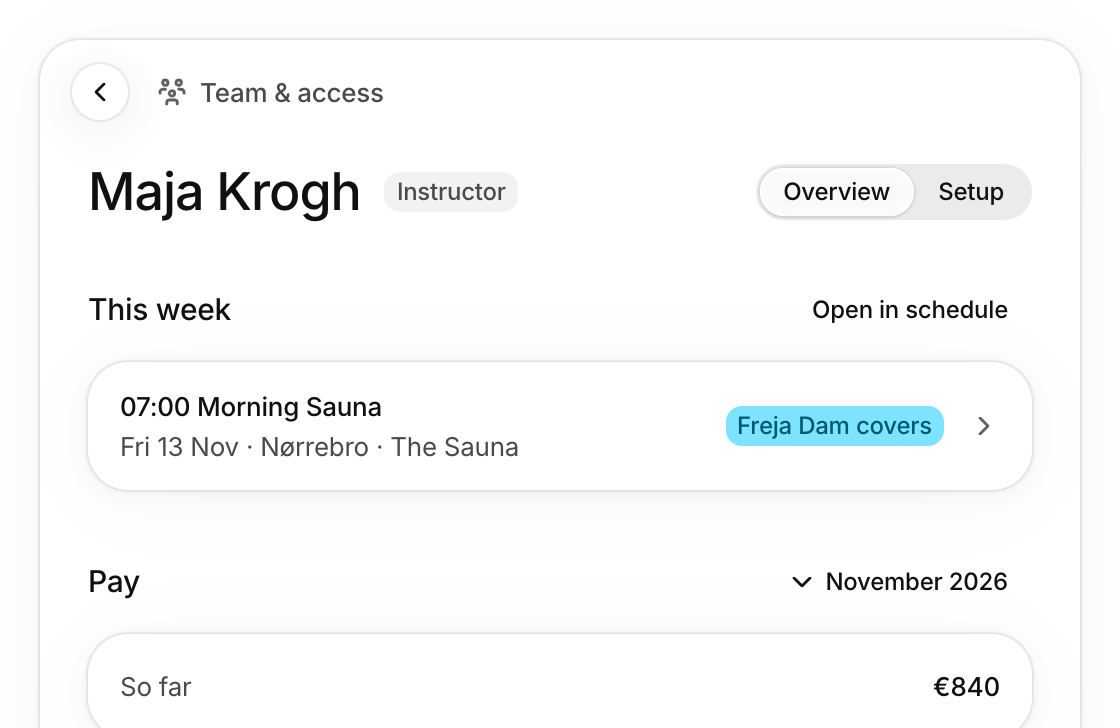
Pay per class, shift, or hour follows the instructor who actually taught — ready for your approval at month-end.

At the door

DOOR AND ROSTER,WORKING AS ONE.

Queue-free check-in

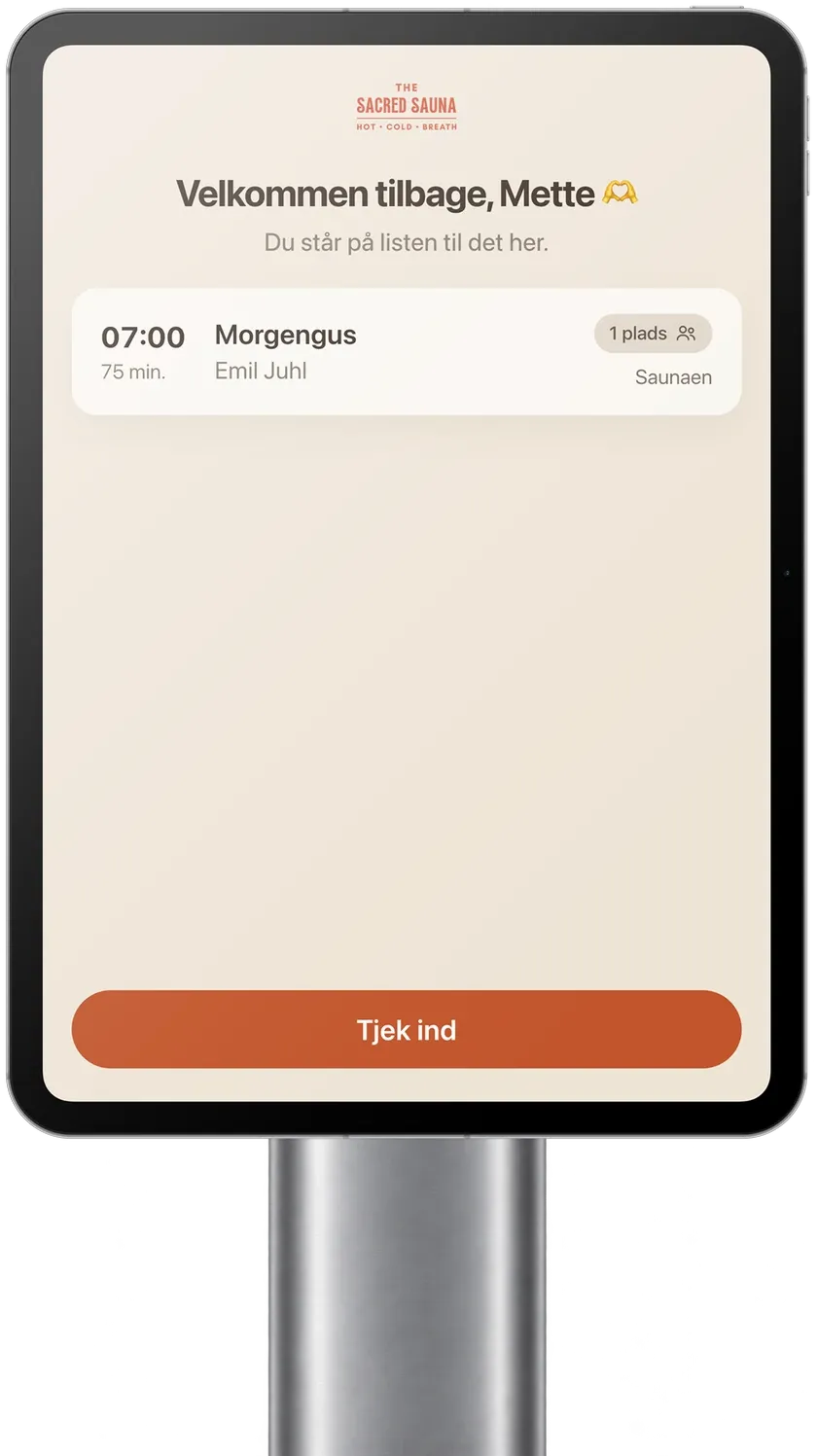
Guests check themselves in on the iPad, in your own app, or at the front desk — everything updates the same roster.

  • Self-service iPad kiosk at the door in your own brand design
  • First visits and regulars clearly flagged for your team
  • No-shows and fees logged automatically after 15 minutes
Selvbetjent iPad-indtjekning ved døren hos The Sacred Sauna

Door access with Kisi

The booking or membership is the key. A tap of the phone unlocks the door and checks the guest in at the same time.

  • Unlock with a phone tap — without even opening the app
  • New memberships work instantly — pauses revoke access
  • Staff and instructors get access timed around their own classes
Questions on operations

WHAT STUDIOSASK MOST.

The five things studio owners and bookkeepers ask most about scheduling, the Staff App, bookkeeping, and payroll.

Want to see it with your own weekly schedule and chart of accounts? Book a demo

Yes. You choose whether to notify affected guests by email or SMS when you publish the update.

You invite them from the Ferb dashboard. They download Ferb Staff, activate their account, and their classes are ready the first time they open the app.

Only if you want to. With “Auto-approve subs” turned on, the class transfers immediately to the colleague who claims it. Otherwise it waits for one-tap approval from you or a manager.

Approve the account mapping once. After that, Ferb delivers daily journals (via SIE4, e‑conomic, or Dinero) where every line traces back to the underlying sale, with reconciliation exports in CSV or Excel.

Ferb exports ready-to-run payroll files per legal entity in Excel (.xlsx) and CSV, plus PDF statements for freelance instructors — map your pay codes directly or pull data via Studio API and MCP.