
In invite-only beta while Zapier completes app review.
Zapier
Whatever happens in Ferb can kick off your Zaps: a cancelled class, a new customer, a cancelled membership.
About this integration
Only what you approve. You pick which locations Zapier can read, and only owners and admins can connect it.
What it does
Zapier reads events from Ferb and passes them straight to the apps you already use.
- Setup
- In Zapier: pick Ferb and sign in
Ferb sends to Zapier
Events that trigger a Zap
- Bookings
- New booking, cancellation and no-show
- Guests
- New customer and check-in
- Purchases
- Membership purchased or cancelled, class pack purchased, order paid
- Appointments
- Booked and cancelled
- Classes
- Created, updated, cancelled, started and ended
Zapier looks up in Ferb
Searches while your Zap runs
- Customers
- By email address or ID
- Bookings, appointments & classes
- By ID
You stay in control
Access and permissions
- Locations
- All locations or only the ones you select
- Read-only
- Zapier can never change anything in Ferb
- Who can connect
- Owners and admins only
- Visibility
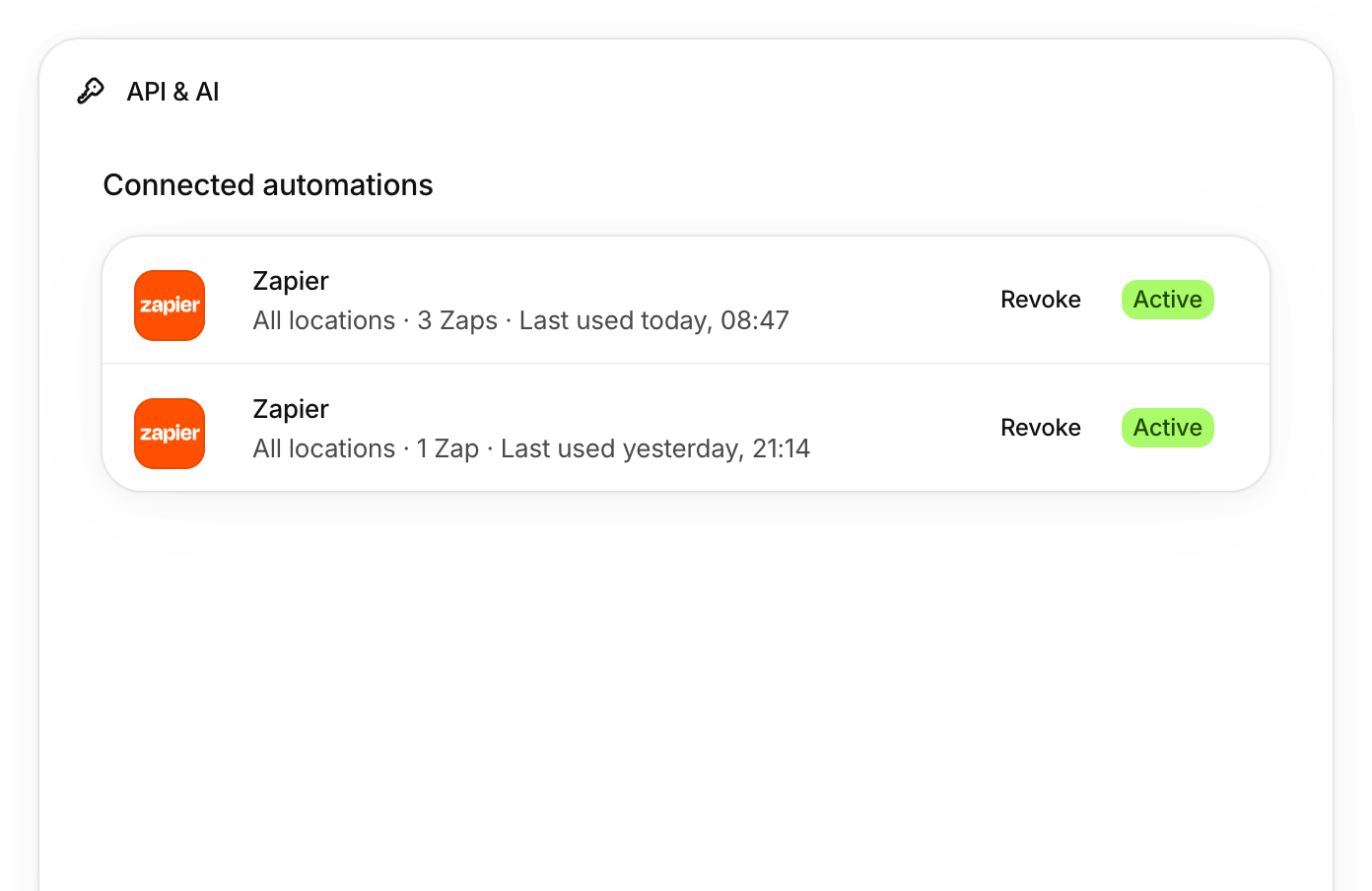
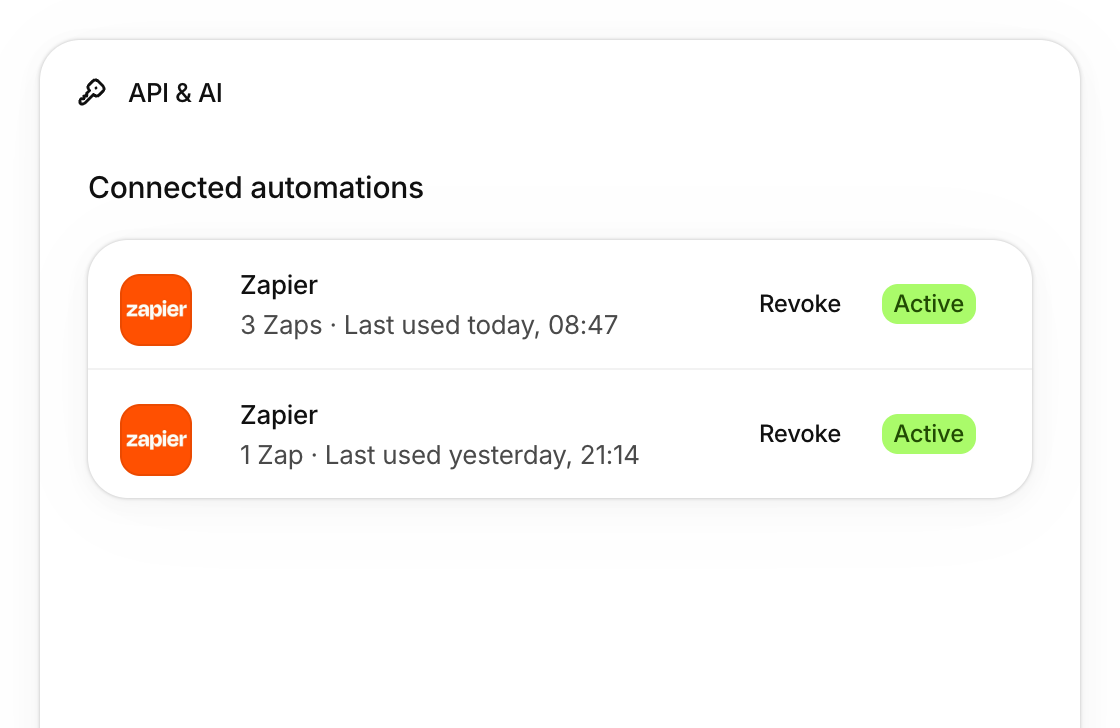
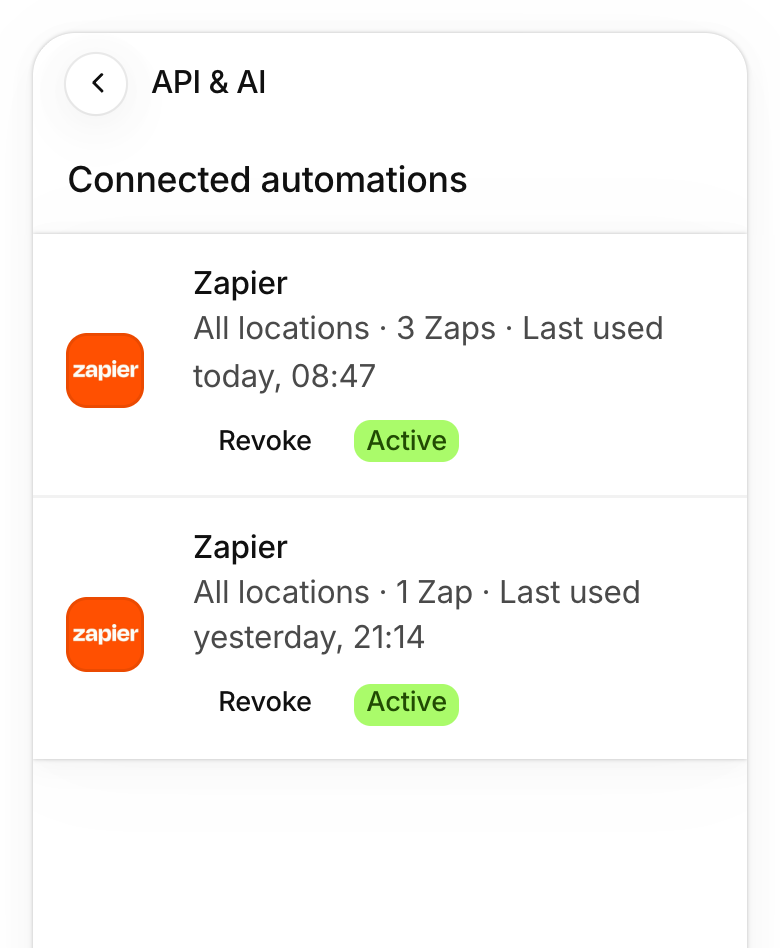
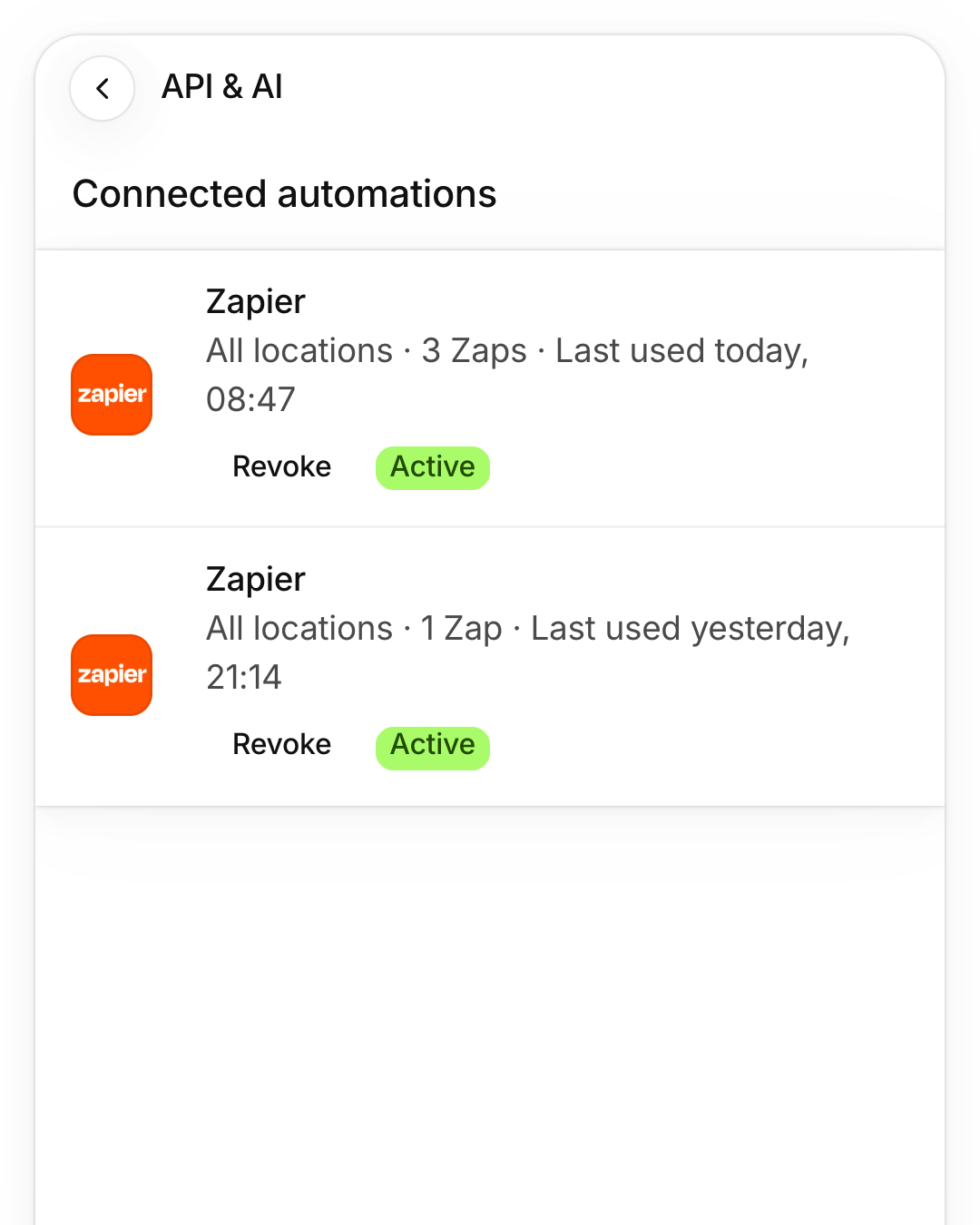
- Every Zap listed with live status and last delivery
Disconnect anytime from Ferb
No. The connection is strictly read-only: Zapier cannot create, edit, book, charge, refund or cancel anything in Ferb. It only sees the locations you selected.
Name, email address and phone number can be passed to Zapier. Where that data goes next is determined by your own Zaps.
The connection stays active only while that person remains an owner or admin in your studio. Reconnect Ferb in Zapier using another owner or admin account to keep your Zaps running.
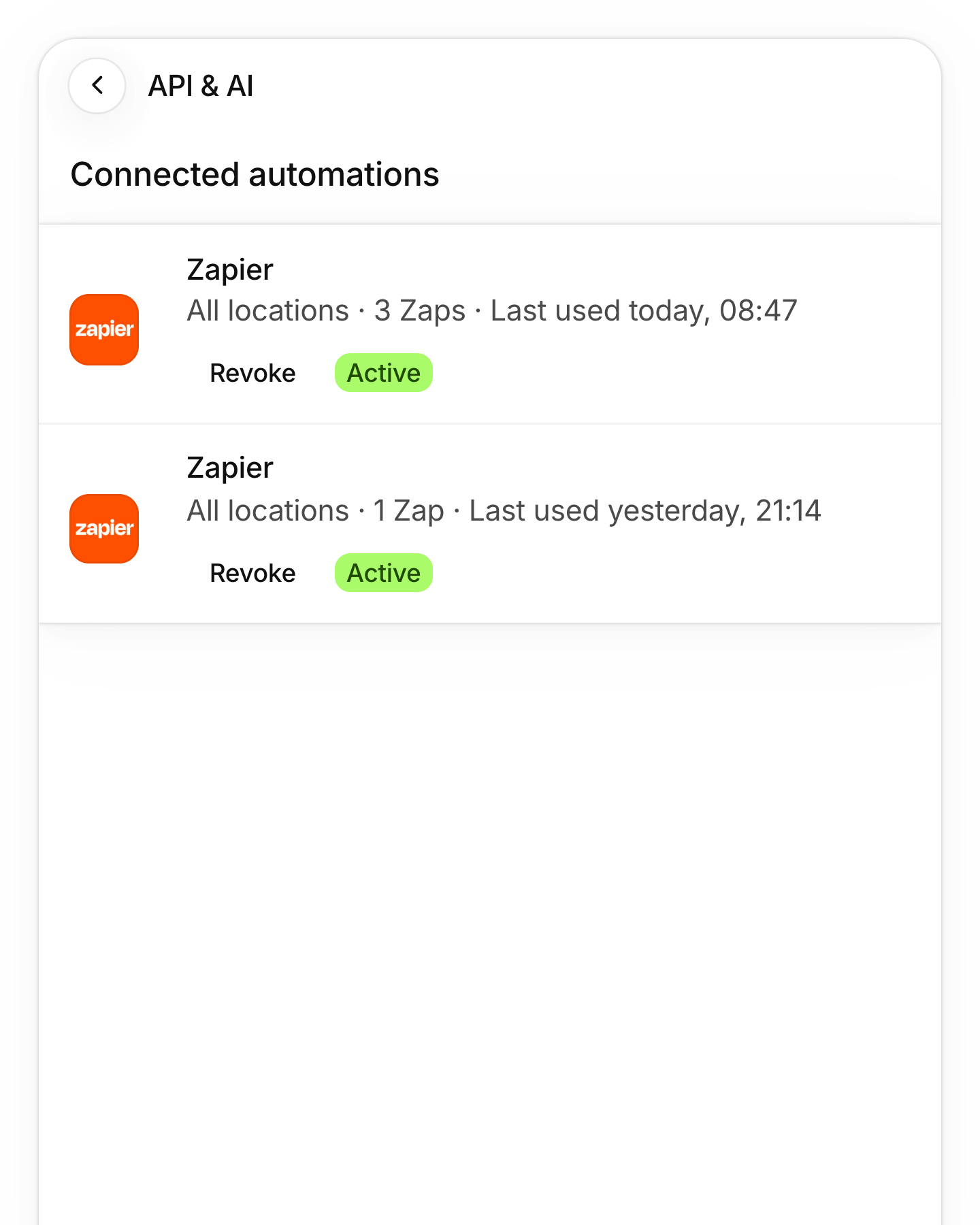
Revoke Zapier access under API & AI in Ferb. Zapier stops reading from Ferb immediately, and every Zap using that connection pauses.
Similar integrations
All integrationsMCP
AI Connect Cursor, VS Code or any MCP-compatible AI assistant to Ferb and get answers from your studio’s own data.Klaviyo
Marketing Guests, bookings and purchases flow into Klaviyo, so every email and flow responds to what each guest actually does.Calendar Feeds
Calendar Classes, appointments and events as .ics feeds you can subscribe to in Apple Calendar, Outlook and Google.
