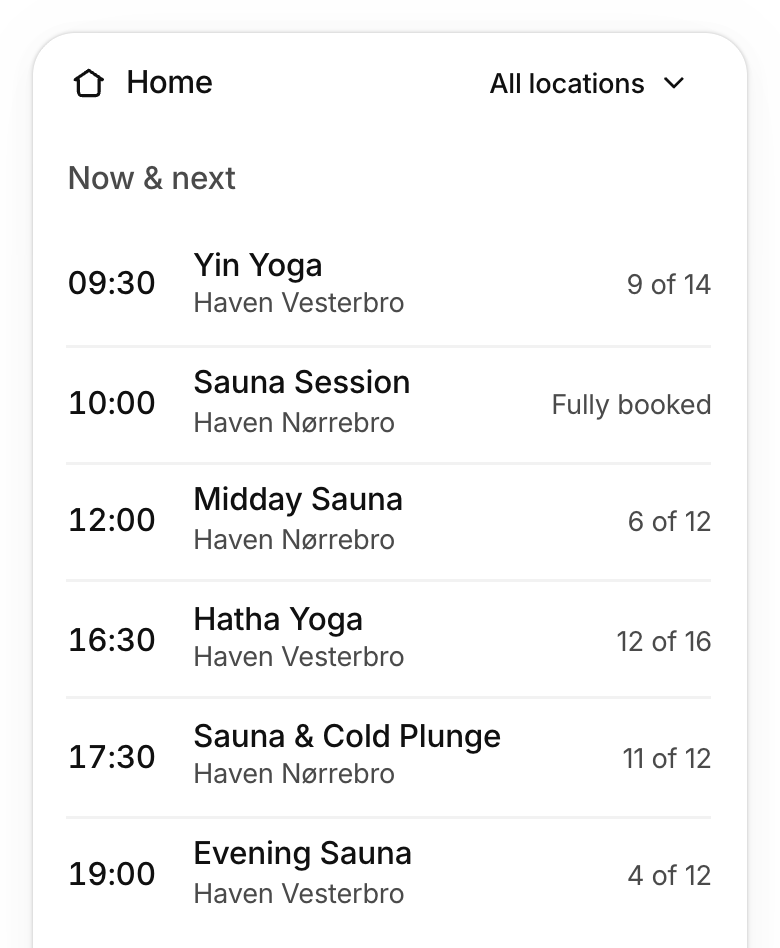
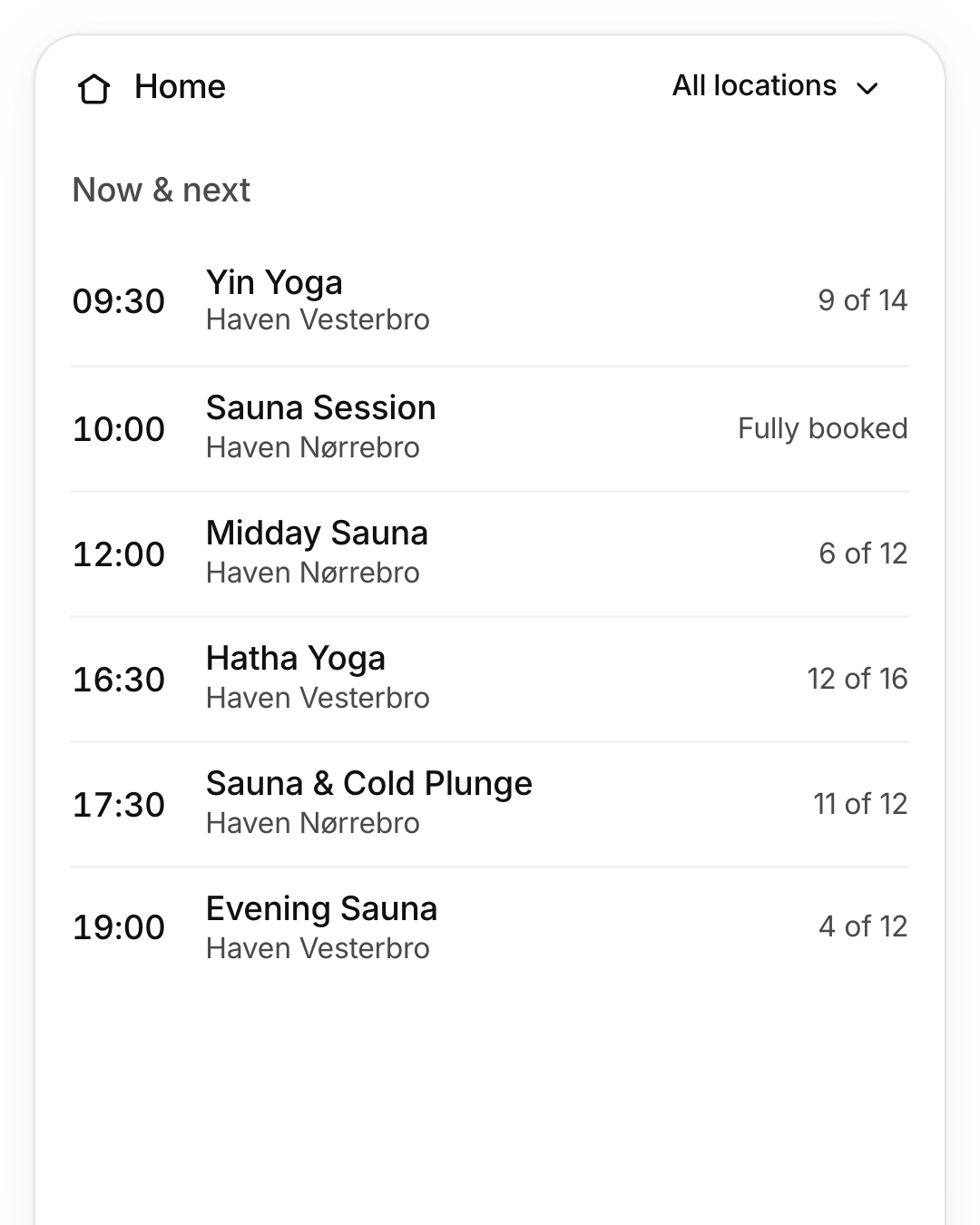
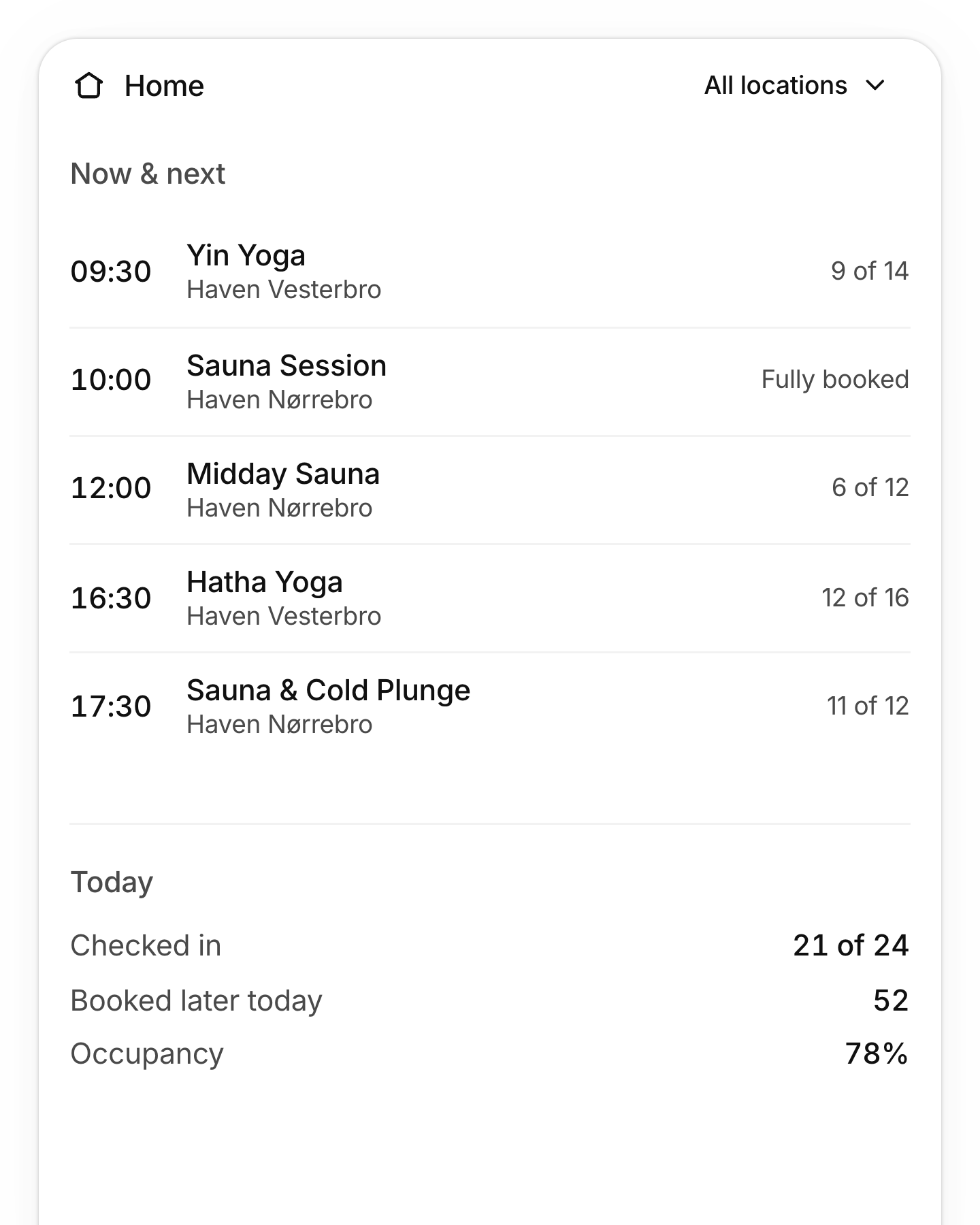
Scheduling

BUILD THE WEEK ONCE.THE REST FOLLOWS.

Save your regular week as a template, copy it forward with keyboard shortcuts, and plan in drafts with your team – so guests only ever see finished weeks.

  • Templates up to 12 weeks

    Set up your base week once, copy with ⌘C and ⌘V, and adjust only the days that differ.

  • Double-bookings caught live

    Ferb flags a conflict the second a room or instructor overlaps on the timetable.

  • Drafts until you are ready

    Plan next month calmly in draft mode – guests see changes only when you hit Publish.

  • Automatic guest updates

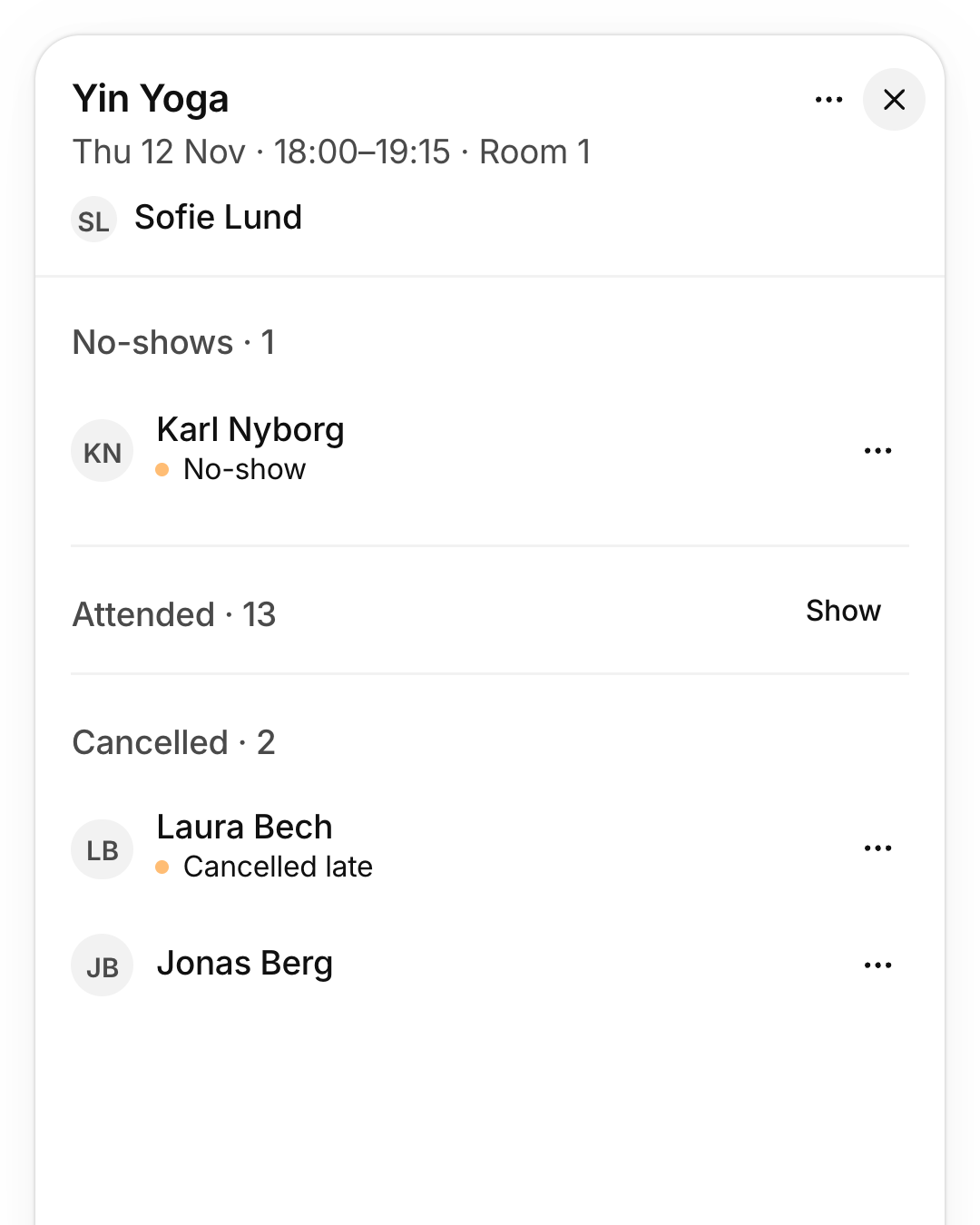
    Move a class with booked guests and see exactly who is affected, then notify them in one click.

Faster scheduling

THE WHOLE MONTH SETIN MINUTES.

Store winter, summer, or holiday schedules as templates and roll them across the month without recreating classes from scratch.

Drag a session into an occupied room or onto an instructor who is already teaching elsewhere and Ferb catches it immediately.

Review every added, moved, and cancelled session before publishing – so nothing half-finished hits your mobile app or website.

Built for your studio

ONE TIMETABLE.EVERY FORMAT AND LOCATION.

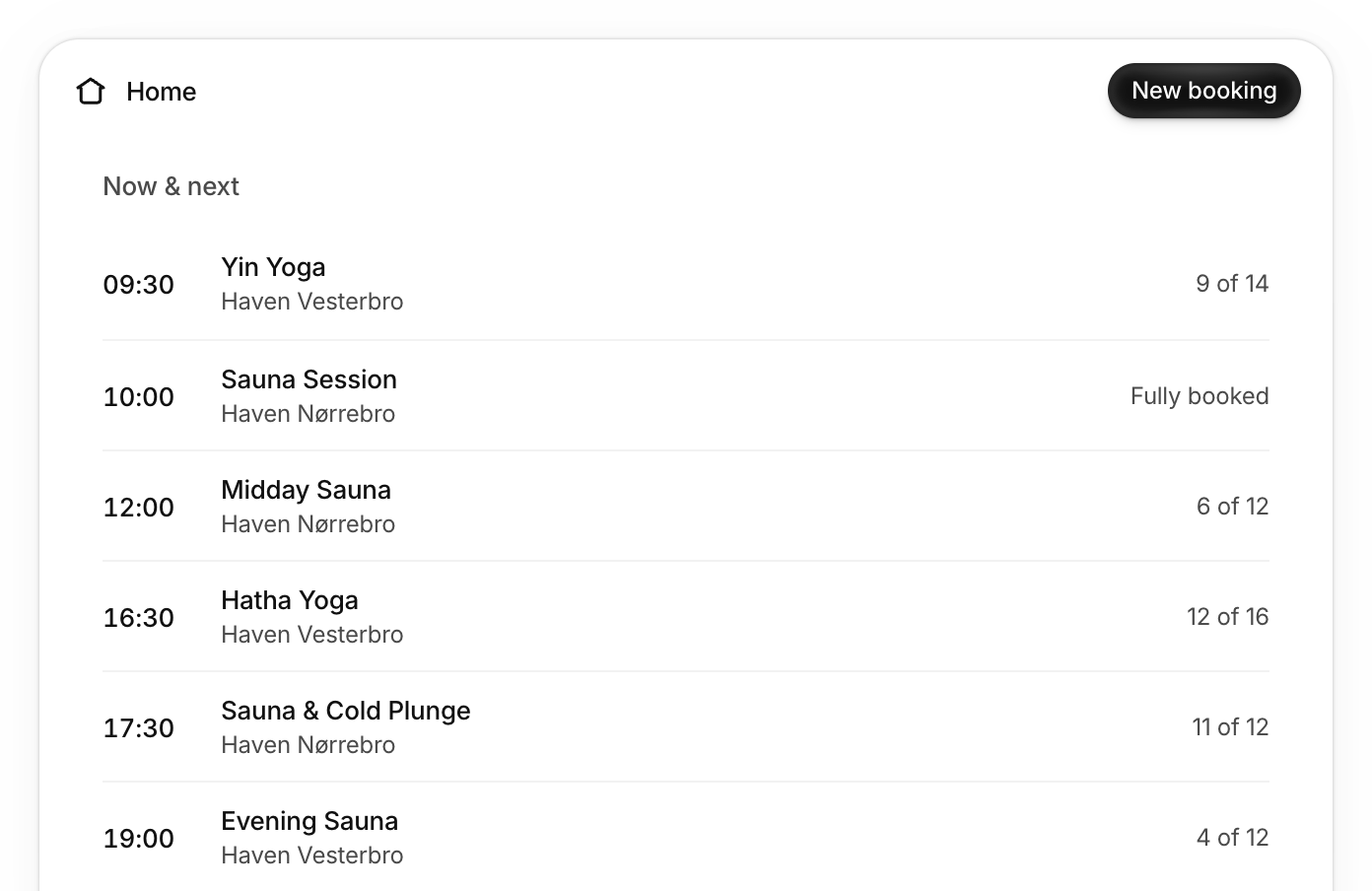
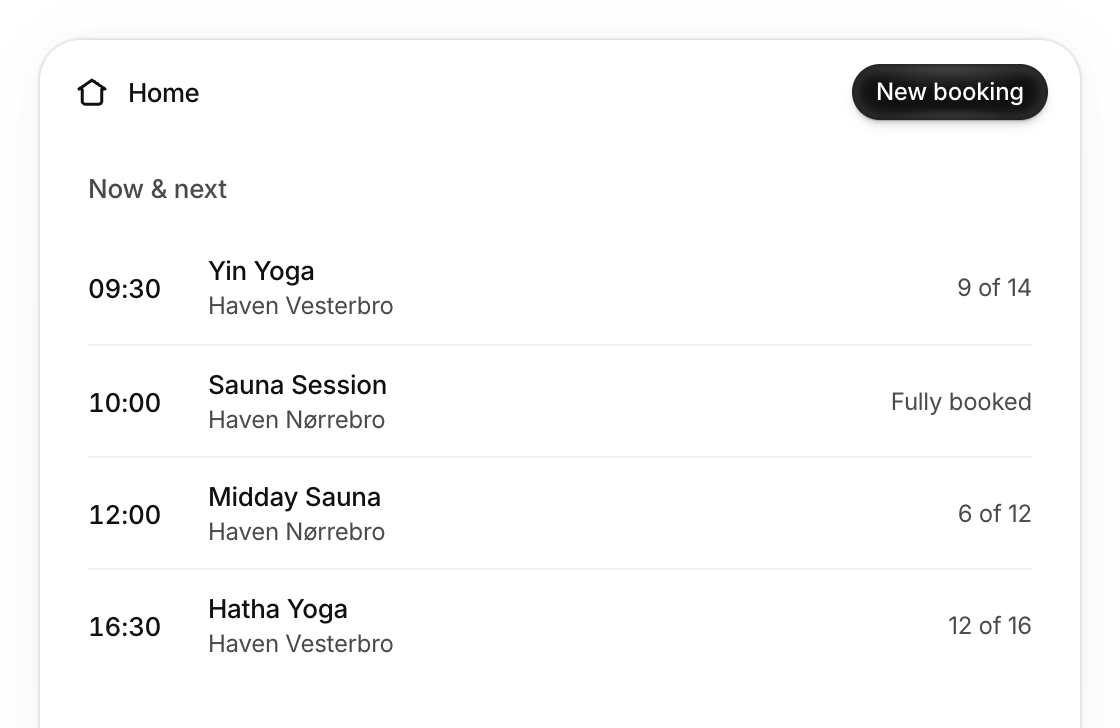
Schedule recurring classes alongside weekend events, 1-on-1 appointments, and unstaffed open hours in the exact same calendar.

Set bench capacity or machine count per class. When a session sells out, the waitlist fills cancelled spots automatically.

Run multiple studios or rooms and filter by location or instructor in one click – everything stays connected underneath.

Connected end to end

THE SCHEDULE POWERSTEAM, APP AND PAYROLL.

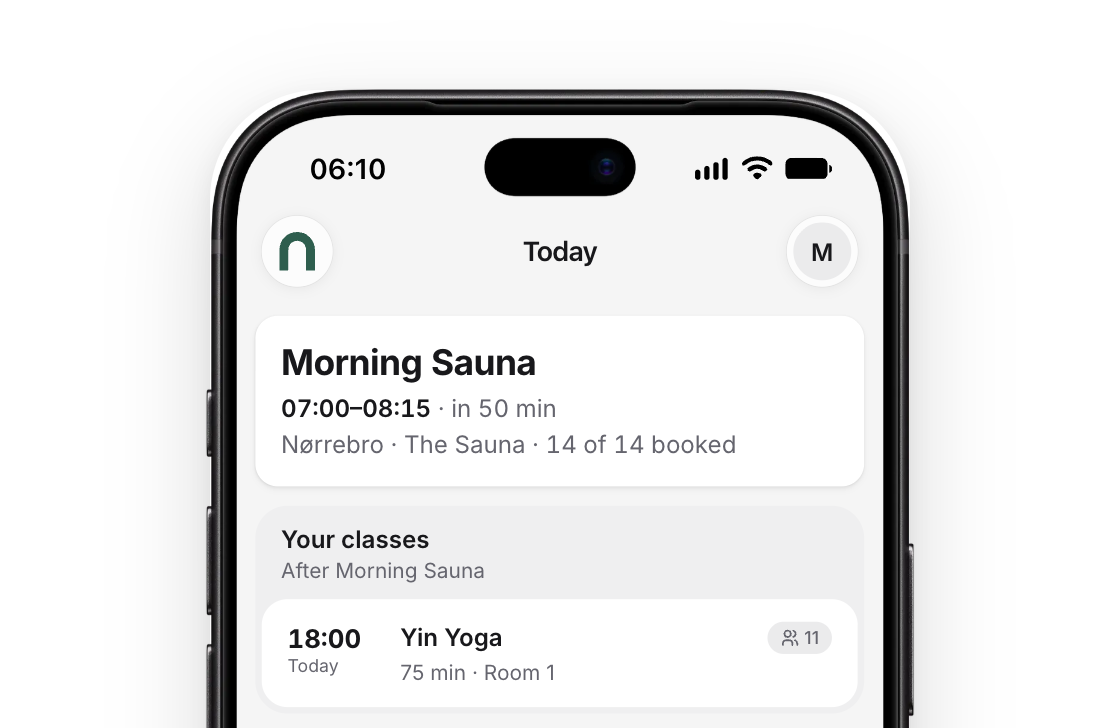
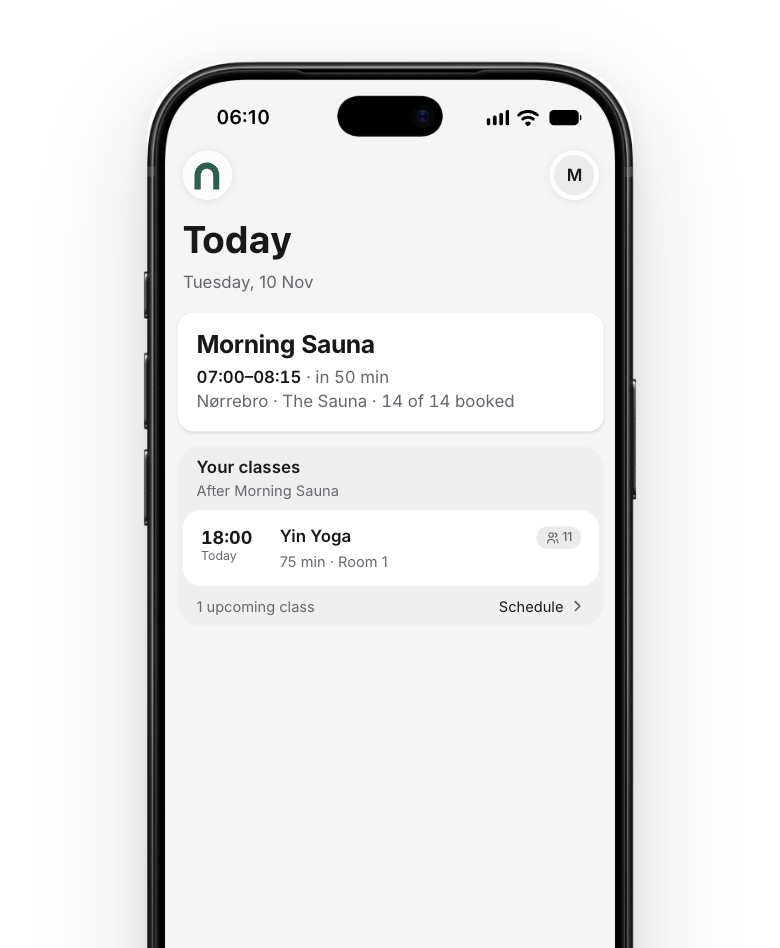
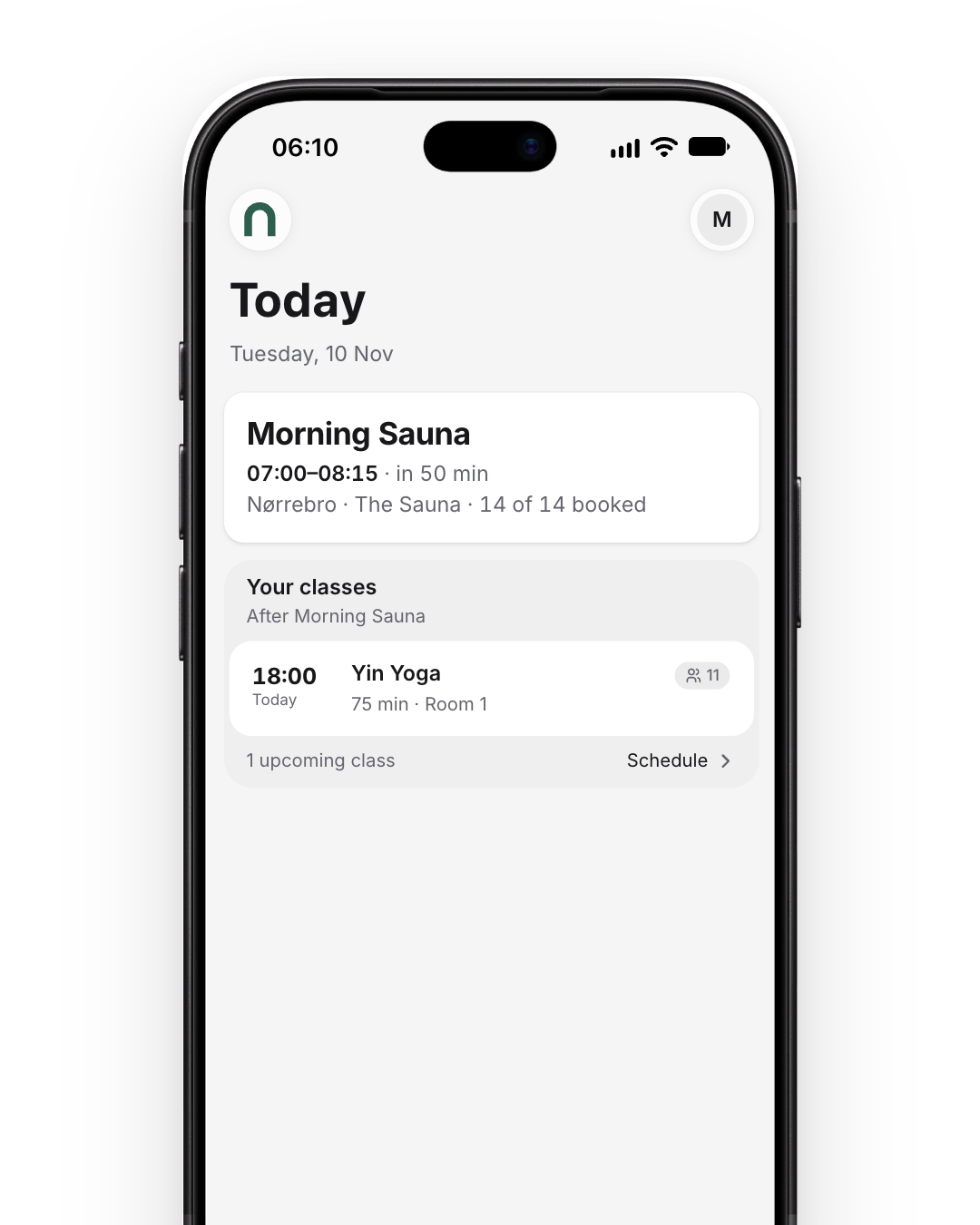
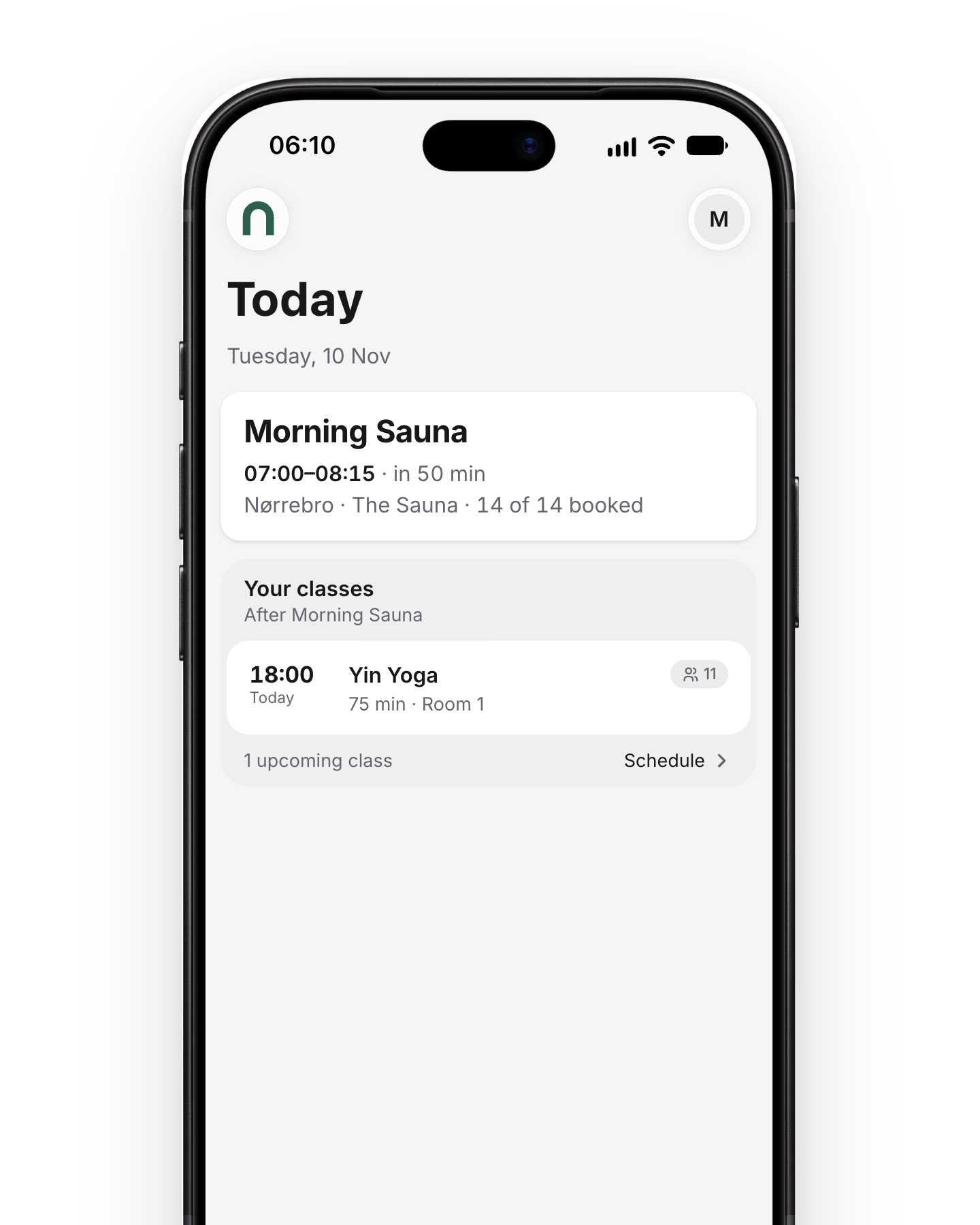
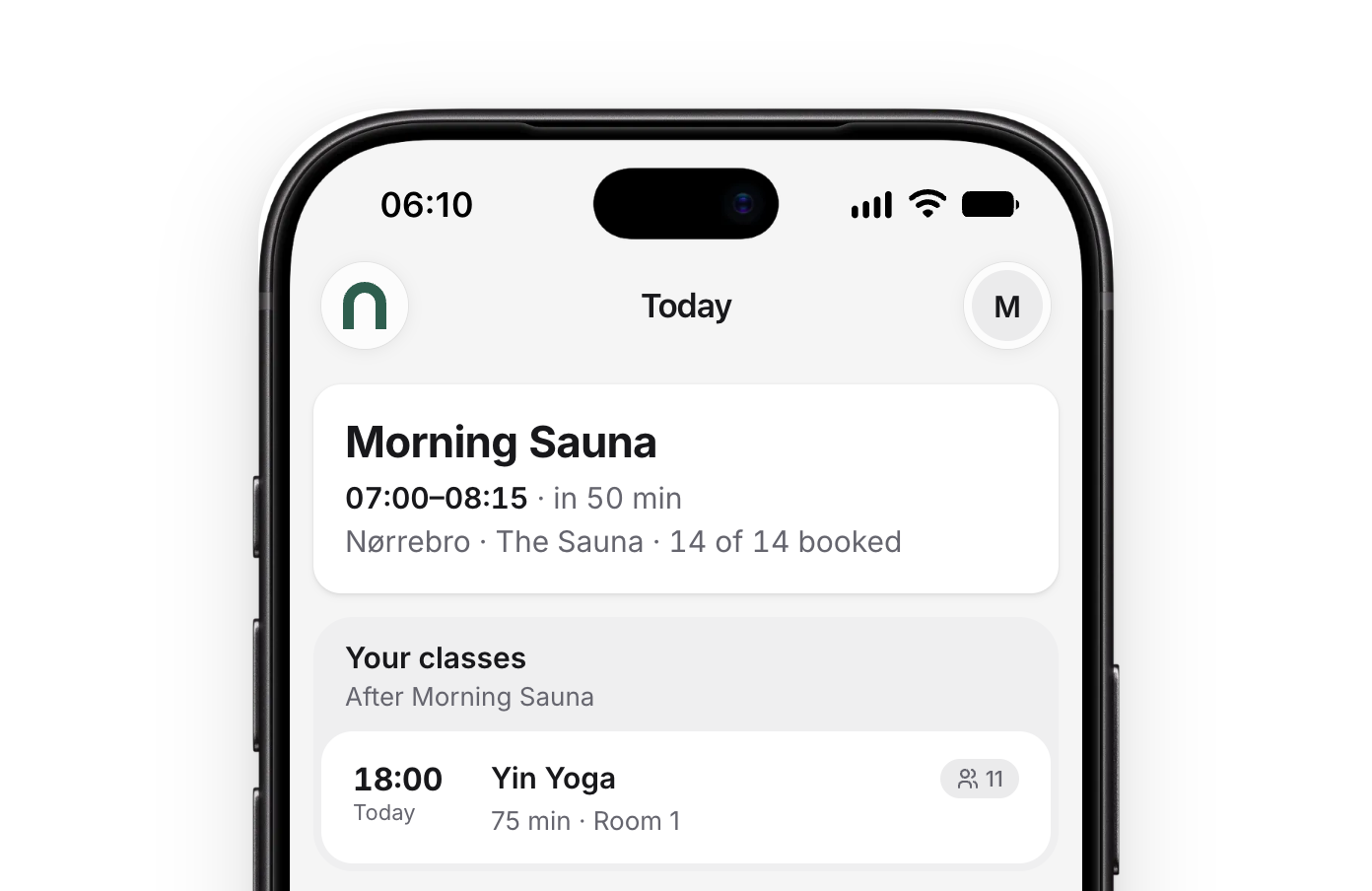
Changes land straight in the Staff App

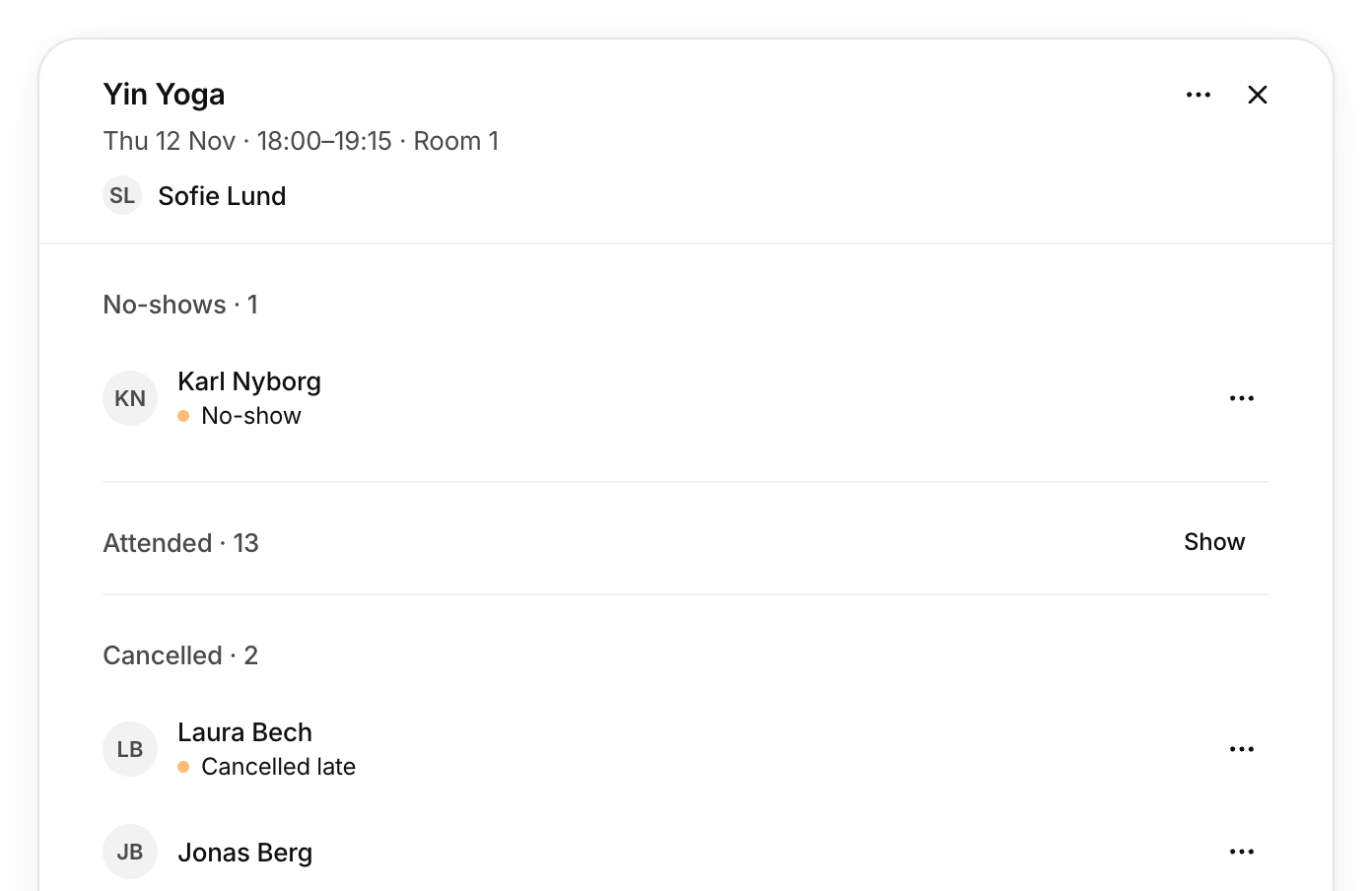
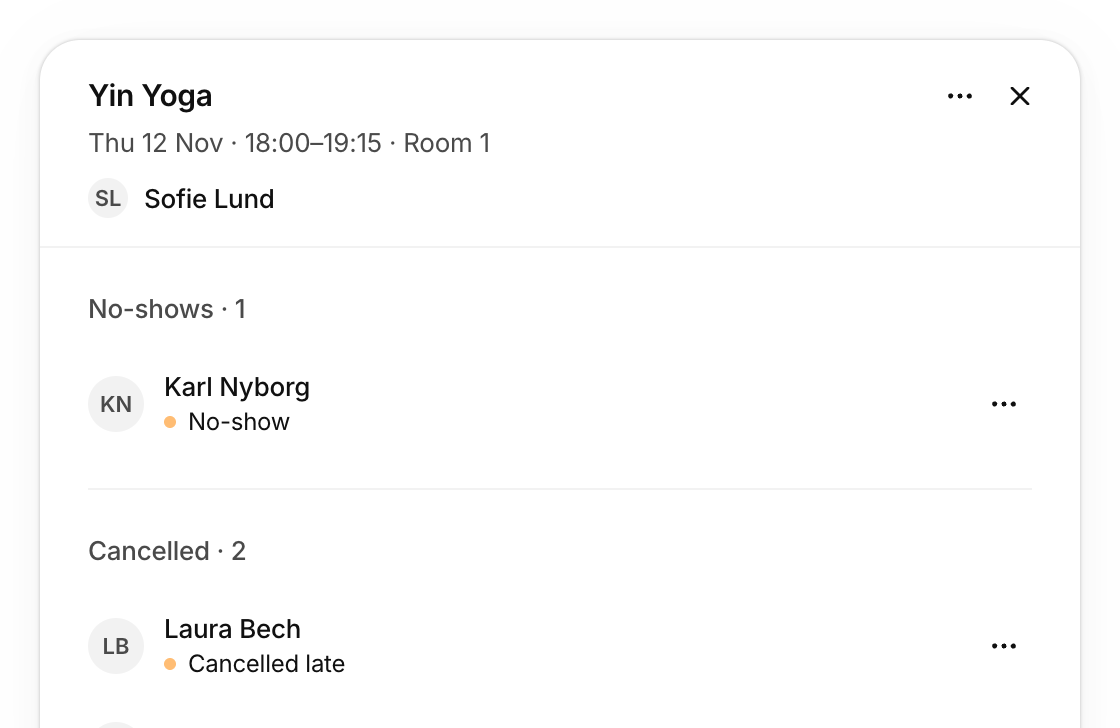
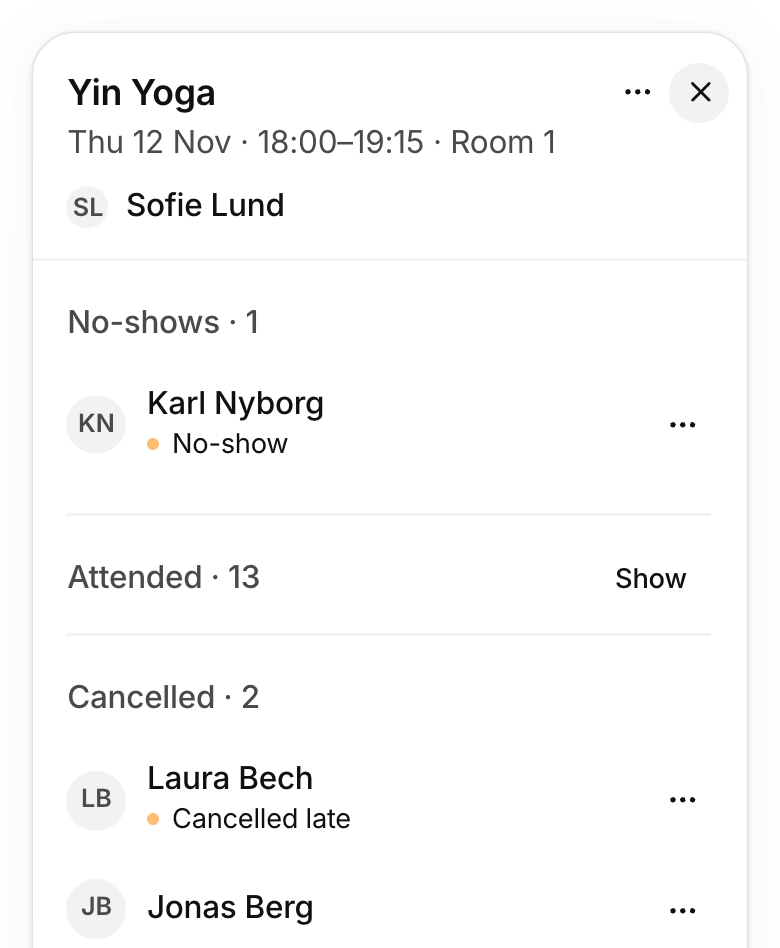
The moment you publish the week, every instructor and sauna master has their sessions and rosters in their pocket – including calendar sync.

  • New classes and subs update instantly in Ferb Staff
  • Attendance rosters and check-in follow every session
  • Instructors arrange shift swaps for your one-tap approval
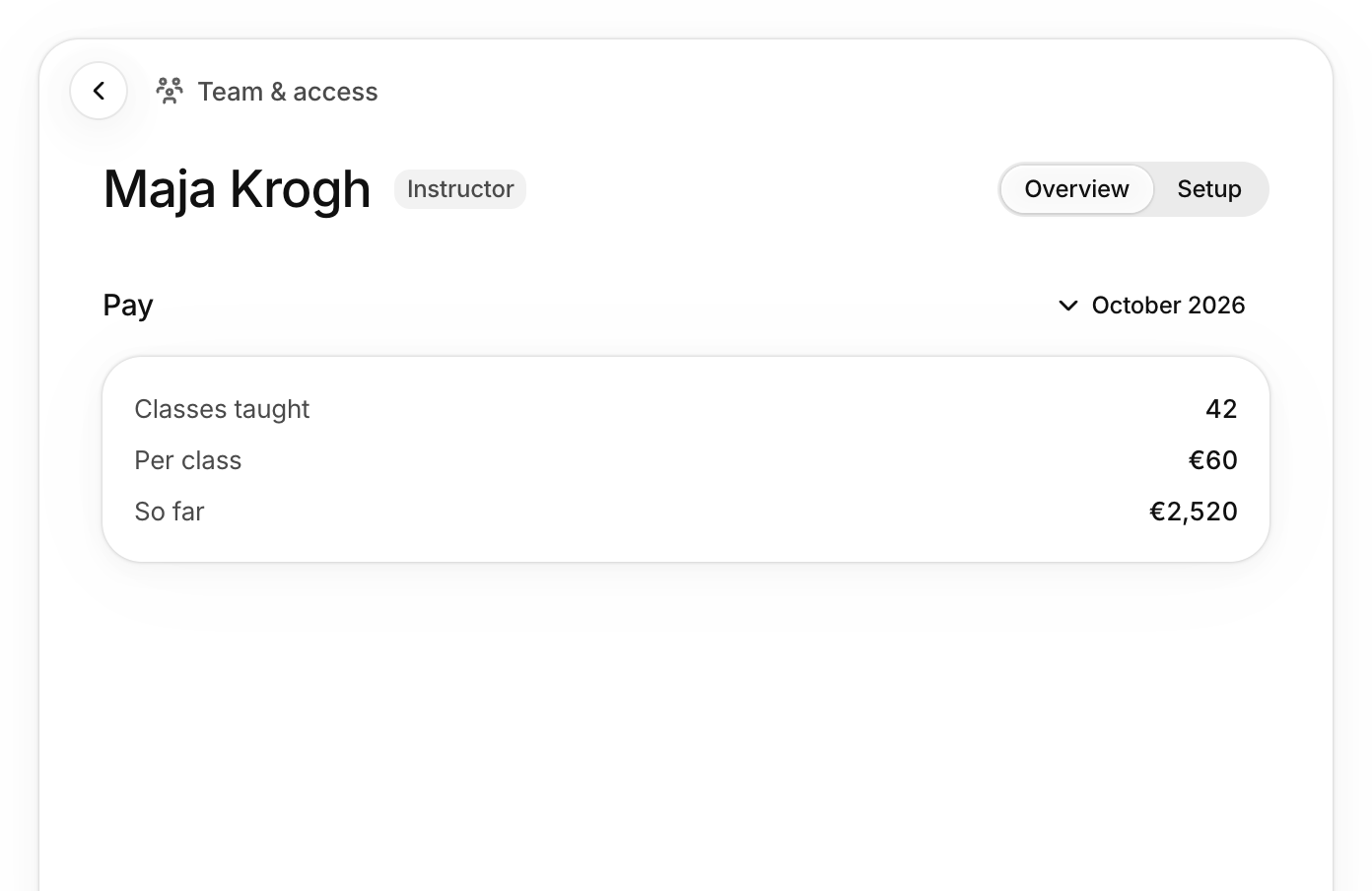
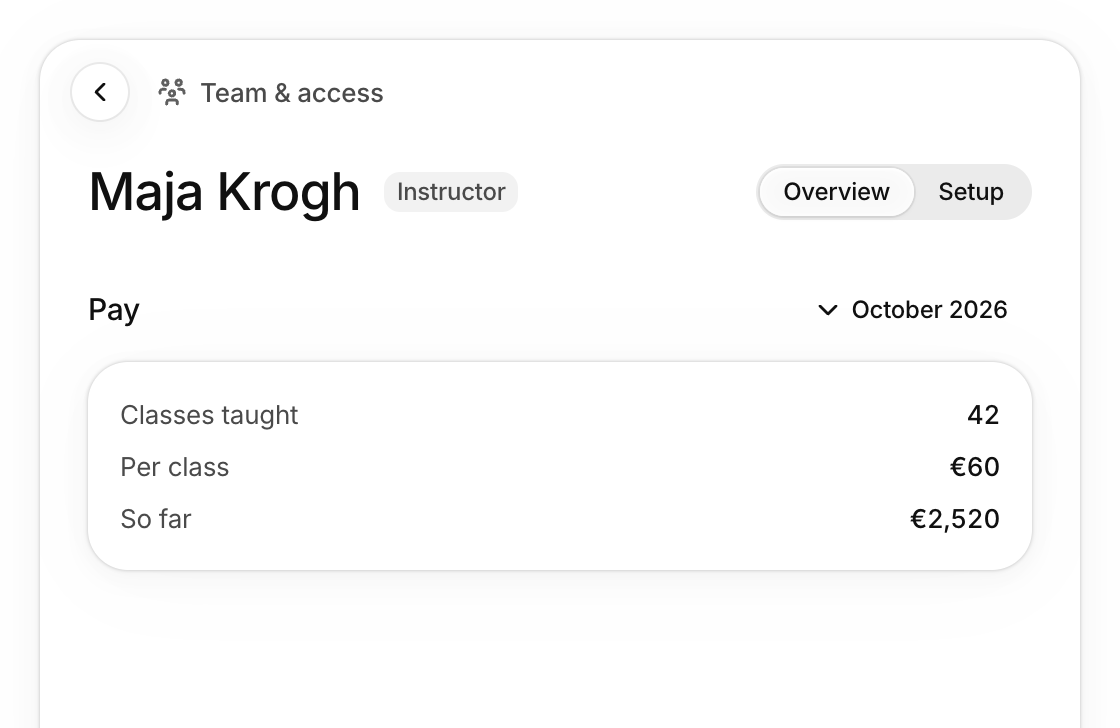
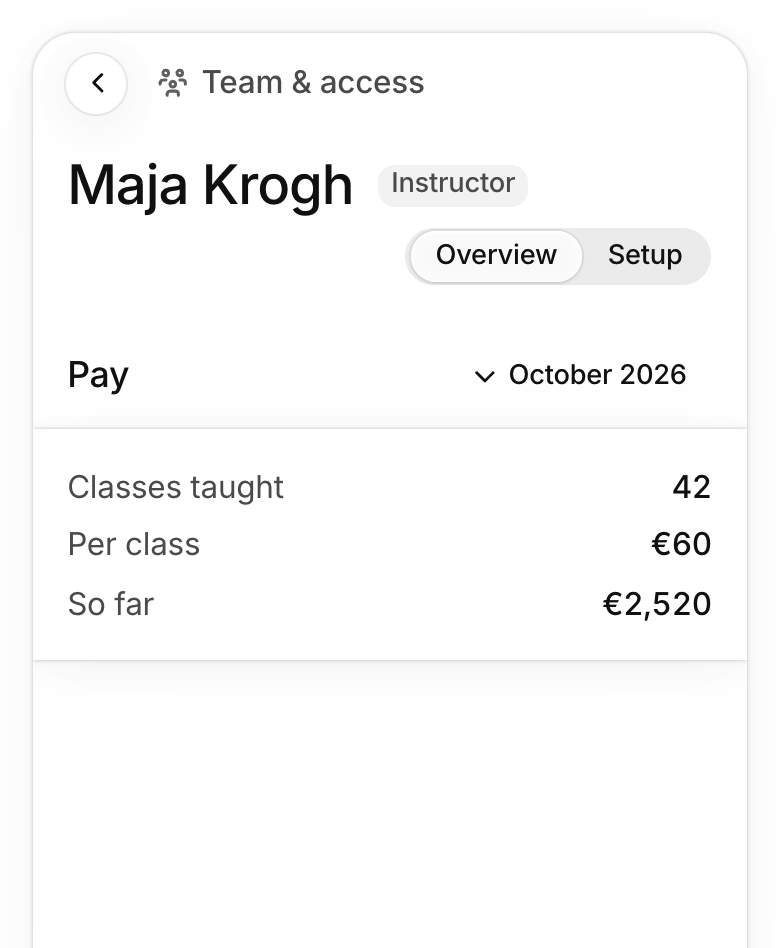
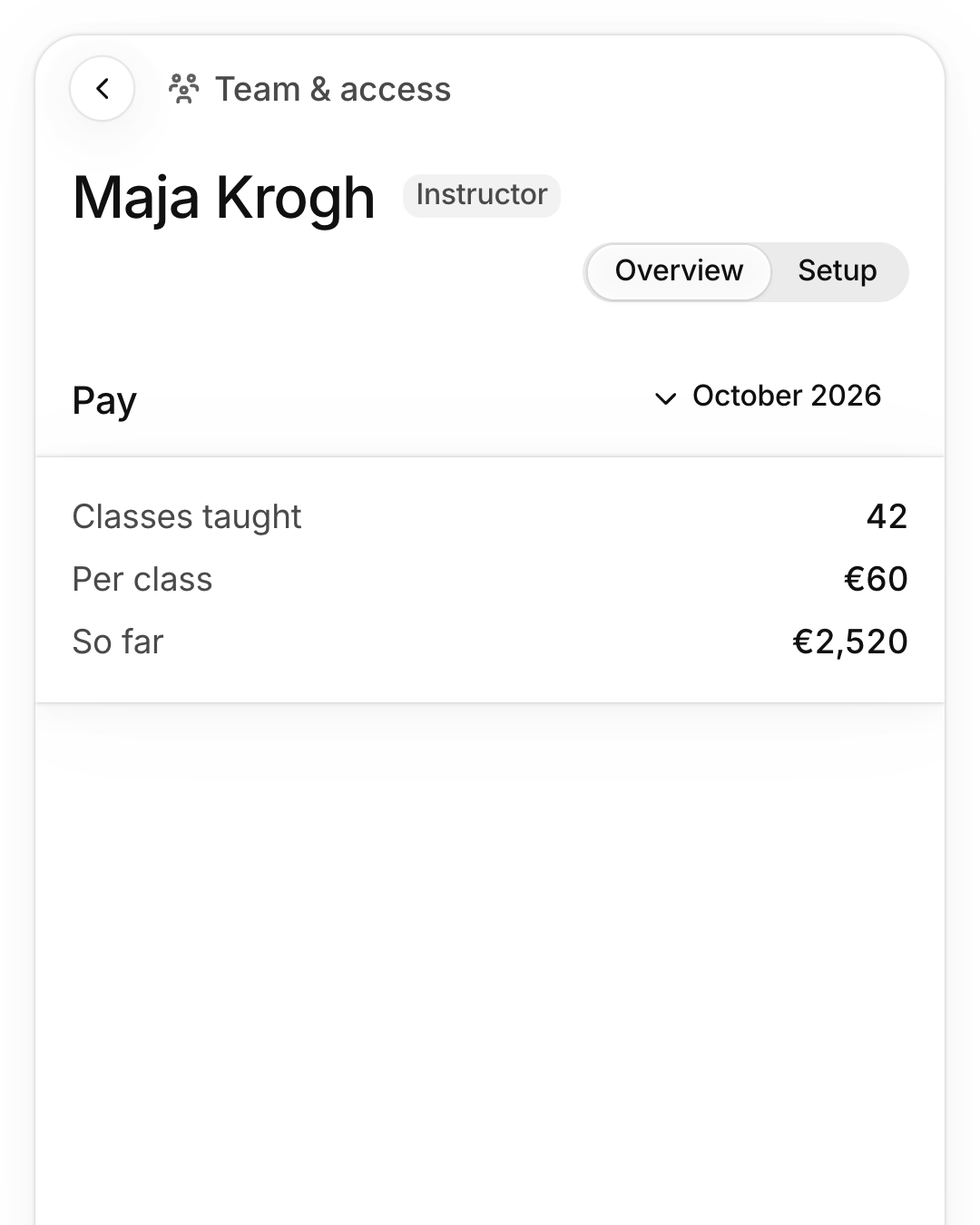
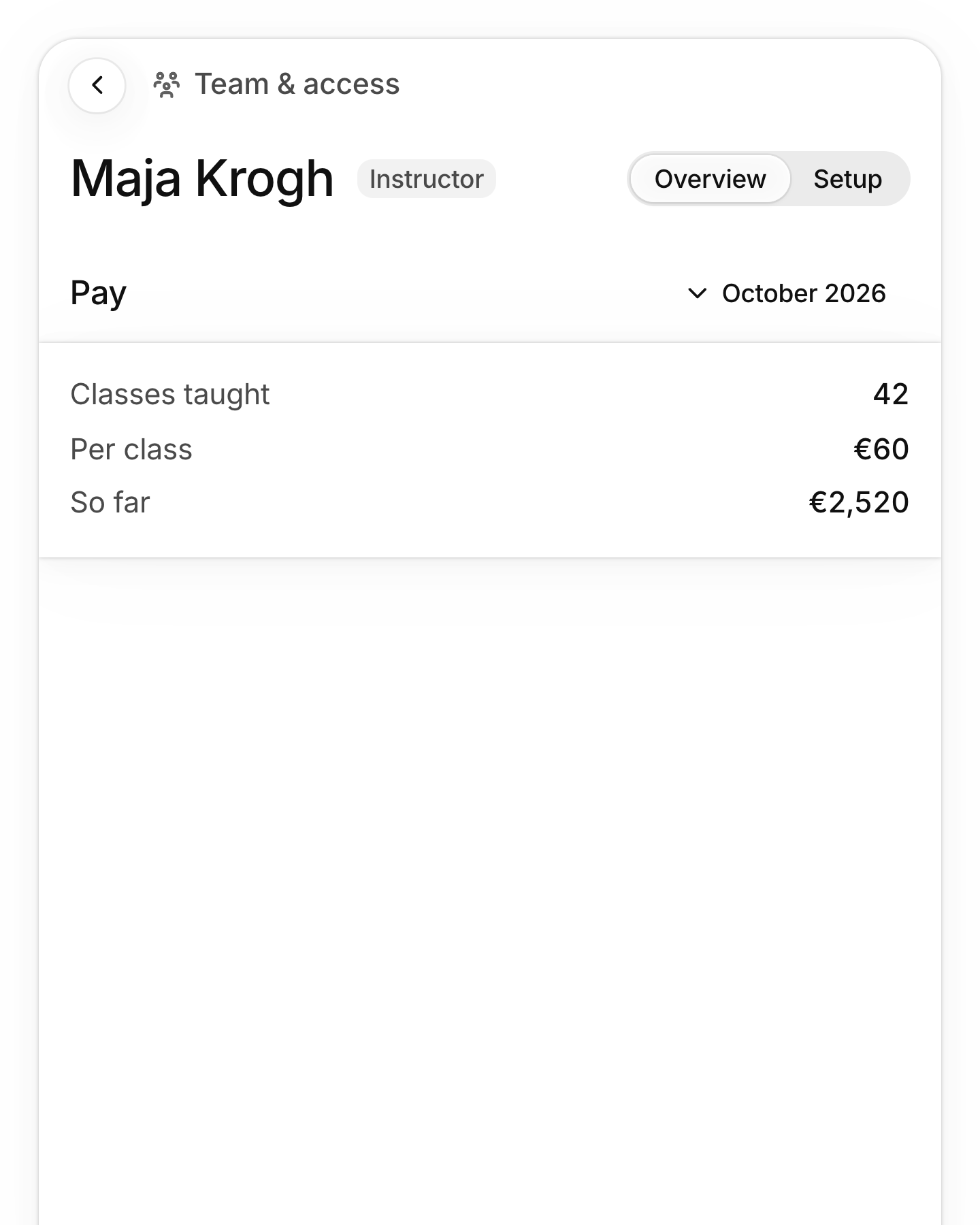
Taught sessions flow straight into payroll

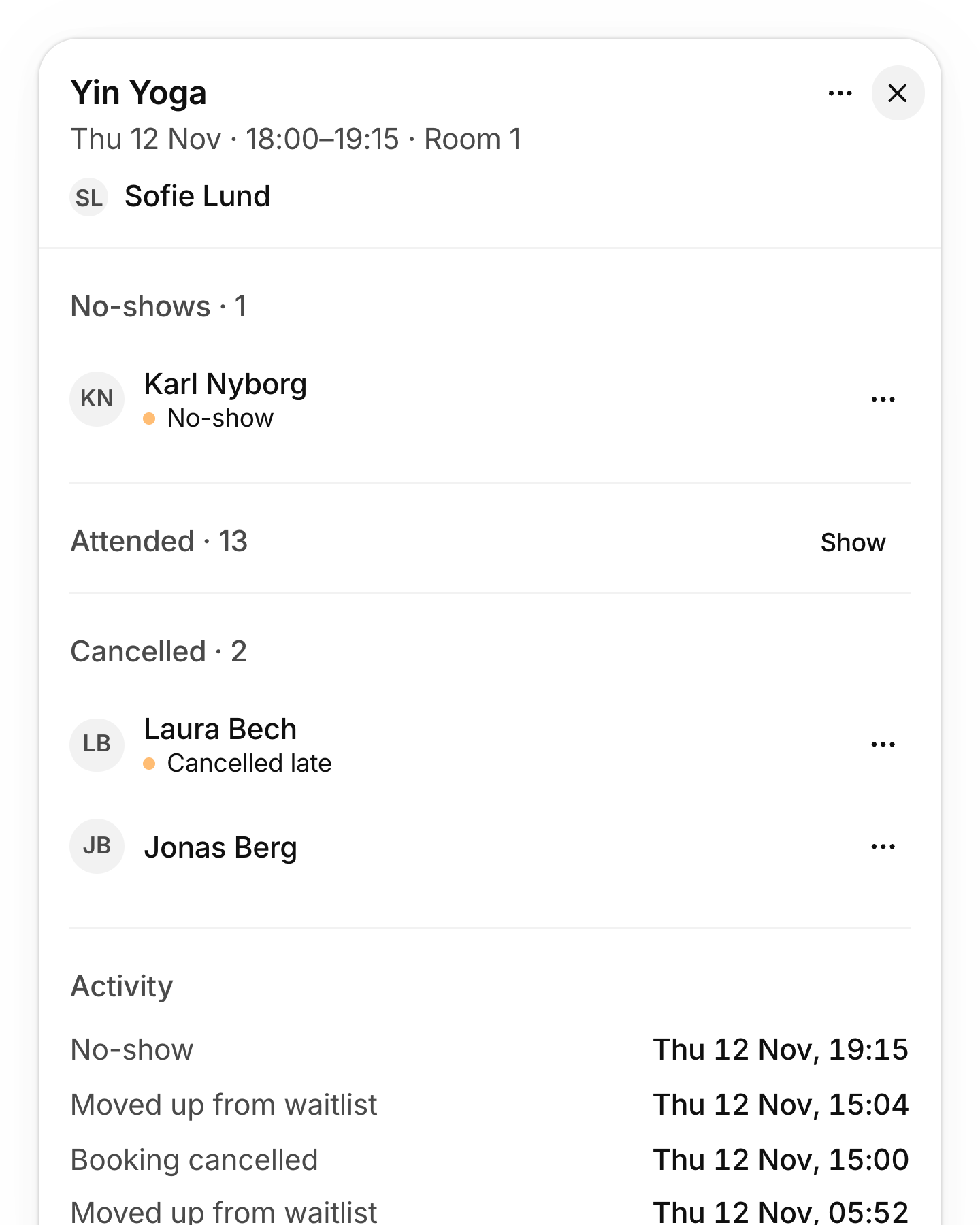
Because the timetable knows who actually led every class, nobody has to tally sessions or shifts at the end of the month.

  • Fixed rate per class, per shift, or hourly
  • Cancelled classes are never counted by mistake
  • Ready for payroll runs and export on the last day of the month
Scheduling FAQ

WHAT STUDIOSASK MOST.

The most common questions about templates, drafts, cancellations, and multi-location timetables.

Want to see your own weekly timetable built in 5 minutes? Book a demo

No. Guests only ever see the published schedule; everything stays in draft until you publish, and drafts are saved continuously as you work.

Yes. A template can span multiple weeks, such as an alternating two-week rotation.

Yes. You see who else is editing and who made each change, and drafts are shared across the location.

Yes. Before publishing you choose whether affected guests should be notified by email or SMS.

Owners, admins, and managers – the same roles who can edit the timetable. Staff members can view schedules and templates without editing them.