e‑conomic
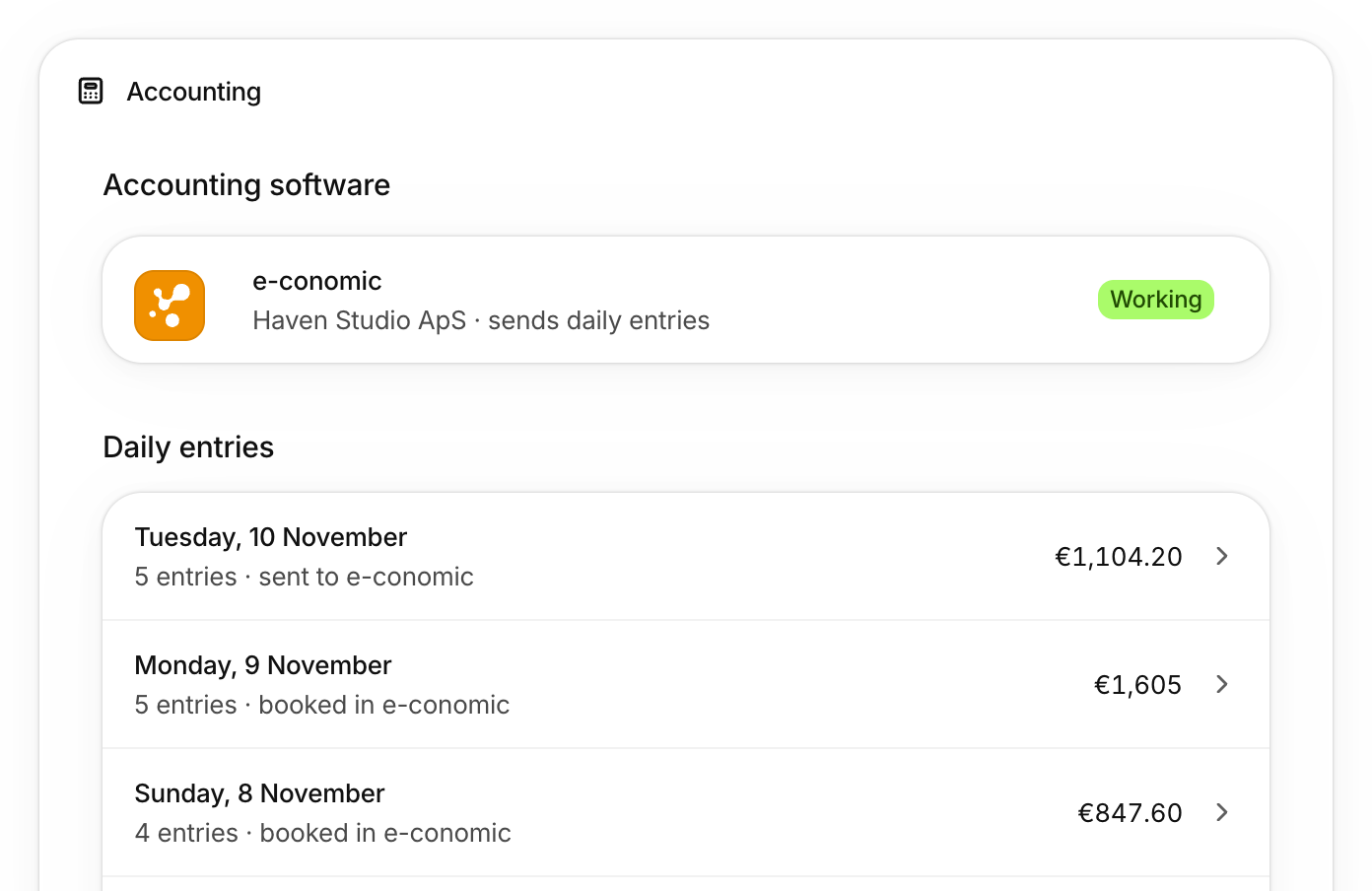
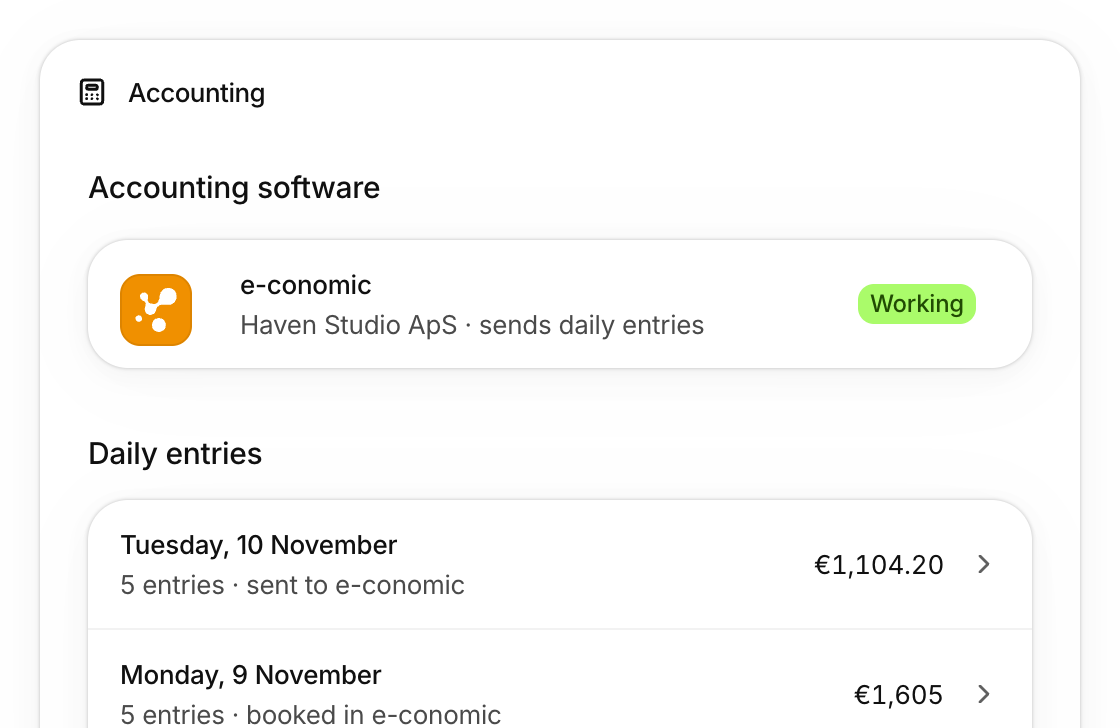
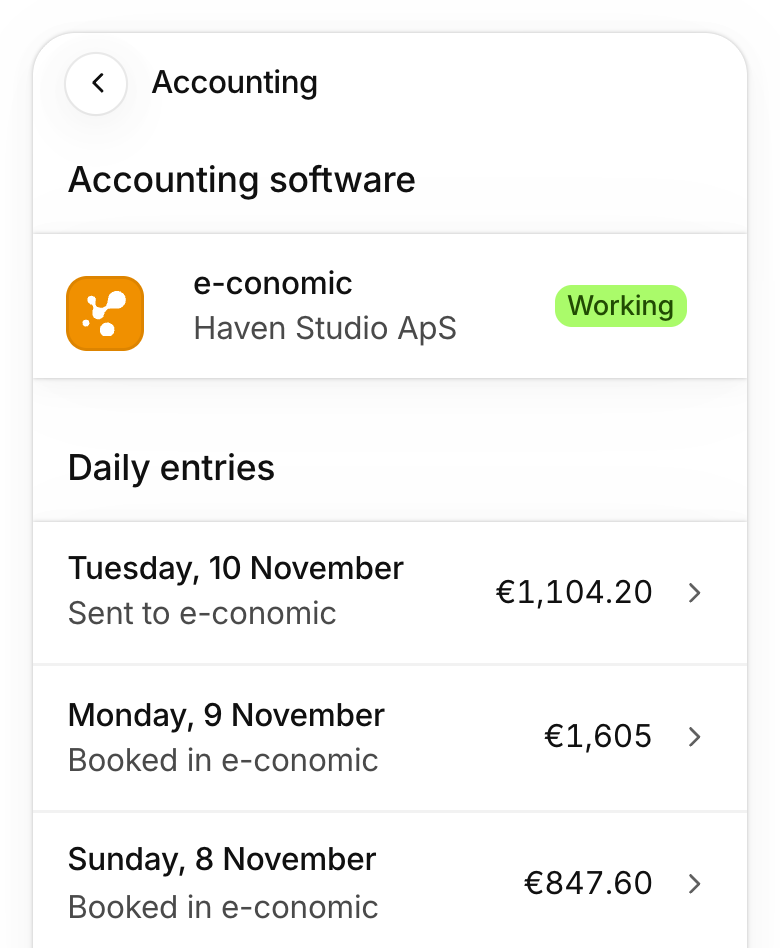
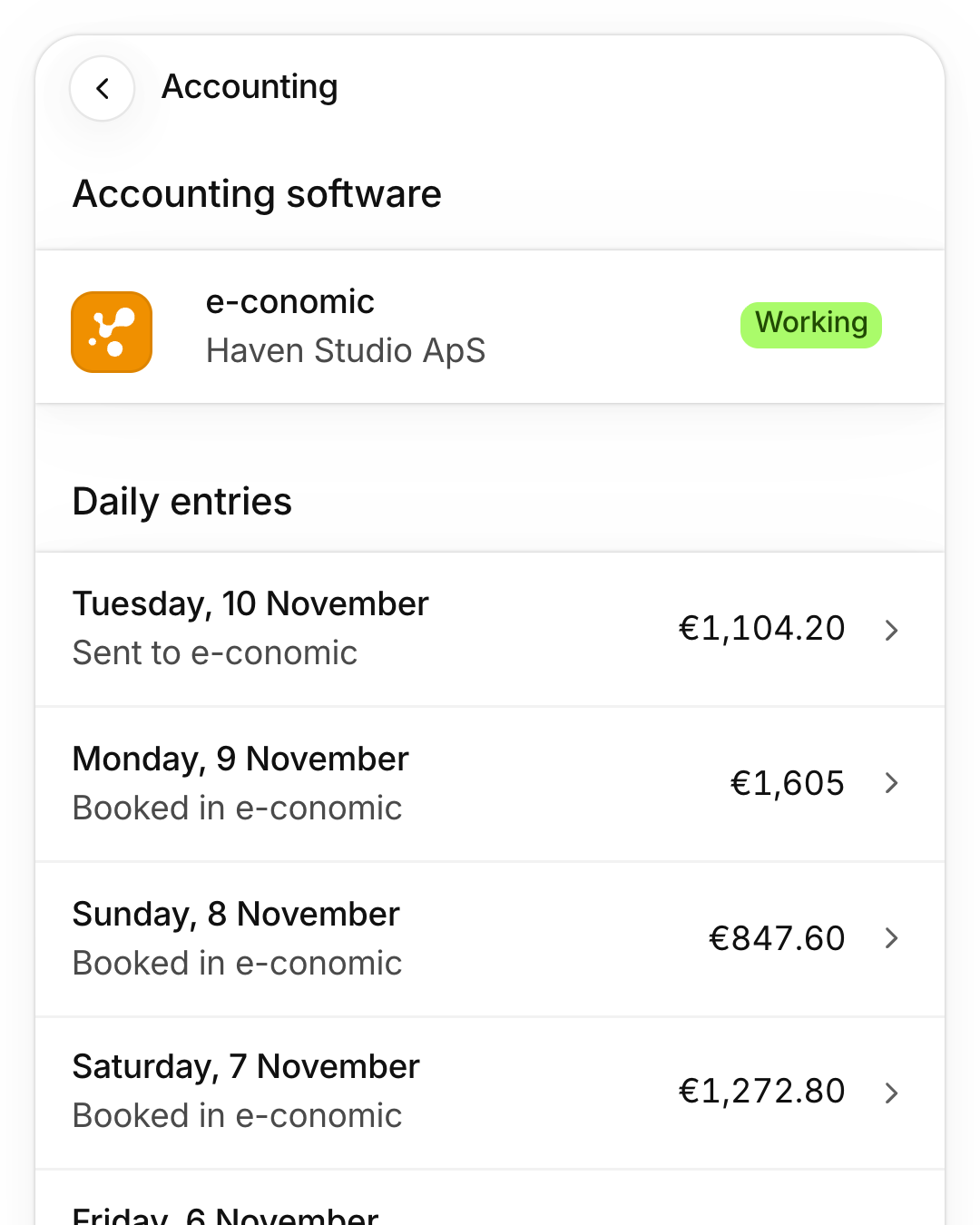
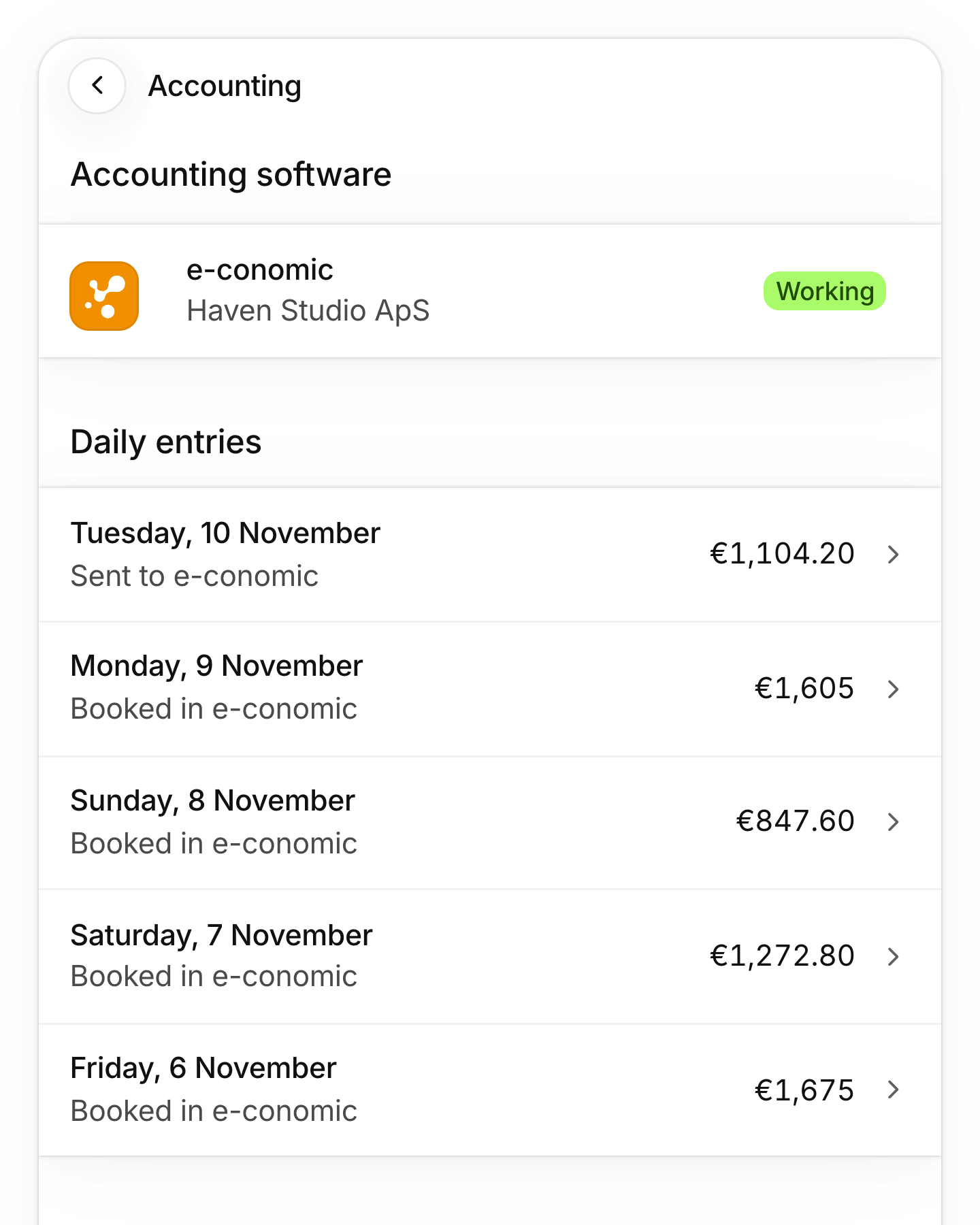
Yesterday’s sales are booked in e‑conomic before you open the doors — with VAT, deferred revenue, fees and payouts posted to your own chart of accounts.
About this integration
Set up once. Connect e‑conomic, map Ferb’s accounts to your chart of accounts and pick your first booking date. Once your bookkeeper approves, Ferb books every night on its own.
What it does
Booked, not exported. Every movement lands on its own account — and every line traces back to the exact sale behind it.
- Setup
- Sign in with e‑conomic and map your accounts
Ferb sends to e‑conomic
Daily journals and entries out
- Daily journals
- Booked every night for the previous day
- VAT
- 0% or 25%, calculated guest by guest
- Class packs & gift cards
- Held as deferred revenue until redeemed
- Memberships
- Recognised across the period they cover
- Stripe fees & payouts
- Booked separately and reconciled
- Locations
- Dedicated cash account and department code per studio
- Ferb’s invoice
- Booked automatically with the PDF attached
e‑conomic sends to Ferb
Chart of accounts and confirmations in
- Chart of accounts
- Every mapping validated against your live accounts
- Confirmation
- Every journal read back as posted
Nothing is booked before the start date you choose
Approve the account mapping — once. After that, Ferb posts daily journals automatically, and your bookkeeper can export reconciliation reports as CSV or Excel.
Yes. Pick your first booking date and Ferb takes over from that day forward. Your bookkeeper reconciles the opening balance while all prior entries stay untouched.
Ferb holds it back. Under “Held out of bookkeeping” you see exactly what is waiting, why, and what action is needed — for example a Stripe payout that needs review.
Yes. Each location can have its own department number in e‑conomic and its own cash account, so you see what every address earns.
Similar integrations
All integrationsDinero
Bookkeeping For Danish legal entities: daily sales and payments land in Dinero every night, booked to the accounts you and your accountant chose.SIE4
Bookkeeping For Swedish legal entities: daily sales and payments packaged into SIE4 files, ready to import into Fortnox, Visma or Bokio.Stripe
Payments Guests pay straight into your own Stripe account, and with e‑conomic or Dinero Ferb books every fee and payout nightly.