Stripe
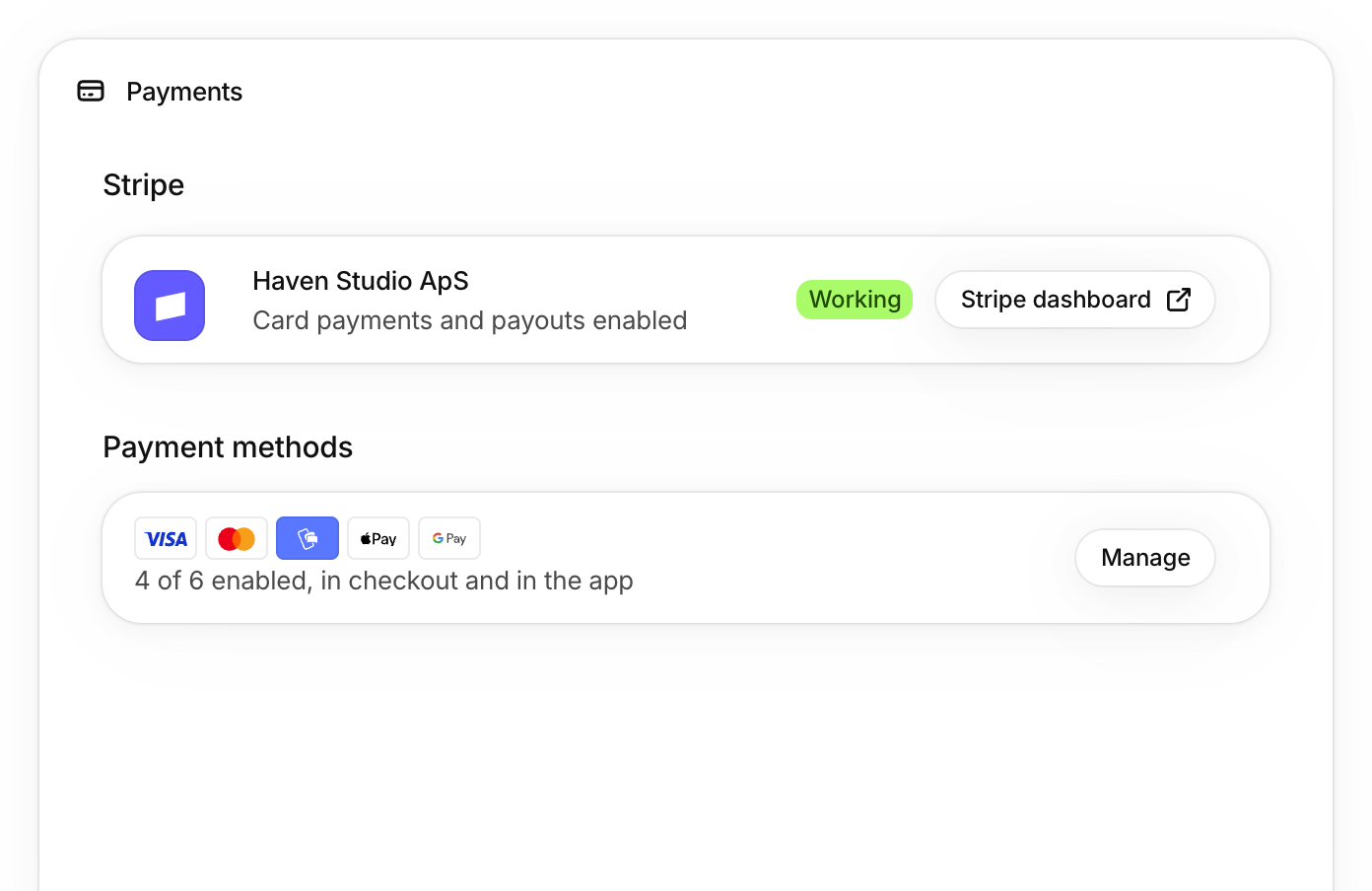
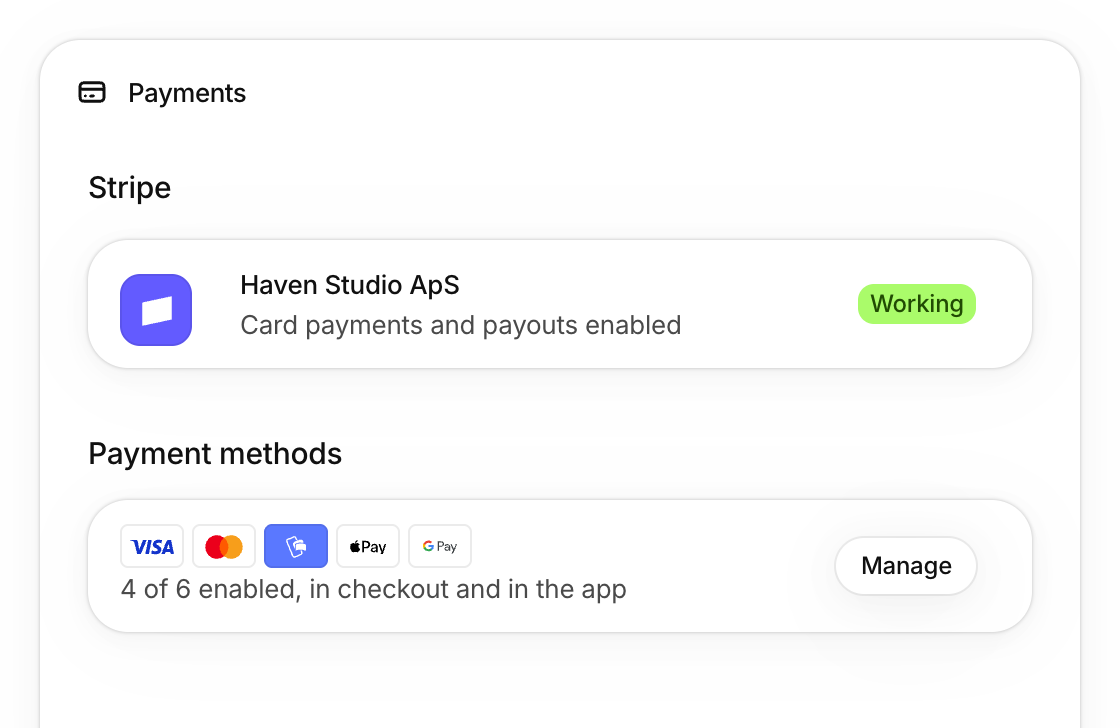
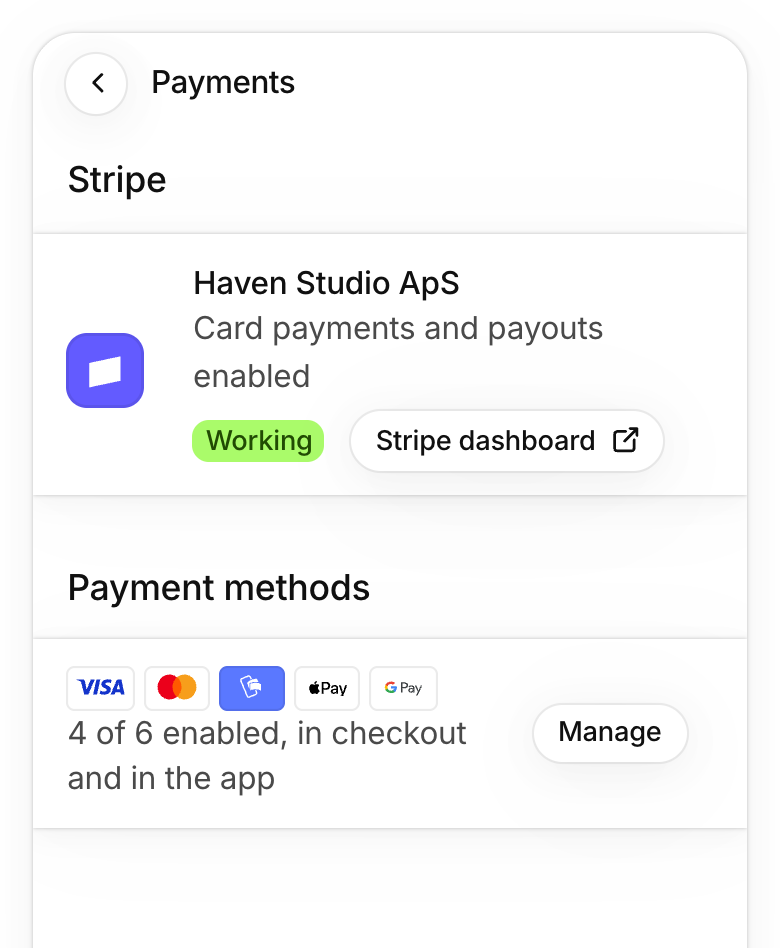
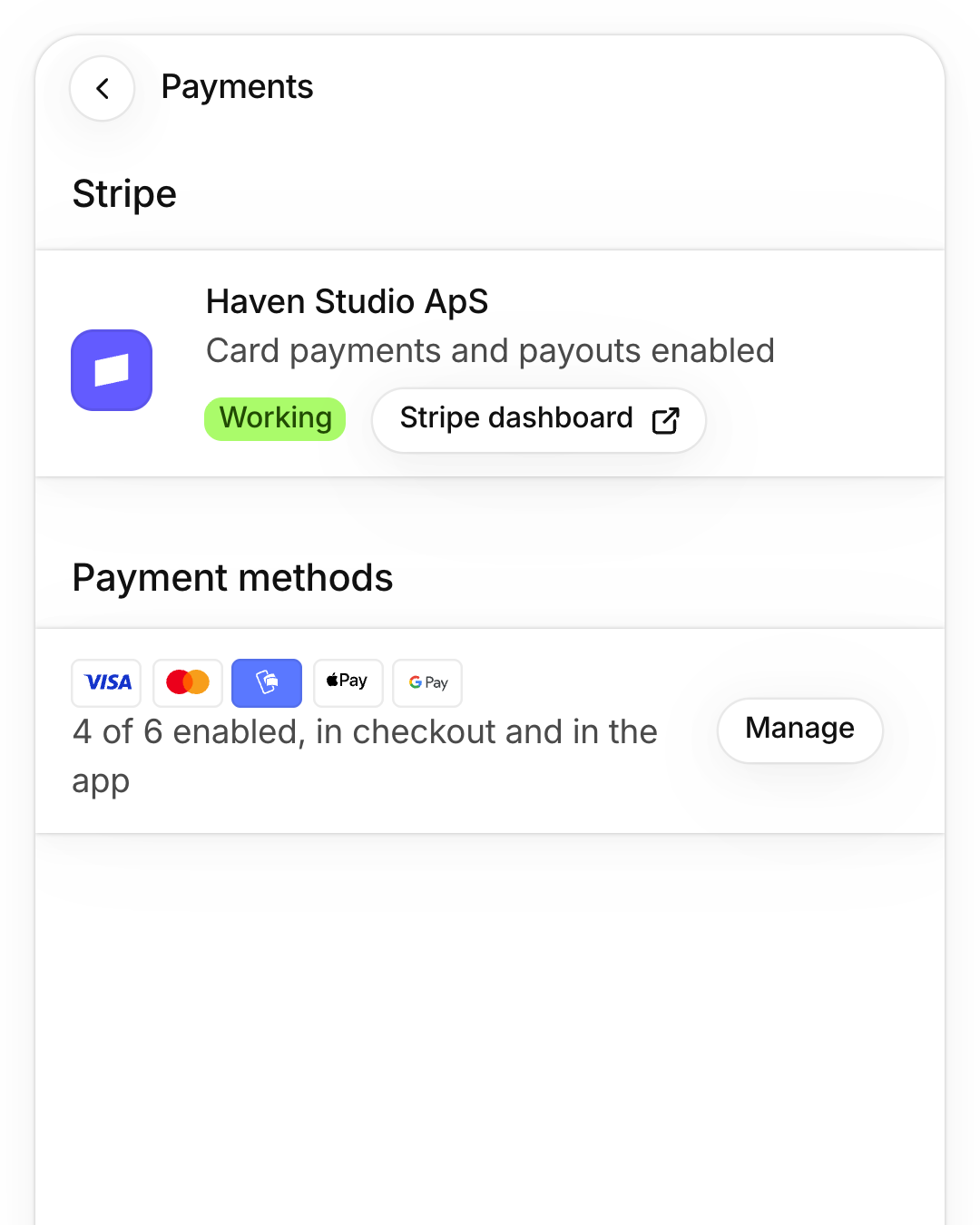
Every purchase on your booking page and in your app goes straight into your own Stripe account. Stripe pays out directly to your bank.
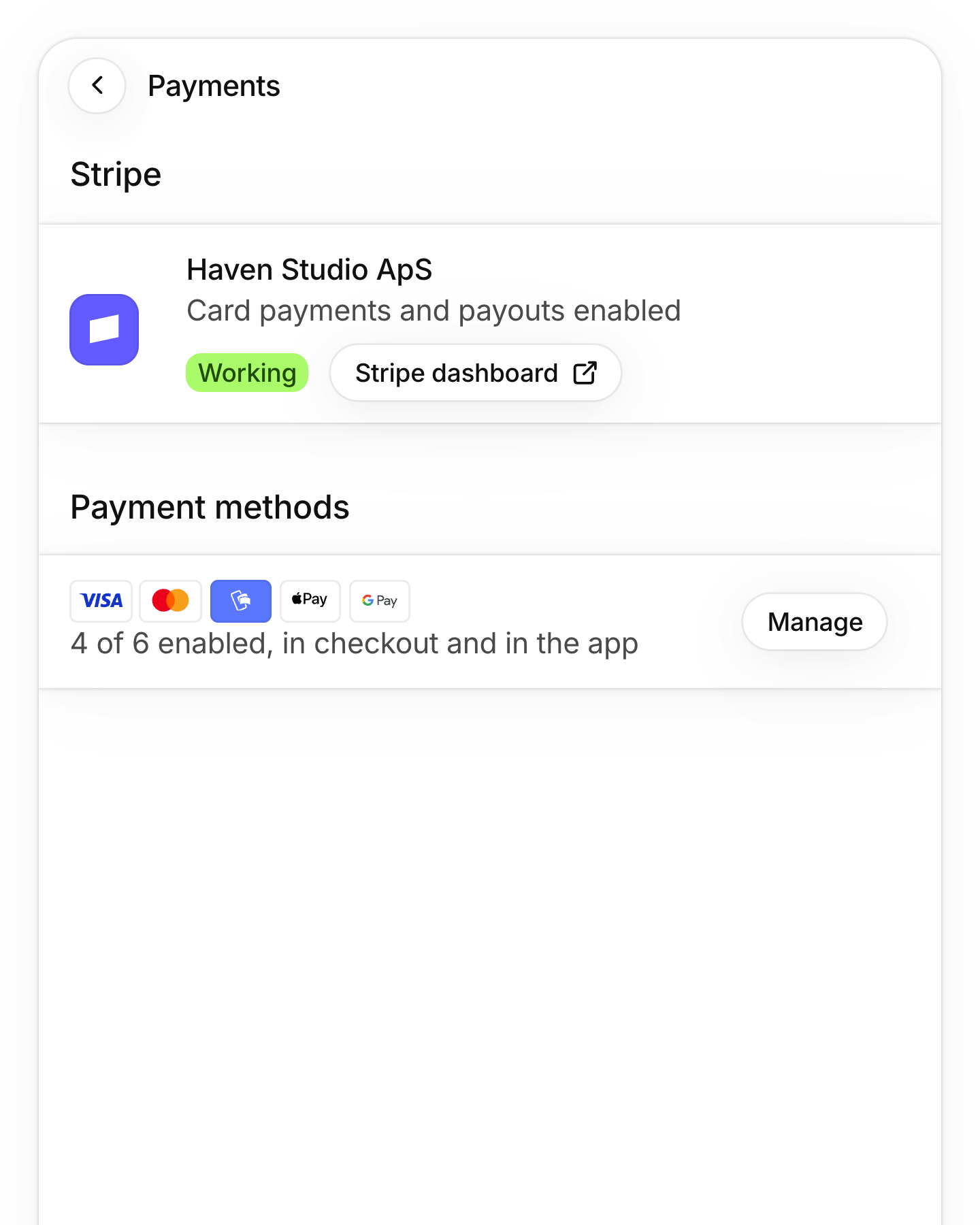
About this integration
One account for every payment method. Apple Pay, Google Pay, Klarna, Swish and MobilePay all run through the same account. Connect it once, and Ferb handles the rest with Stripe.
What it does
One Stripe account per legal entity. From there, Ferb tracks every payment from checkout — and with e‑conomic or Dinero, all the way into your ledger.
- Setup
- Click “Connect Stripe” and complete Stripe’s onboarding form
Ferb sends to Stripe
Purchases and refunds out
- Payments
- Every purchase, straight to your own Stripe account
- Payment methods
- Cards always on, plus any methods you enable
- Memberships
- Renew automatically on the saved card
- Refunds
- Back to the guest’s original method, normally within 1–3 bank days
- Card readers
- Stripe Reader S700 at the front desk
Stripe sends to Ferb
Status, fees and payouts in
- Account status
- From “Setting up” to “Working”, right inside Ferb
- Fees and payouts
- Booked nightly in e‑conomic or Dinero (and included in SIE4 exports)
- Failed payments
- Retried after 1 and 3 days, with an automatic email to the member
Funds go directly to your own Stripe account
Usually 1–2 business days. Click “Connect Stripe” and complete Stripe’s form with your company details, ID and bank account. Once Stripe verifies everything, your status turns to “Working” in Ferb.
In your Stripe dashboard, which you can open directly from Ferb. If you’ve connected e‑conomic or Dinero, Ferb books every payout and fee for you every night.
Each legal entity connects its own Stripe account. Guests pay the entity tied to the location they book, and each entity receives its own payouts.
Yes, whenever your current payment provider exports them. We migrate saved cards straight to your own Stripe account, and if any card can’t be moved, Ferb prompts the member to add it again.
Similar integrations
All integrationsMobilePay
Payments Guests in Denmark pay with MobilePay right in checkout — approved in the app they already use.Apple Pay
Payments Guests pay with Face ID instead of typing a card number — both in your app and on your booking page.Klarna
Payments Guests can buy a class pack now and pay later with Klarna — you receive the payout just like any other Stripe payment.e‑conomic
Bookkeeping For Danish legal entities: every night, daily sales, payments and Stripe fees are booked straight into e‑conomic on your own accounts.