Google Ads
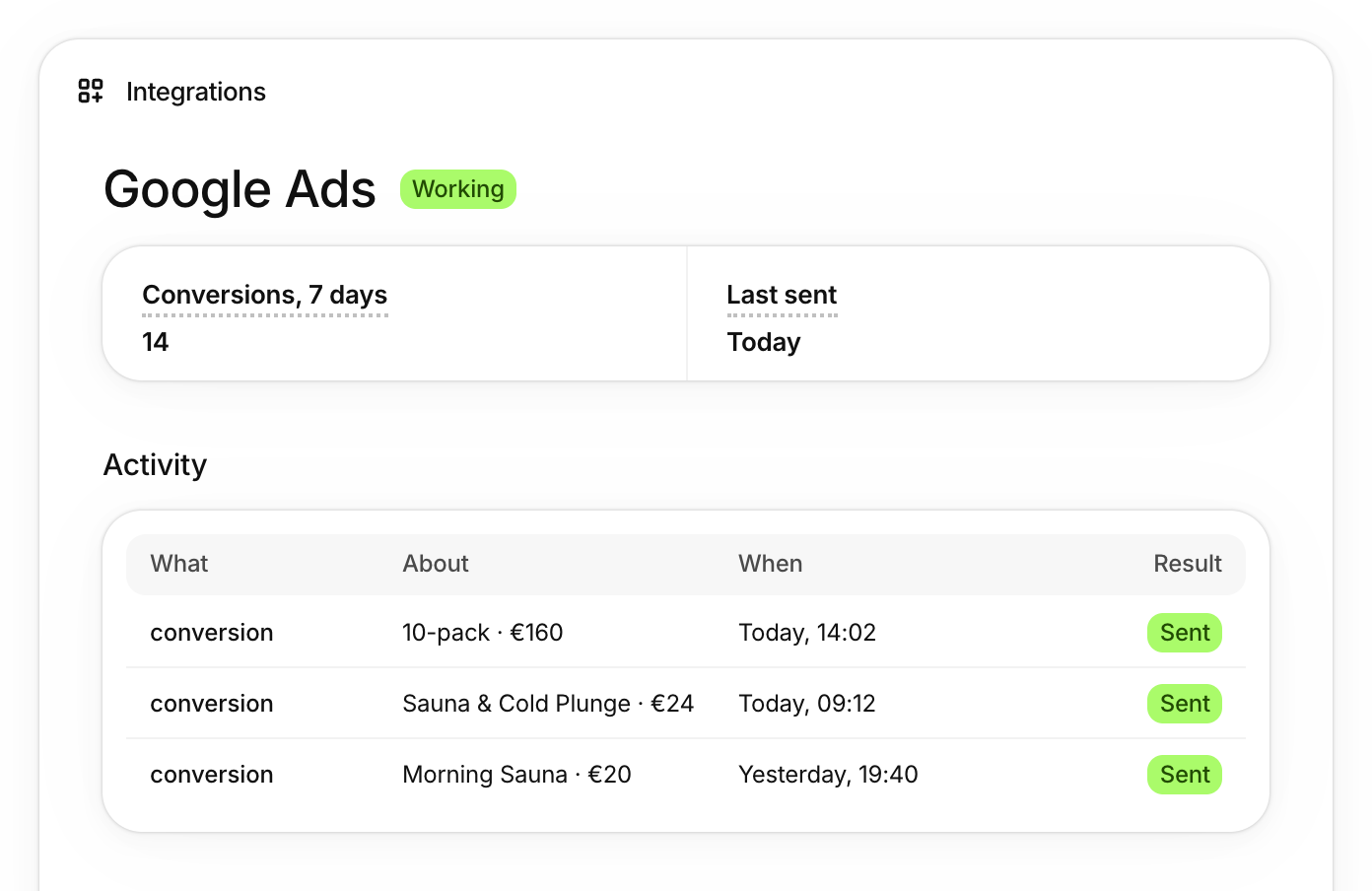
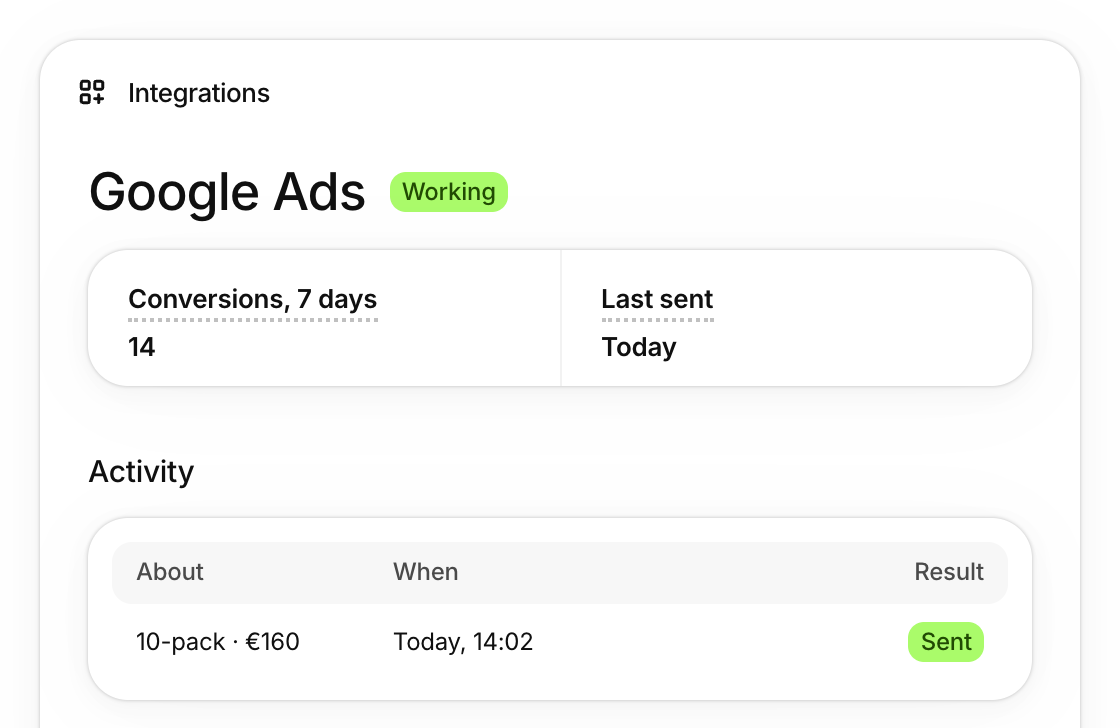
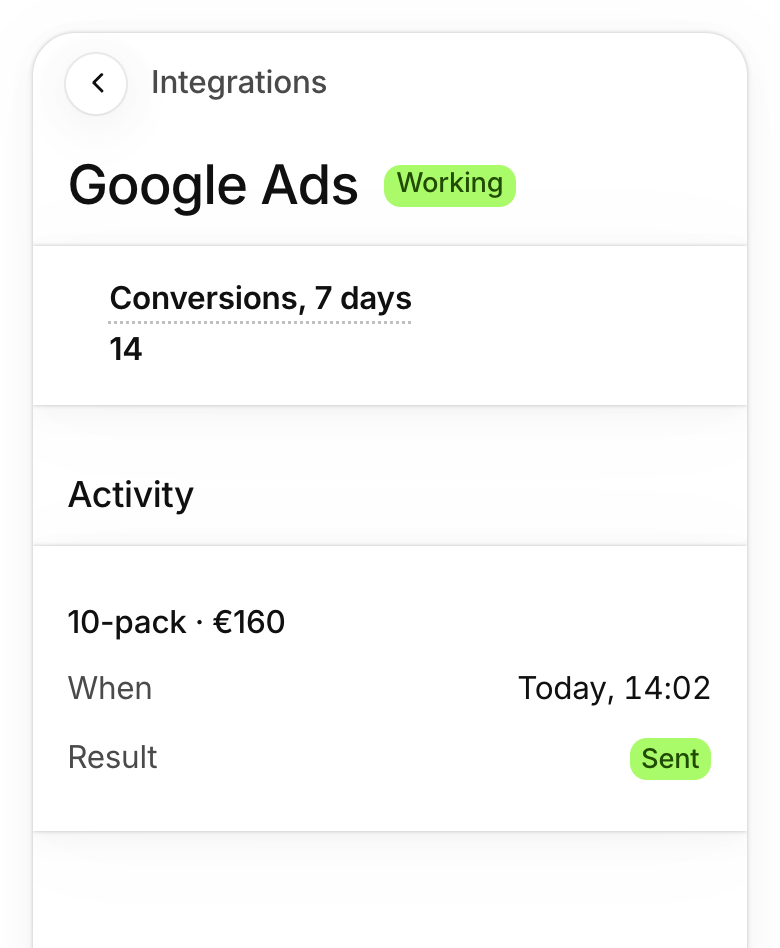
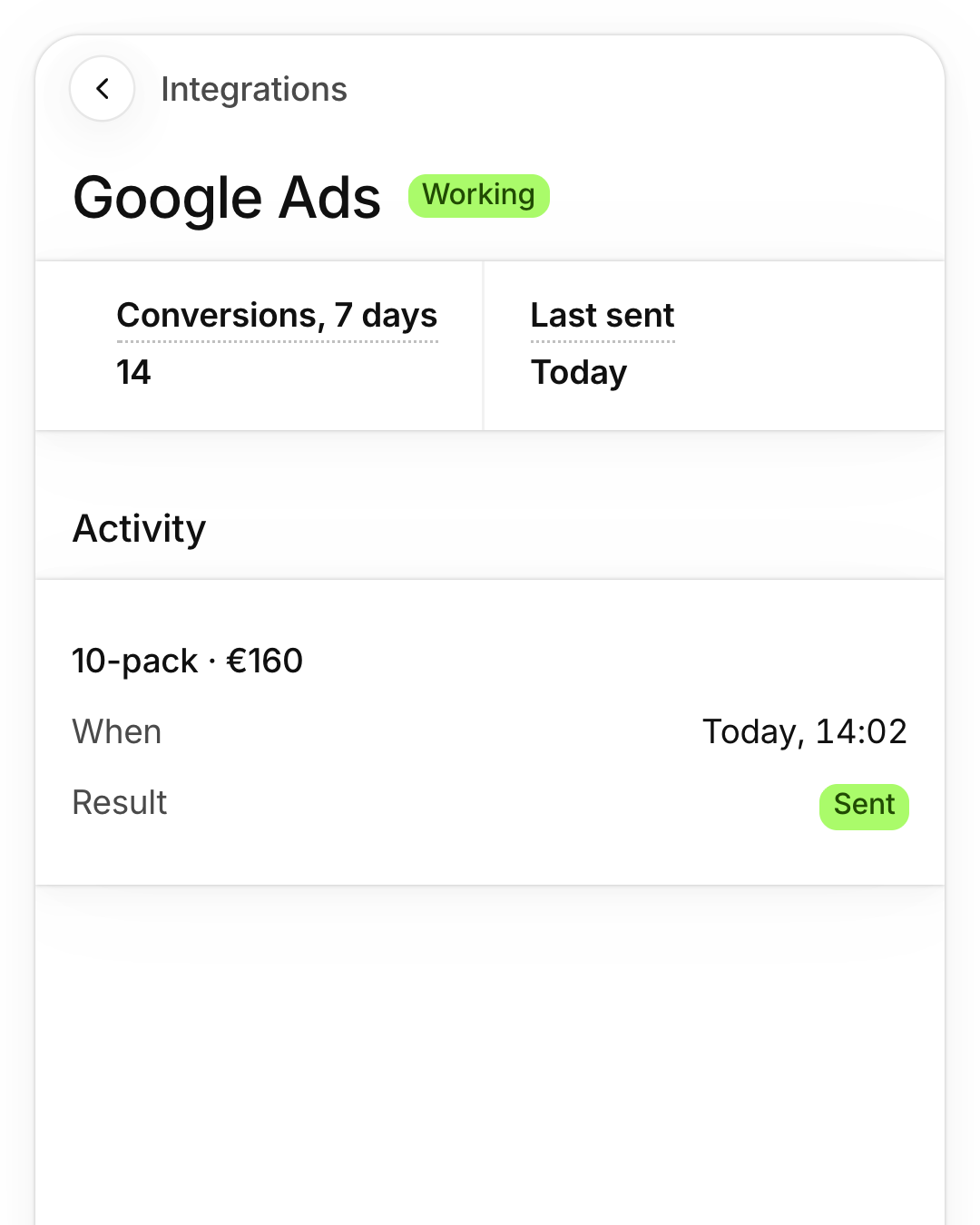
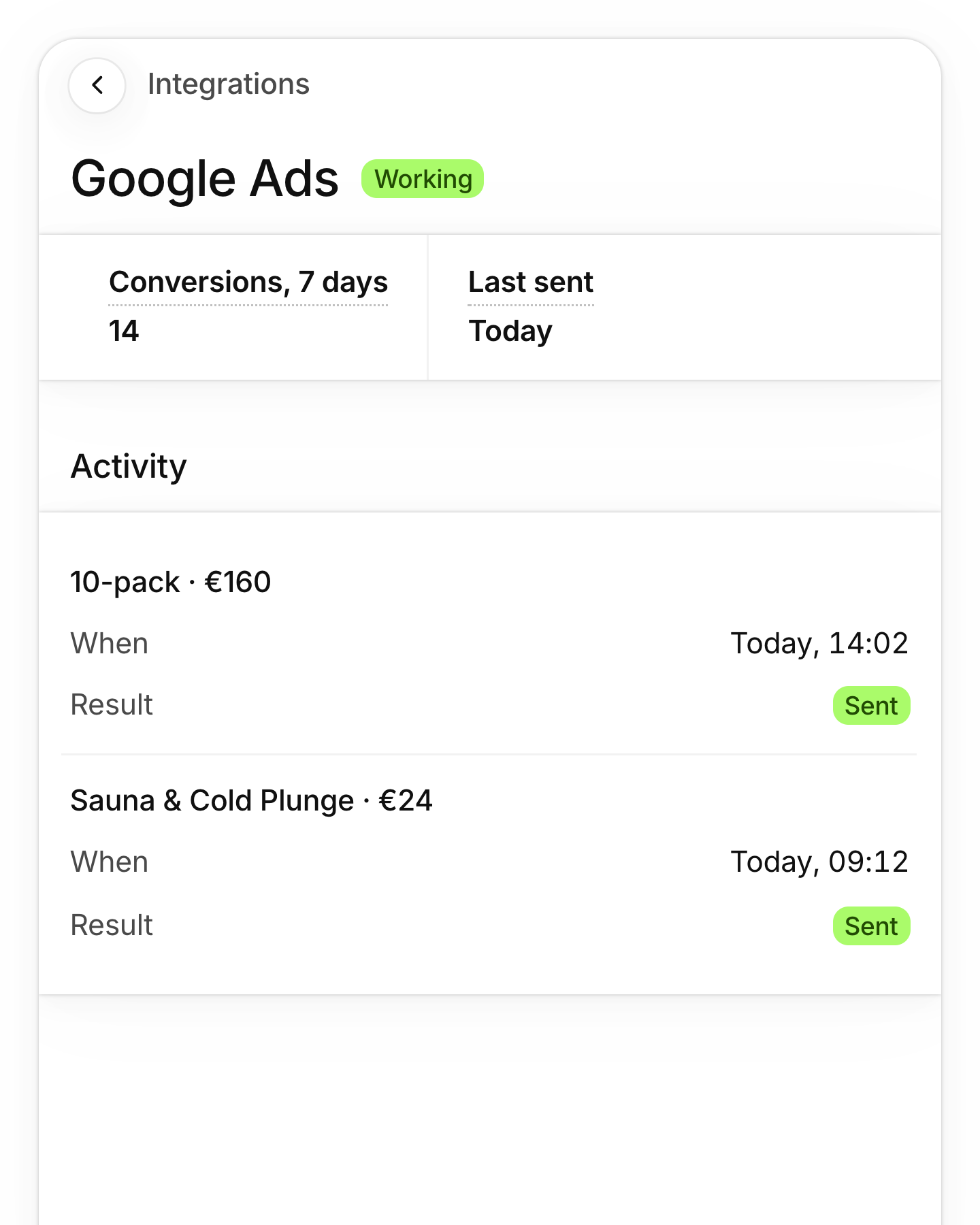
Google Ads is notified whenever an ad leads to a purchase, so Google can steer your campaigns toward people who book.
About this integration
Set up for you. Sign in with Google and select your account. Ferb creates the purchase conversion, turns on auto-tagging and links Google Ads with the Google Analytics property Ferb set up.
What it does
Amounts include VAT, and Google Ads only receives what each guest consented to in your cookie banner and checkout.
- Setup
- One click: sign in with Google
Ferb sends to Google Ads
Purchases out
- Purchases
- Every checkout purchase from an ad, counted once, with its value
- Sent from
- Ferb’s own server
- Enhanced conversions
- Hashed contact details, only with consent
- Your website
- Ferb places the tag inside the booking widget for you
Google Ads sends to Ferb
Campaigns and spend in
- Campaigns
- Which campaign each new customer came from
- Spend
- What each campaign cost, day by day
Everything lives in your own accounts
Google measures those through Google Analytics. If Ferb set up your Google Analytics, Ferb links it to Google Ads automatically when you sign in with Google.
No, as long as the Google Analytics purchase remains secondary. Ferb’s own purchase conversion is primary, so Google counts each purchase once.
No. Google Ads receives checkout purchases from Ferb. Refunds and renewals go to Google Analytics and Meta.
No. Ferb runs the Google tag inside checkout and can add it to the widget on your website. There is no Tag Manager to maintain.
Similar integrations
All integrationsKlaviyo
Marketing Guests, bookings and purchases flow into Klaviyo, so every email and flow responds to what each guest actually does.Meta
Marketing Your ads learn from real bookings rather than clicks: Ferb sends purchases to Meta server-side whenever a guest has opted in.Google Analytics
Marketing Confirmed bookings and payments are tracked in GA4 so you can see which channels fill your classes.Zapier
Build your ownBeta Let a new booking, purchase or check-in in Ferb trigger your own Zaps automatically.
