Bruce
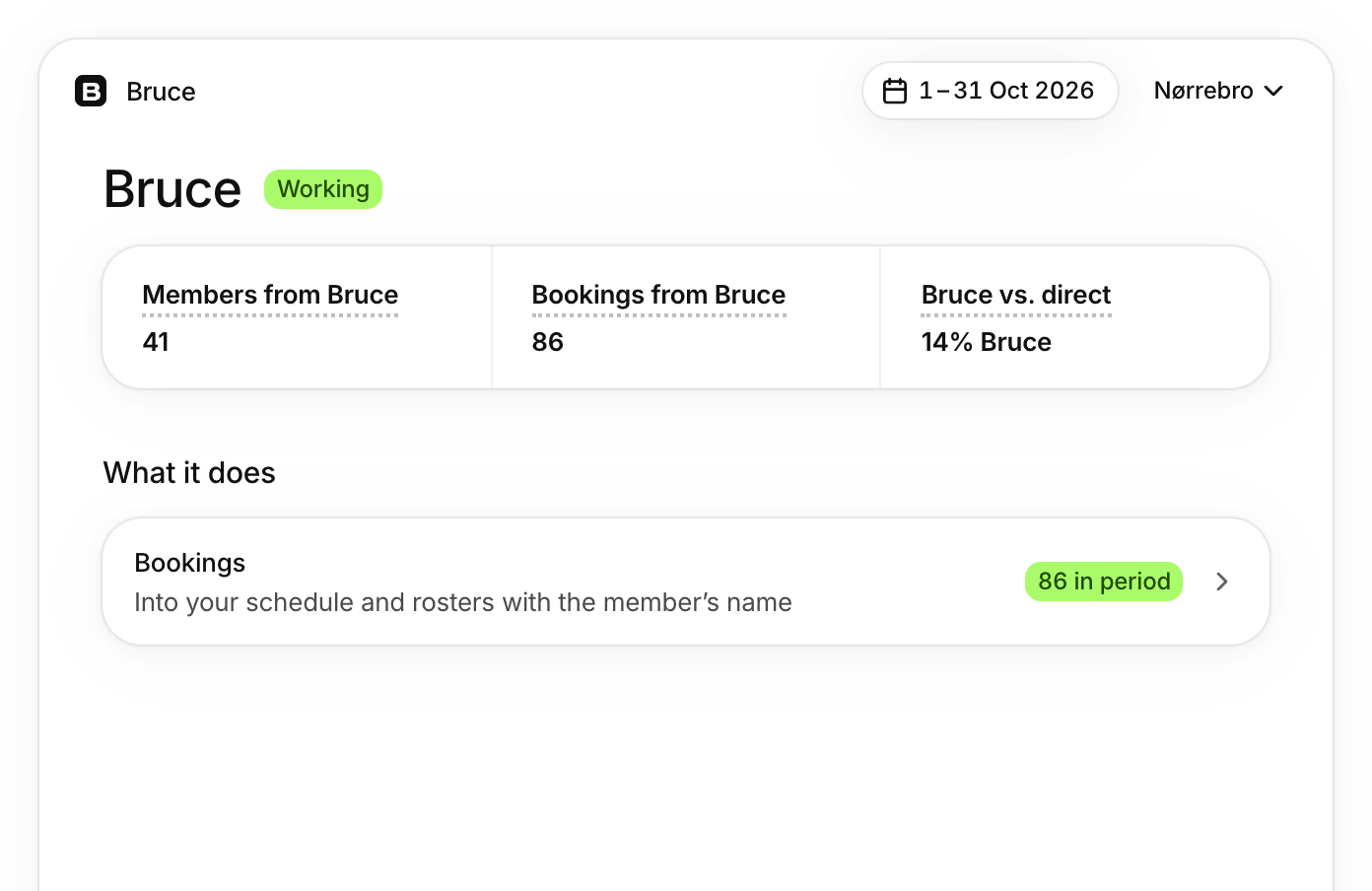
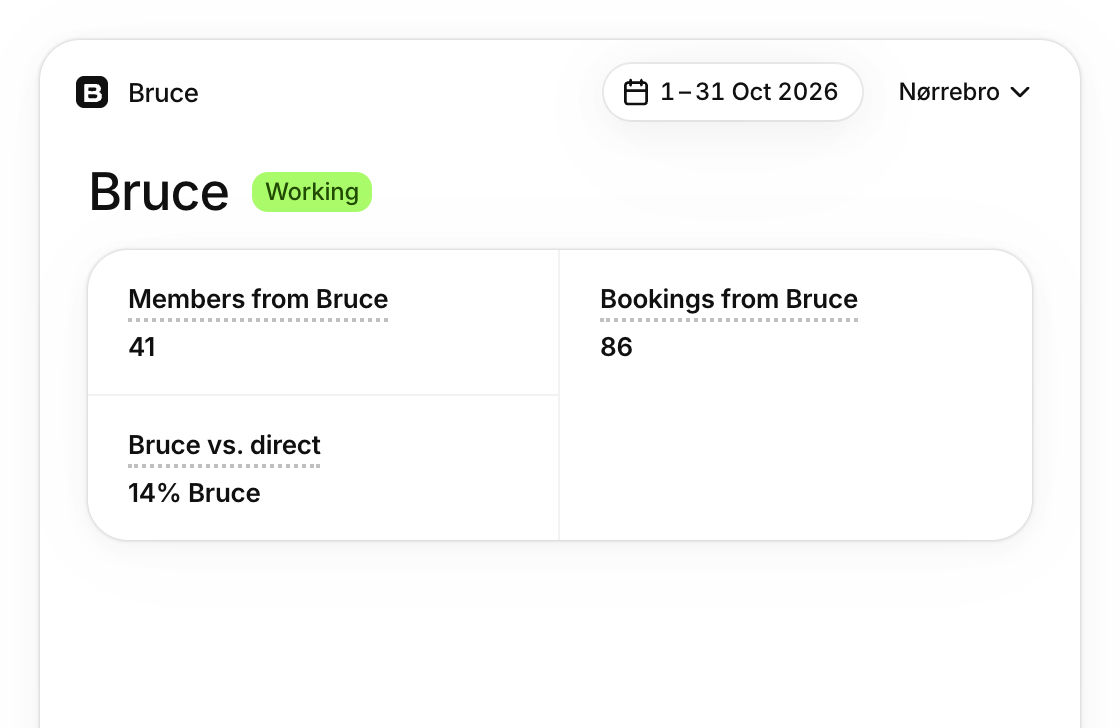
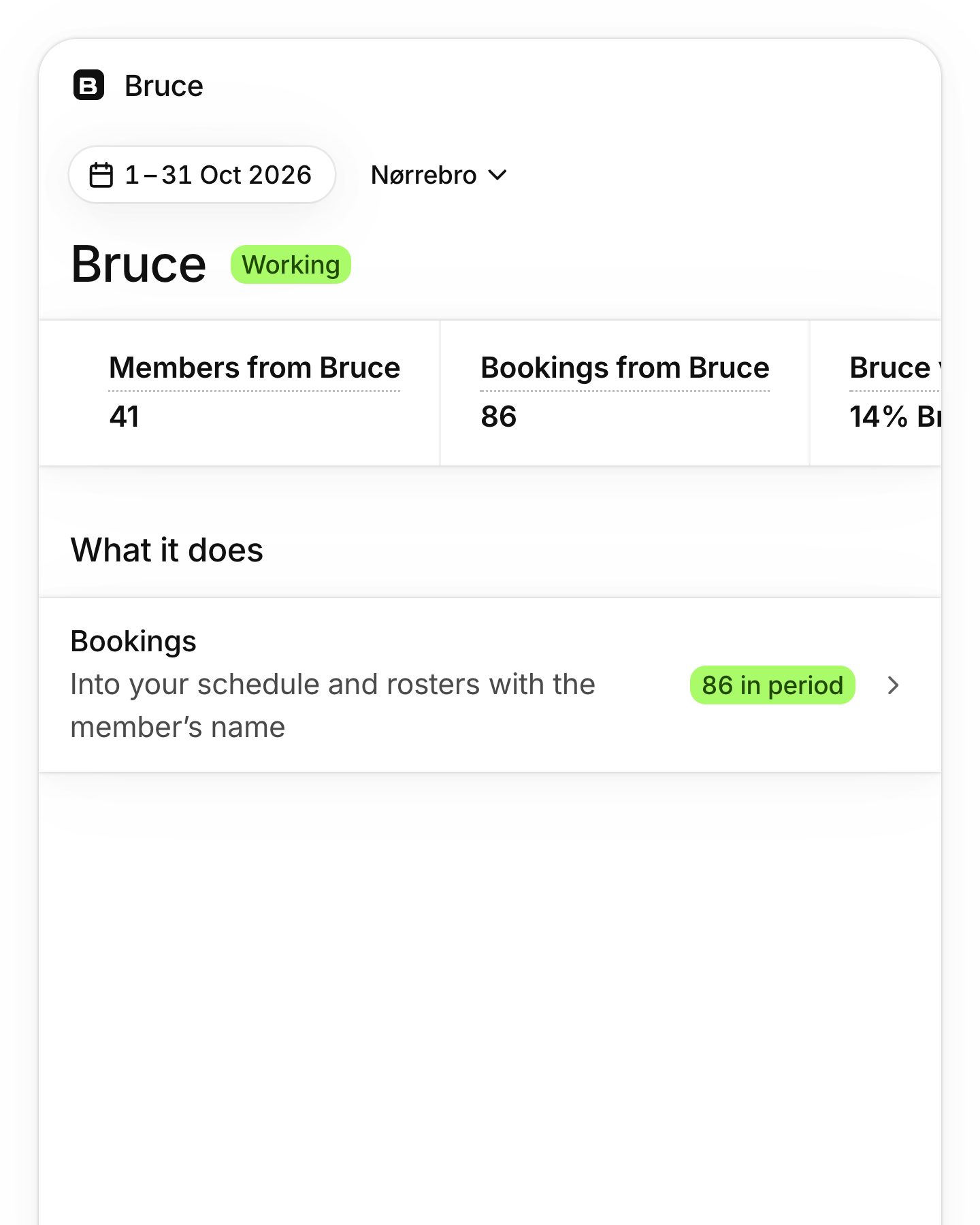
Bruce members book your classes in the Bruce app, and bookings land straight on your schedule — by name on the roster, right alongside everyone else.
About this integration
You control how many spots Bruce gets. Set a cap on Bruce spots per class type, and optionally lift that cap a set number of minutes before start so quiet classes still fill up.
What it does
Bruce books directly into your schedule through Ferb’s partner API.
- Setup
- Enable it and send your IDs to Bruce
Bruce reads from Ferb
Classes and open spots out
- Class types
- Only the ones you switch on
- Spots
- Up to your cap per class type
- Spot cap
- Lifts a set number of minutes before start — or never
- Cancelled classes
- Bruce bookings are cancelled automatically
Bruce sends to Ferb
Bookings and cancellations in
- Bookings
- Straight into your schedule and class roster
- Guest profile
- Shown with their name and a Bruce badge
- Cancellations
- Spot opens back up immediately
- Monthly statement
- Upload the PDF — Ferb verifies the visit count for you
Nothing changes for your members when you turn it on
No. Bruce bookings are kept separate from your Ferb revenue and bookkeeping. Ferb tracks the visits so you can verify Bruce’s monthly statement.
Yes. Setting a cap per class type reserves the remaining spots for your own members — all the way until class starts, if you prefer.
Upload the PDF from Bruce under Monthly statements. Ferb compares the visit count per location against Bruce bookings in Ferb for that month and marks it “Reconciled” or “Needs review”.
Your Partner ID and one Venue ID per location. Ferb generates them as soon as you switch Bruce on, and drafts the message to Bruce for you.
Similar integrations
All integrationsClassPass
Partner bookings Publish your classes on ClassPass and receive bookings straight into your schedule alongside your own members.Epassi
Partner bookings For studios in Sweden: guests pay with their Epassi wellness benefit, and the purchase lands in Ferb ready to approve.Benifex
Partner bookings For studios in Sweden: guests pay with Benifex employee benefits, and the class pack is delivered once you approve.

