ClassPass
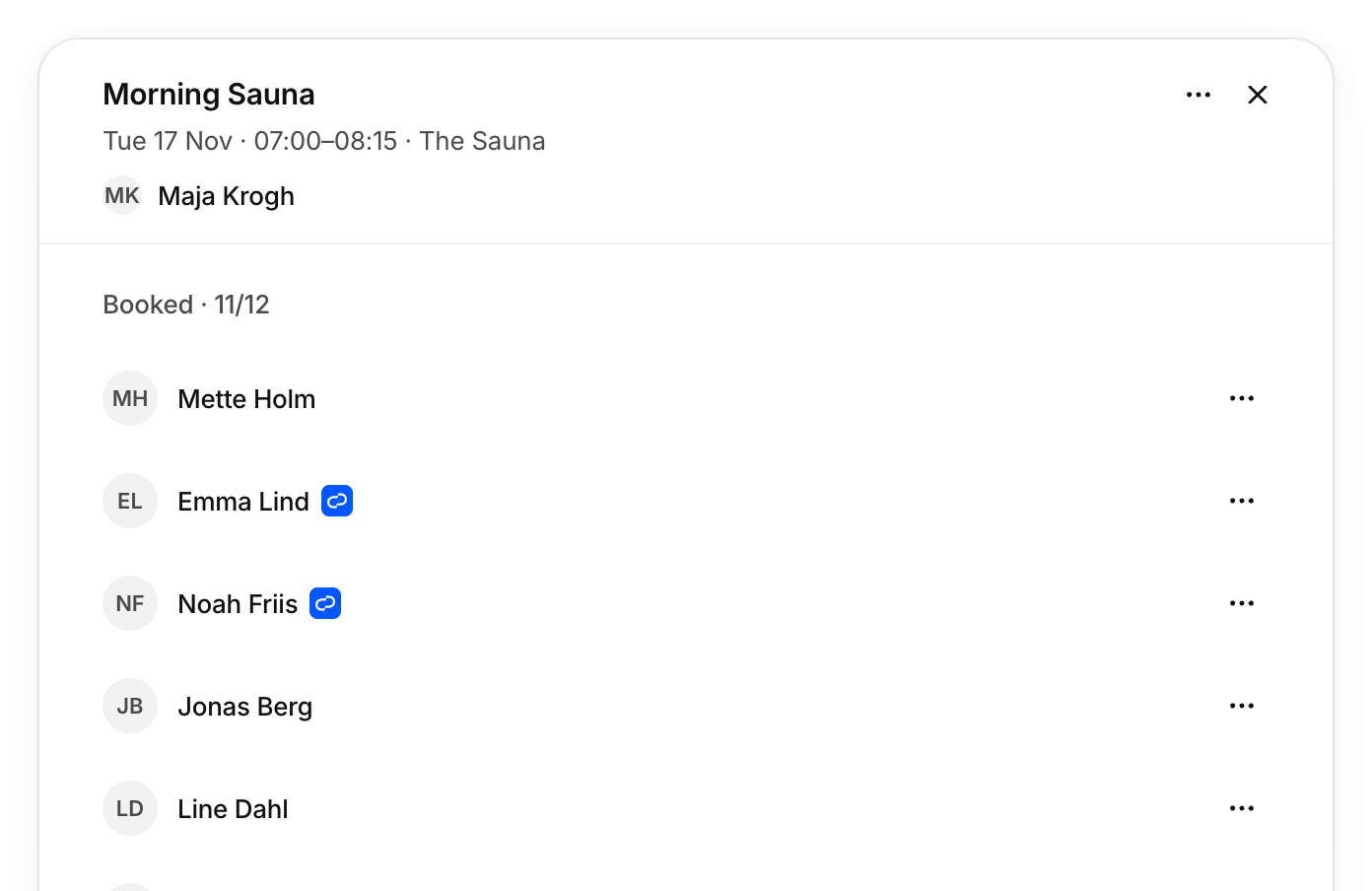
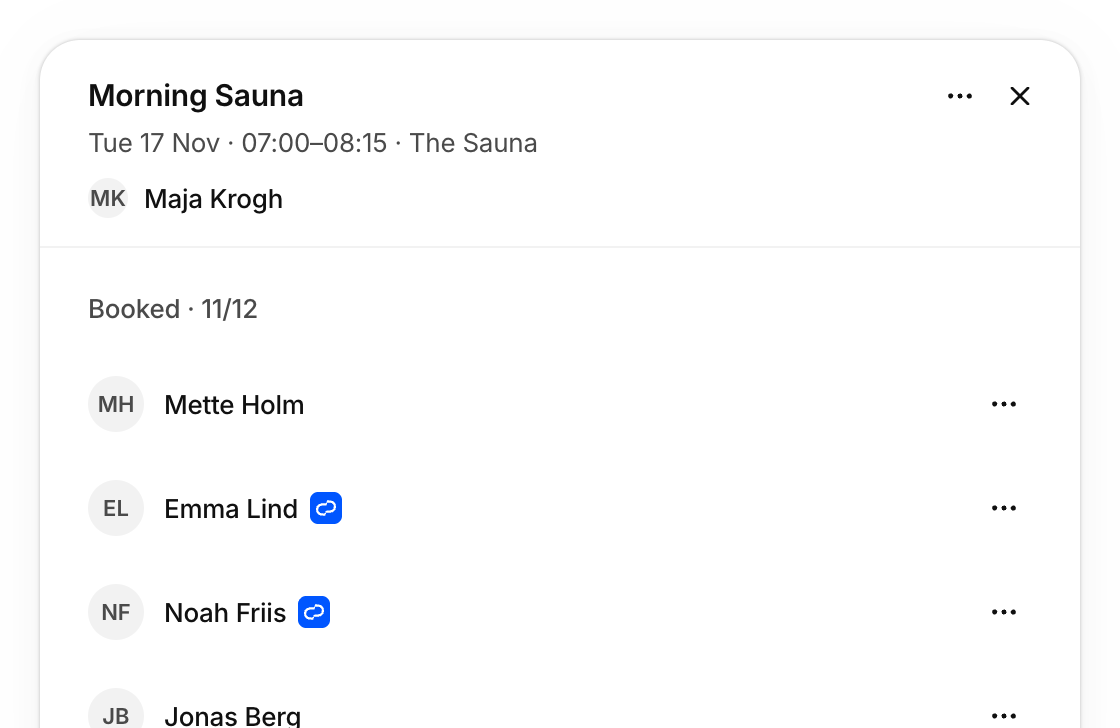
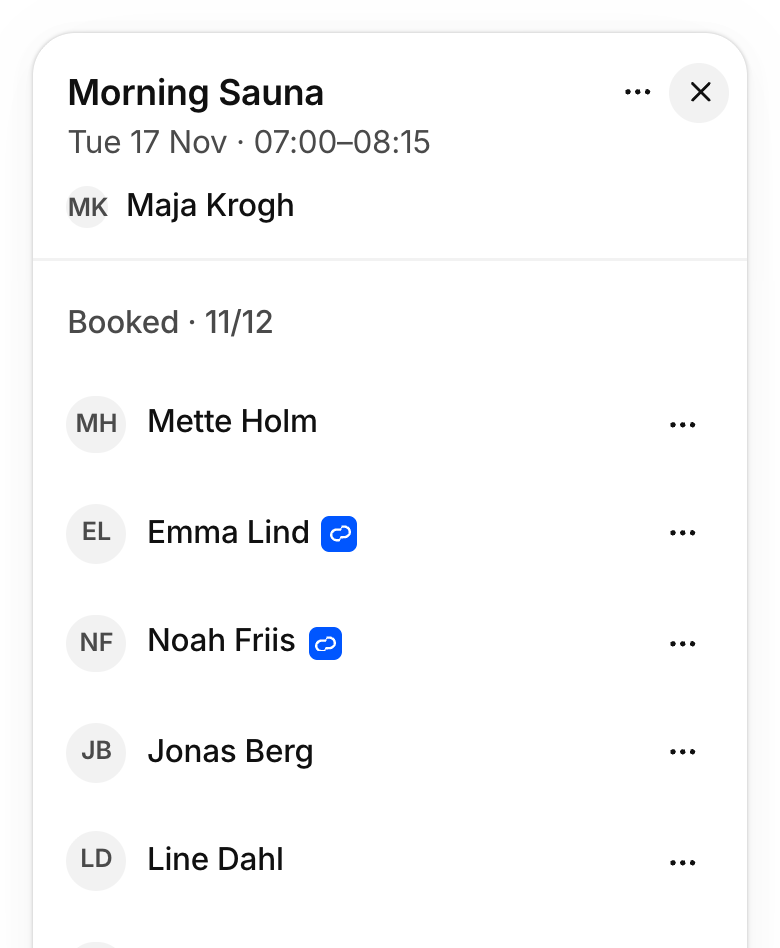
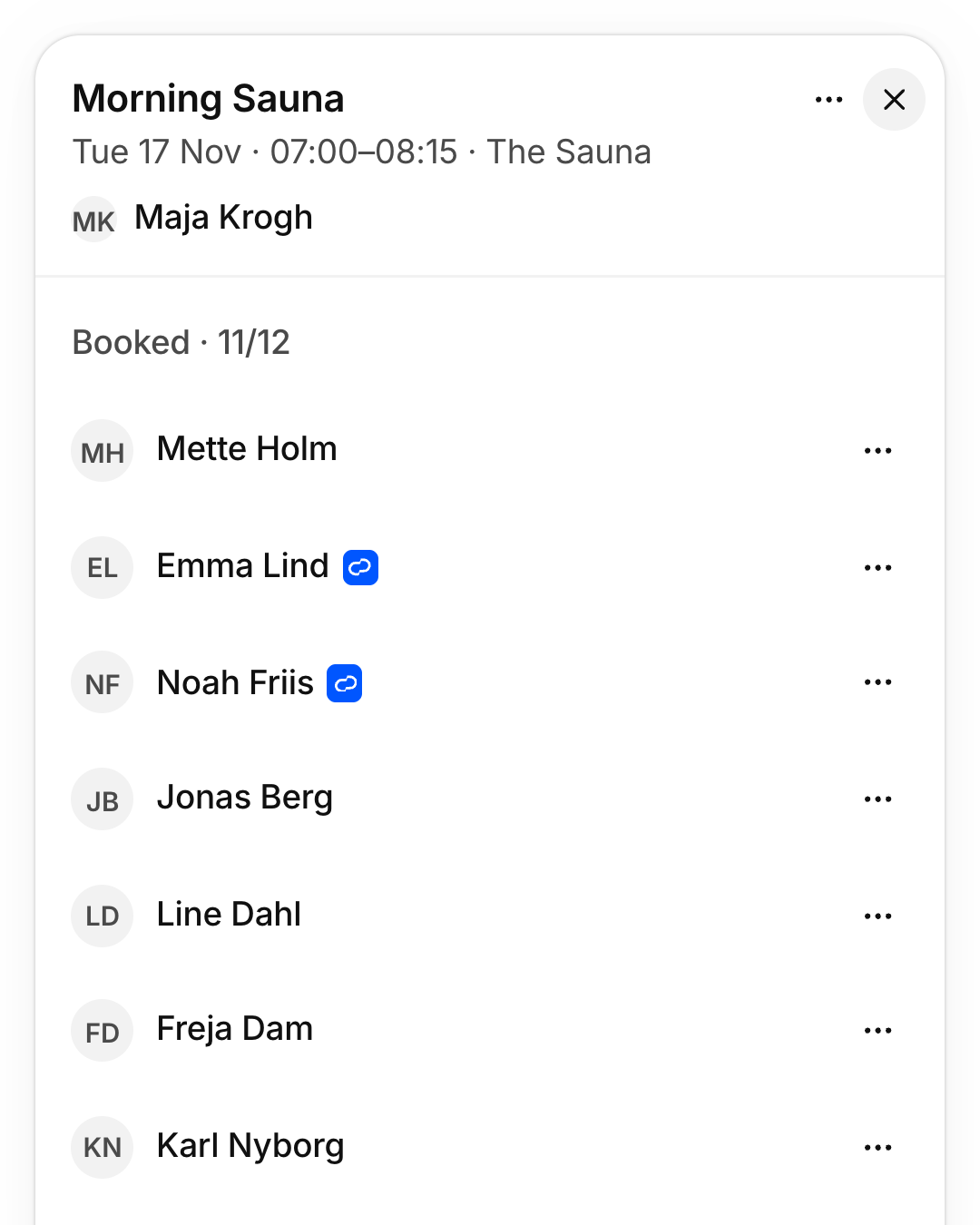
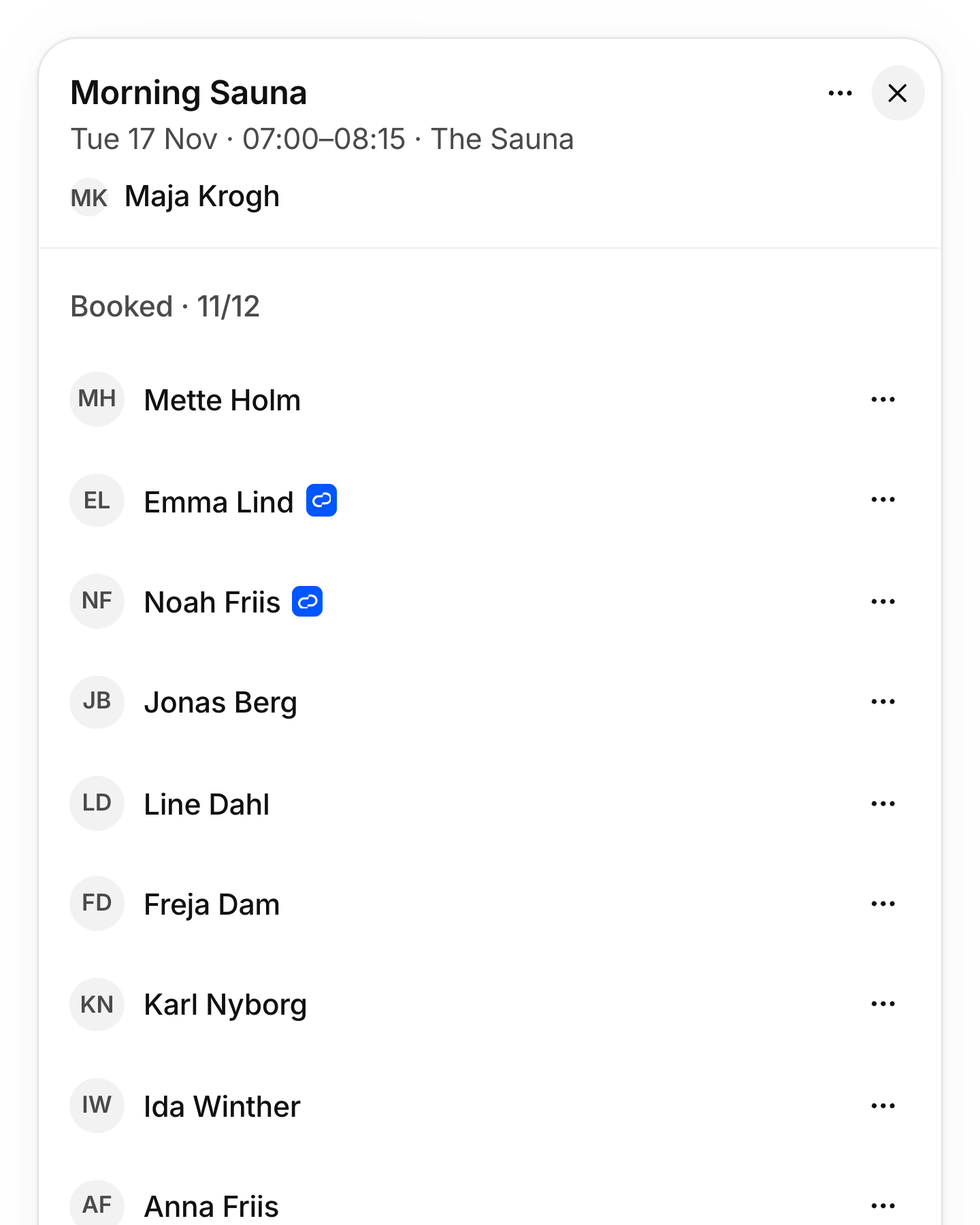
ClassPass members book the classes you choose, and every booking lands on your class roster tagged ClassPass.
About this integration
Live inventory across every channel. ClassPass sees your real remaining spots, so a spot booked on ClassPass disappears from your app and website — and vice versa.
What it does
ClassPass reads your schedule directly from Ferb, usually every few minutes. You decide which locations and class types ClassPass can see.
- Setup
- Partner agreement and approval inside Ferb
ClassPass reads from Ferb
Classes, spots and attendance out
- Classes
- Only the locations and class types you enable
- Individual sessions
- Toggle on or off regardless of class type
- Available spots
- Real-time availability across every channel
- Cancellation window
- The class type’s own window or your studio default
- Attendance
- Read straight from your check-in
ClassPass sends to Ferb
Bookings and cancellations in
- Bookings
- On your roster, tagged ClassPass
- Guest profile
- Added to your member list with their name
- Cancellations
- Spot released immediately, late cancels flagged
- Settlement
- Settled directly between you and ClassPass
ClassPass sees nothing until you approve
No. A ClassPass booking carries no price, payment or invoice in Ferb. Payouts for those visits are settled directly between you and ClassPass.
ClassPass SmartSpot determines how many spots it lists based on historical fill rates. To adjust spot limits, update them in your ClassPass partner dashboard or with your account manager.
If you move a class by 10 minutes or more, ClassPass cancels the affected bookings — and Ferb shows how many before you publish. If you cancel a class, Ferb cancels its ClassPass bookings immediately and ClassPass returns the members’ credits.
Within 48 hours, and usually faster. ClassPass polls your schedule every few minutes and lists classes roughly two weeks ahead.
Similar integrations
All integrationsBruce
Partner bookings List your classes on the Nordic fitness network Bruce and receive bookings straight in Ferb — same schedule, same roster.Epassi
Partner bookings For studios in Sweden: guests pay with their Epassi wellness benefit, and the purchase lands in Ferb ready to approve.Benifex
Partner bookings For studios in Sweden: guests pay with Benifex employee benefits, and the class pack is delivered once you approve.

